YellowKey and BitLocker Bypass: How Security Teams Should Re-Baseline Stolen-Device Risk
YellowKey made a quiet assumption loud again: encrypted endpoints still need vulnerability intelligence, asset context, and incident workflows. Here is how to respond when a last-resort control becomes a live risk.
 IsMalicious Team
Disk encryption is supposed to be boring. It sits below the operating system, waits for a bad day, and gives security teams one calming sentence after a laptop disappears: the data was encrypted. YellowKey made that sentence harder to say without evidence.
The issue is tracked as CVE-2026-45585, a Microsoft BitLocker security feature bypass. The exact technical conditions matter, and organizations should follow vendor guidance for their Windows estate, but the operational lesson is bigger than a single CVE. A control that was treated as the last line of defense became part of the active risk surface. That should change how teams think about stolen-device response, vulnerability exposure, and compensating controls.
This is not a call to abandon BitLocker. It is a call to stop treating disk encryption as a magic eraser. A stolen endpoint still has identity tokens, browser sessions, cached documents, device certificates, VPN configuration, local admin history, and clues about internal infrastructure. Encryption lowers risk, but it does not remove the need for incident response discipline.
Why YellowKey Hurt Trust So Quickly
Security teams tolerate many vulnerabilities because they sit behind layers of exploitation difficulty. Disk encryption is different. The expected use case is physical loss or theft. If a practical bypass exists, the risk conversation moves from abstract exploitability to a concrete question: what data did this device protect, and what else could an attacker do with it?
The community reaction was intense because BitLocker lives in the category of controls people rely on when everything else has already gone wrong. The laptop is gone. The employee is traveling. The help desk may have only a serial number and a last check-in time. The company may not know whether the device was stolen opportunistically or targeted by someone who knew the user, the company, or the data value.
That uncertainty is why the response should not begin and end with "was BitLocker enabled?" It should include:
- whether the vulnerable configuration is present;
- whether the device had local sensitive data;
- whether cloud sessions remained valid;
- whether device posture was trusted by identity policies;
- whether related accounts show suspicious login, DNS, or URL activity;
- whether attacker infrastructure appears in logs after the loss.
This is where vulnerability intelligence and threat intelligence meet. Vulnerability intelligence answers whether the affected control can fail. Threat intelligence answers whether the surrounding activity looks malicious.
Re-Baseline The Stolen-Device Playbook
Many organizations have a stolen-device checklist, but it is often written for insurance, not for active adversary response. It asks whether the device was encrypted, whether remote wipe was issued, and whether the employee changed their password. Those steps still matter, but YellowKey-style events require a sharper workflow.
Start with exposure. Identify device model, OS build, firmware state, encryption state, recovery-key handling, local admin status, and last management check-in. If the device belongs to a privileged user, treat it as a higher-impact case even if the initial facts look routine.
Then move to identity. Revoke refresh tokens, rotate credentials where appropriate, invalidate device-bound trust, and review conditional access assumptions. Modern endpoints are not only storage containers. They are identity-bearing objects. If a stolen laptop can still satisfy trust checks, the encryption debate is only part of the problem.
Next, review data locality. Which synced folders were present? Were customer exports stored locally? Did browser profiles contain privileged SaaS access? Did developer tools store API keys, SSH keys, or cloud credentials? This is where incident response playbook discipline matters. The goal is not to panic. The goal is to replace vague confidence with a defensible exposure statement.
Finally, enrich observables. If the user reports phishing before the theft, if the device was stolen after a suspicious call, or if new login attempts appear from unfamiliar infrastructure, run the IPs, domains, URLs, and file hashes through a fast reputation layer. The isMalicious API is designed for this kind of inline triage: quick checks that help analysts decide whether an observable belongs in a case, a blocklist, or a false-positive bin.
Use CVE Watch To Turn Global Panic Into Local Findings
One of the hardest parts of a headline CVE is the gap between "the internet is worried" and "we are exposed." Security leaders need a precise answer quickly: which products, perimeters, business units, and owners are affected?
CVE Watch exists for that translation. It connects global vulnerability sources with local perimeters and findings. For a BitLocker-class issue, the useful workflow is straightforward:
- Add or verify the Windows endpoint perimeter.
- Track the relevant platform, product, or CPE context where available.
- Monitor for CVE, KEV, EPSS, vendor advisory, and exploitation signals.
- Assign findings to owners instead of leaving them as news headlines.
- Export status into the reporting or ticketing system used by operations.
The key is ownership. A CVE without an owner becomes background noise. A finding tied to a perimeter becomes work. For broader prioritization, the EPSS, CVSS, and KEV guide explains why severity alone is not enough. A security feature bypass on a widely deployed endpoint control may deserve attention even if another CVE has a higher numeric score.
Add Threat Intelligence To The Physical Loss Timeline
Physical theft and digital compromise increasingly overlap. A stolen laptop can be sold, analyzed, used for credential theft, or paired with social engineering against the employee or help desk. A narrow endpoint-only response can miss the wider chain.
Threat intelligence supports the timeline in four places.
First, it validates suspicious login infrastructure. If an account logs in after theft from a known VPN, proxy, hosting provider, or malicious IP range, the case should escalate. The IP reputation checker and domain reputation check give analysts fast context without leaving the workflow.
Second, it helps identify phishing or C2 infrastructure connected to the incident. If the stolen device was preceded by credential prompts, malicious URLs, or remote support lures, a URL scanner can catch signals that endpoint telemetry missed.
Third, it supports blocking and monitoring. High-confidence indicators can feed blocklists, SIEM lookups, SOAR playbooks, or case evidence. Keep this precise. Blocking every related cloud IP because one event looked suspicious is how teams create outages and false positives.
Fourth, it strengthens reporting. Executives do not need every packet. They need a short, defensible story: what happened, what controls were affected, what data may be at risk, what identity actions were taken, what malicious infrastructure was observed, and what remains uncertain.
Do Not Let One Control Own The Whole Risk
YellowKey is a reminder that controls can fail in uncomfortable places. The answer is not to make every response bigger. The answer is to make response more layered.
For stolen endpoints, that means:
- disk encryption with verified configuration;
- device management with rapid lock and wipe;
- identity controls that can revoke device trust;
- credential rotation for sensitive users;
- local data minimization;
- vulnerability intelligence for endpoint control exposure;
- threat intelligence for suspicious infrastructure after the loss.
This is also where data quality matters. A stolen-device case is already stressful. Analysts should not be forced to interpret opaque scores from noisy sources. They need source agreement, freshness, confidence, and recommended action. A good enrichment result should explain why an IP, domain, or URL is considered risky and whether the evidence is strong enough for blocking.
What To Change This Week
Start by running a tabletop exercise. Use a real laptop class, a real privileged user profile, and a realistic travel scenario. Ask the team to produce a timeline in one hour. The output should include exposure, identity actions, affected data classes, known CVEs, suspicious infrastructure, and business impact.
Then tune the evidence flow. Make sure the SOC can enrich IOCs from identity logs, EDR, DNS, proxy, and email security tools. If enrichment requires a browser tab and manual copy-paste, it will be skipped under pressure. Use API Docs to wire lookups into SIEM or SOAR workflows. For higher-volume investigation, use the bulk check workflow to process exported indicators.
Finally, update the reporting language. Avoid "encrypted, no risk" unless the evidence supports it. A better phrase is: "The device was encrypted, identity tokens were revoked, current vulnerability exposure was reviewed, and post-theft activity did not show malicious infrastructure." That is longer, but it is much more defensible.
Questions The Tabletop Should Force
The point of a tabletop is not to prove the team is ready. It is to expose the awkward handoffs while the stakes are low. For a YellowKey-style scenario, ask questions that cut across endpoint, identity, legal, and SOC ownership.
Can the team name every source of local data on the laptop within thirty minutes? Can identity administrators revoke sessions and device trust without waiting for endpoint management to check in? Can the SOC enrich suspicious infrastructure from identity logs without opening a separate investigation tool? Can the vulnerability team explain whether the relevant CVE affects this device class, this OS build, and this business unit? Can legal receive an exposure statement that separates facts from assumptions?
These questions often reveal hidden dependencies. The EDR team may know the device but not the business owner. The identity team may revoke tokens but not know which SaaS apps store long-lived sessions. The vulnerability team may track the CVE but not know which endpoints carry the exposed configuration. The SOC may see suspicious IPs but not know whether they belong to normal employee travel.
The fix is not another standalone checklist. Build a single case template that links device state, identity actions, vulnerability findings, and IOC enrichment. Every stolen-device case should produce the same evidence categories, even when the final risk is low.
Bottom Line
BitLocker remains useful, but YellowKey shows why stolen-device response cannot depend on one trusted control. Treat endpoint encryption as one layer in a chain that also includes vulnerability intelligence, identity revocation, local data minimization, IOC enrichment, and clear case reporting.
Explore CVE Watch for perimeter-specific vulnerability findings, then try the IP / Domain Checker on the observables that appear in your stolen-device workflow.
FAQ
Frequently asked questions
Is YellowKey a reason to stop using BitLocker?
No. Disk encryption remains an important control, but YellowKey shows why teams should not treat any single control as a complete stolen-device response plan.
What should a SOC do first after a stolen laptop report?
Confirm exposure, revoke sessions and device trust, enrich any related IOCs, check the vulnerability state of the affected platform, and document whether sensitive data may have been locally available.
How does CVE Watch help with endpoint control failures?
CVE Watch turns global vulnerability signals into perimeter-specific findings so teams can see whether an exposed product or platform matters to their environment.
Should stolen-device response include threat intelligence?
Yes. Threat intelligence helps validate suspicious infrastructure, triage account activity after theft, enrich phishing or exfiltration indicators, and support incident reporting.
Related articles
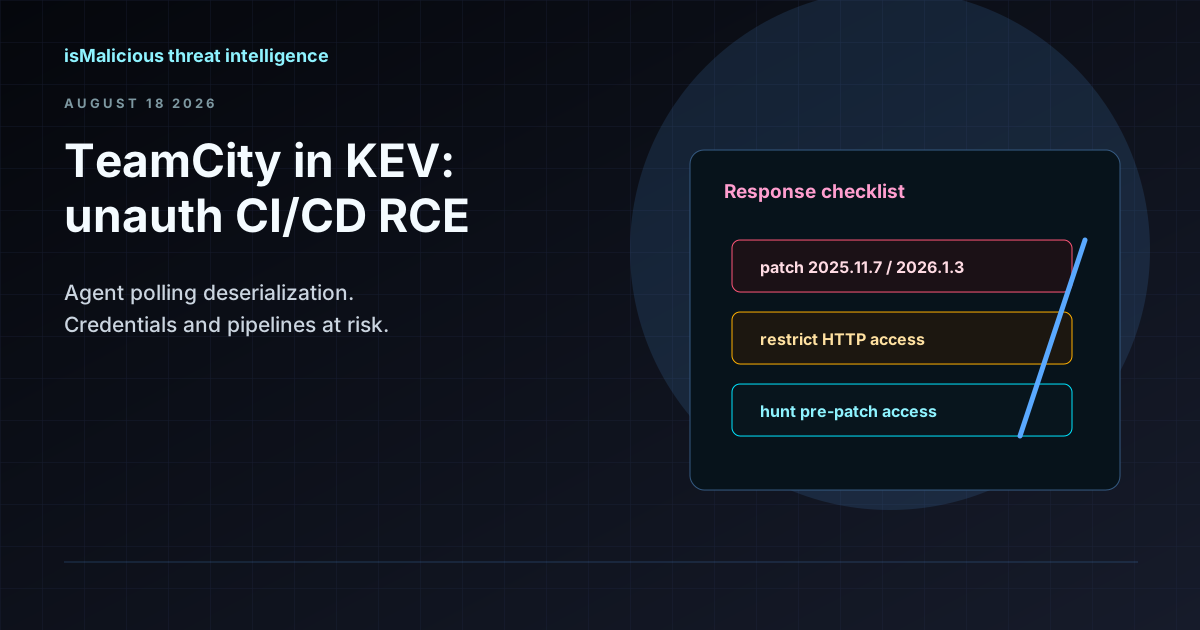 CVE-2026-63077 Puts Unauthenticated RCE on Every TeamCity On-Premises Server
A deserialization flaw in the agent polling protocol gives attackers TeamCity server privileges without credentials. JetBrains patched in 2025.11.7 and 2026.1.3 — CISA KEV and a 3-day federal deadline mean hunt now, not after the next release train.
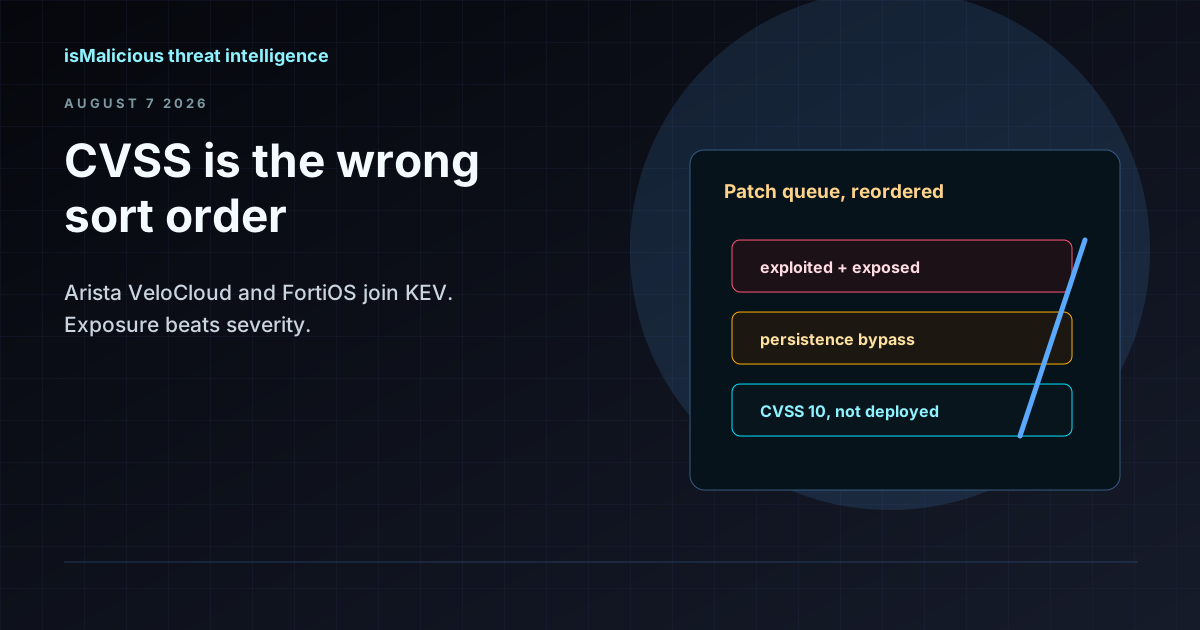 CISA KEV Adds Arista VeloCloud and FortiOS Flaws: Why CVSS Is the Wrong Sort Order
On 27 July 2026 CISA added a CVSS 10.0 command injection in Arista VeloCloud Orchestrator and a medium-severity FortiOS patch bypass to KEV. The pairing shows why exposure and persistence beat severity when ordering a patch queue.
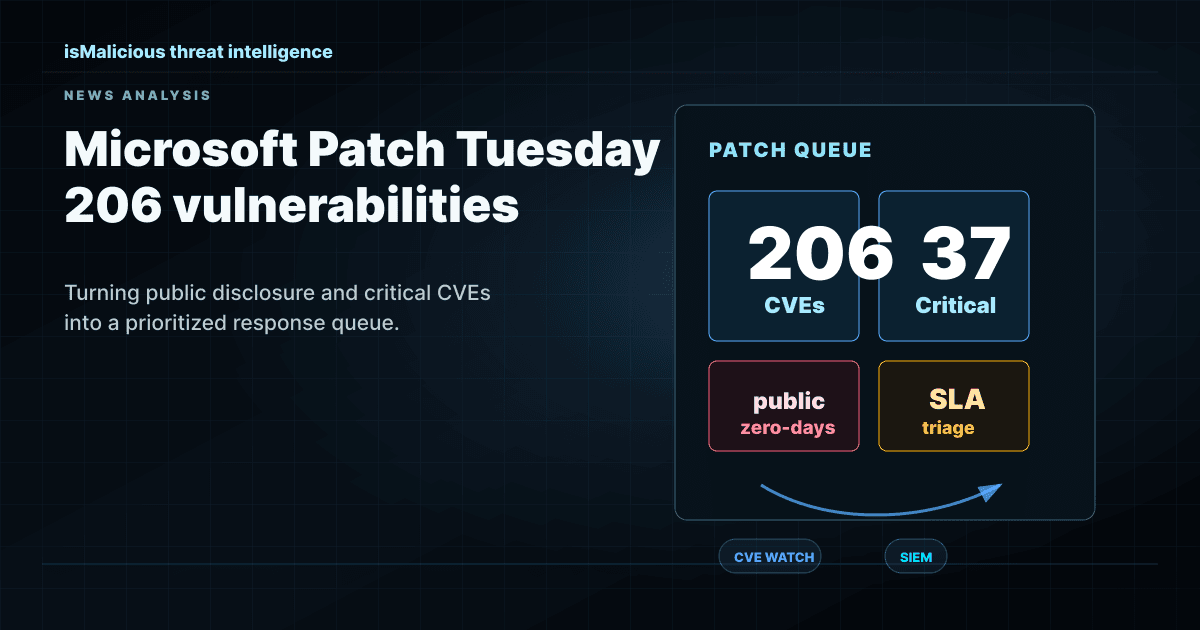 Microsoft June 2026 Patch Tuesday: Turning 206 Vulnerabilities Into A SOC Priority Queue
Microsoft patched 206 vulnerabilities in June 2026, including publicly disclosed zero-days. Security teams need CVE Watch, KEV context, exploit evidence, and enrichment to avoid patch fatigue.
Check any IP or domain
See what our indexed threat intelligence records say about it.
Try the IP / Domain Checker