Indicator enrichment
Query IPs, domains and URLs against the intelligence store and upstream sources.
Look up the IPs, domains, URLs and hashes in an alert. Every score shows the sources behind it.
No credit card required · Free API key
Current indicator counts from the store the API queries.
29 986 142
Total threats
20 416 459
Malicious domains
9 569 683
Malicious IPs
591
Sources in the corpus
No credit card required · Free: a 10% sample of each list · full lists on paid plans
Query IPs, domains and URLs against the intelligence store and upstream sources.
Each score lists the sources behind it, so analysts can weigh it against the alert.
Reputation, DNS and registration context on one page, when available.
See indexed categories and volumes before you choose an integration.
Structured JSON returned to the tools your analysts already use.
Compare the returned context with the evidence in a live alert.
Check overlap with your current sources and which indicators are new.
Keep each indicator’s sources and dates with the analyst’s findings.
Take an anonymized alert, query its indicator and keep the exact response. Note what the API added that your sources lacked, and whether it changed the decision.
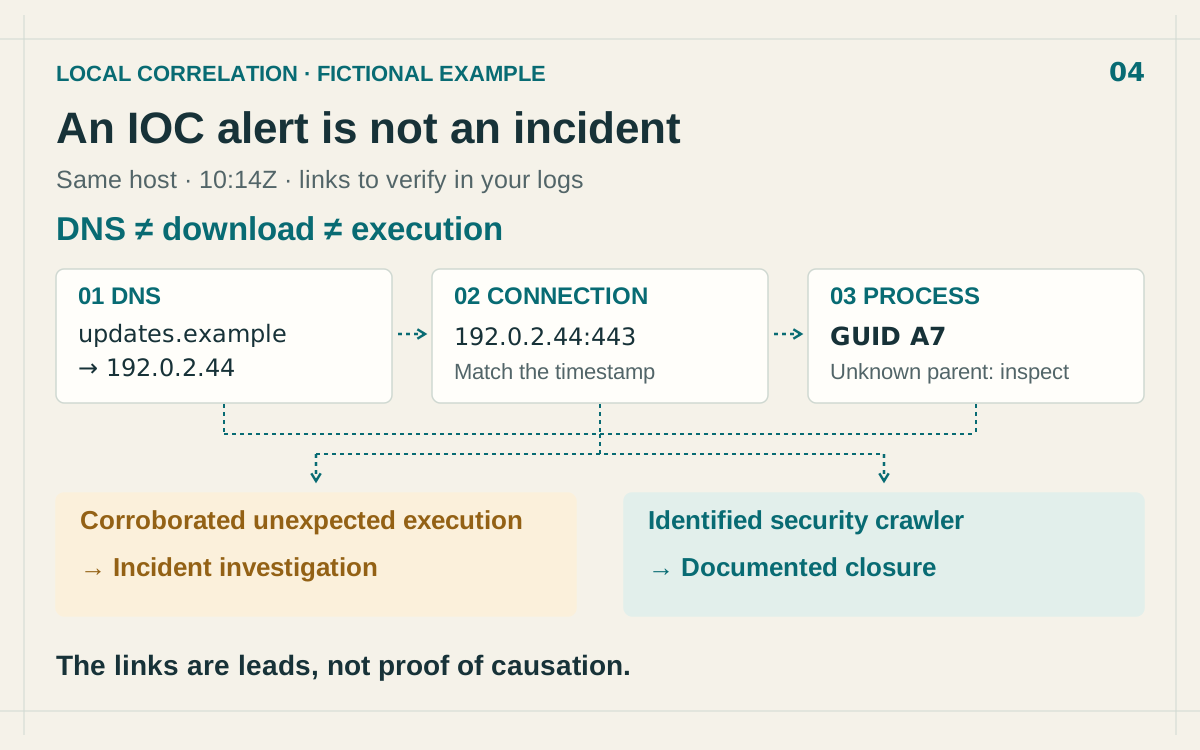
Blog post
An IOC match is an investigation lead. Correlate DNS, network connections and process records to establish what happened on the endpoint.
Read more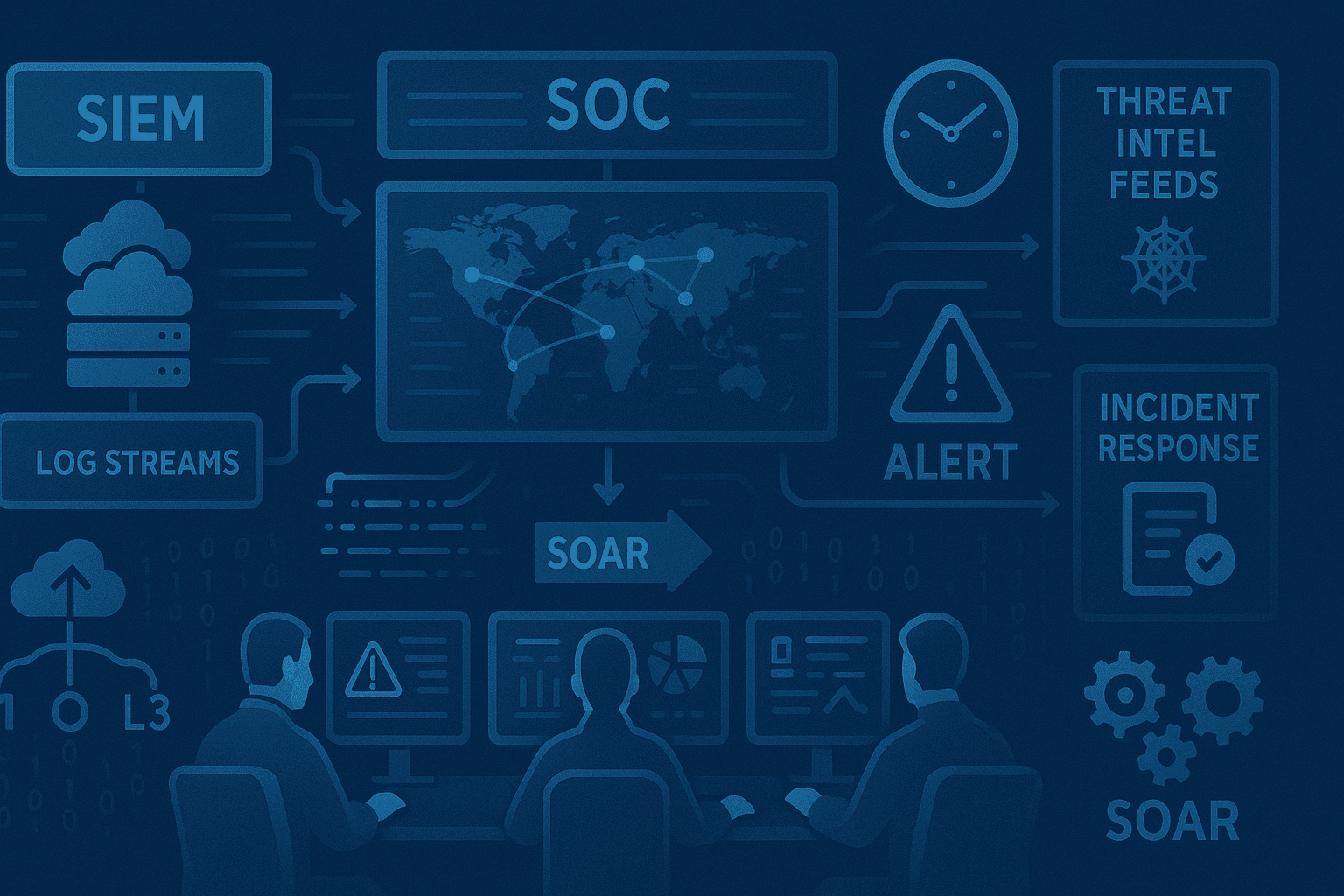
Blog post
Learn how to build an effective Security Operations Center (SOC) powered by threat intelligence. Discover essential tools, processes, and best practices for detecting, analyzing, and responding to cyber threats in real-time.
Read more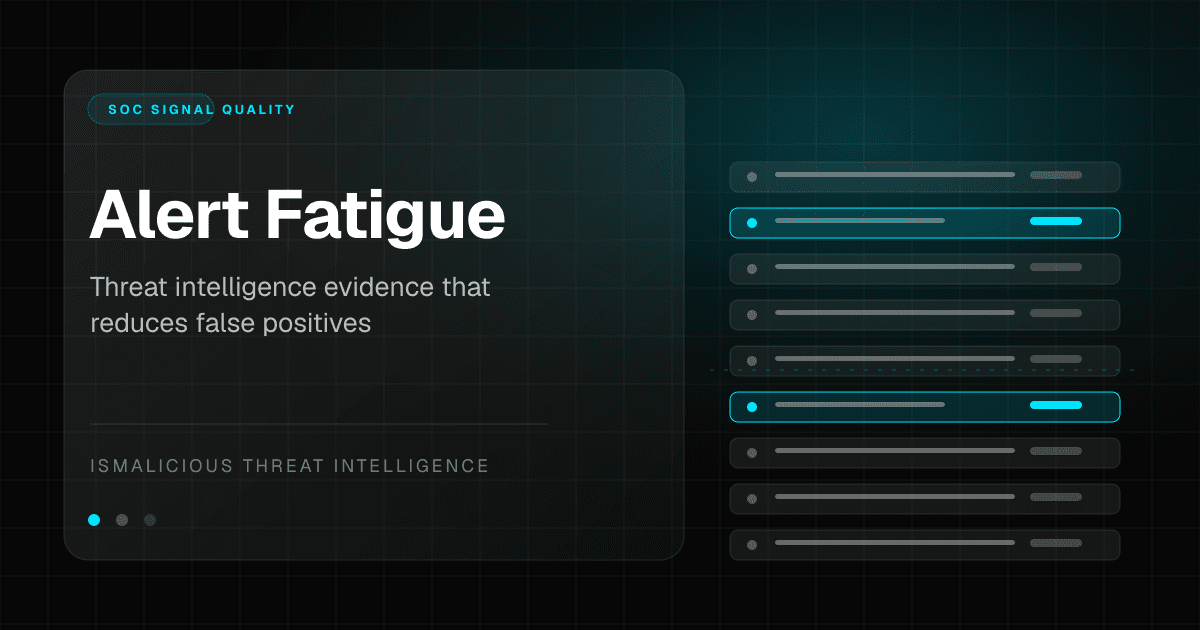
Blog post
Alert fatigue is not a staffing problem alone. SOC teams need better evidence, source quality, confidence bands, and enrichment workflows that turn noisy alerts into defensible decisions.
Read moreThe free plan includes 50 lookups a month. Check the sources and limits, then connect the API.
No credit card required · Free API key