Threat Alerts and Action Center: Build a Response Workflow
Move from monitored indicators and incoming alerts to a ranked queue, analyst validation, and owned response work with isMalicious Alerts and Action Center.
 IsMalicious Team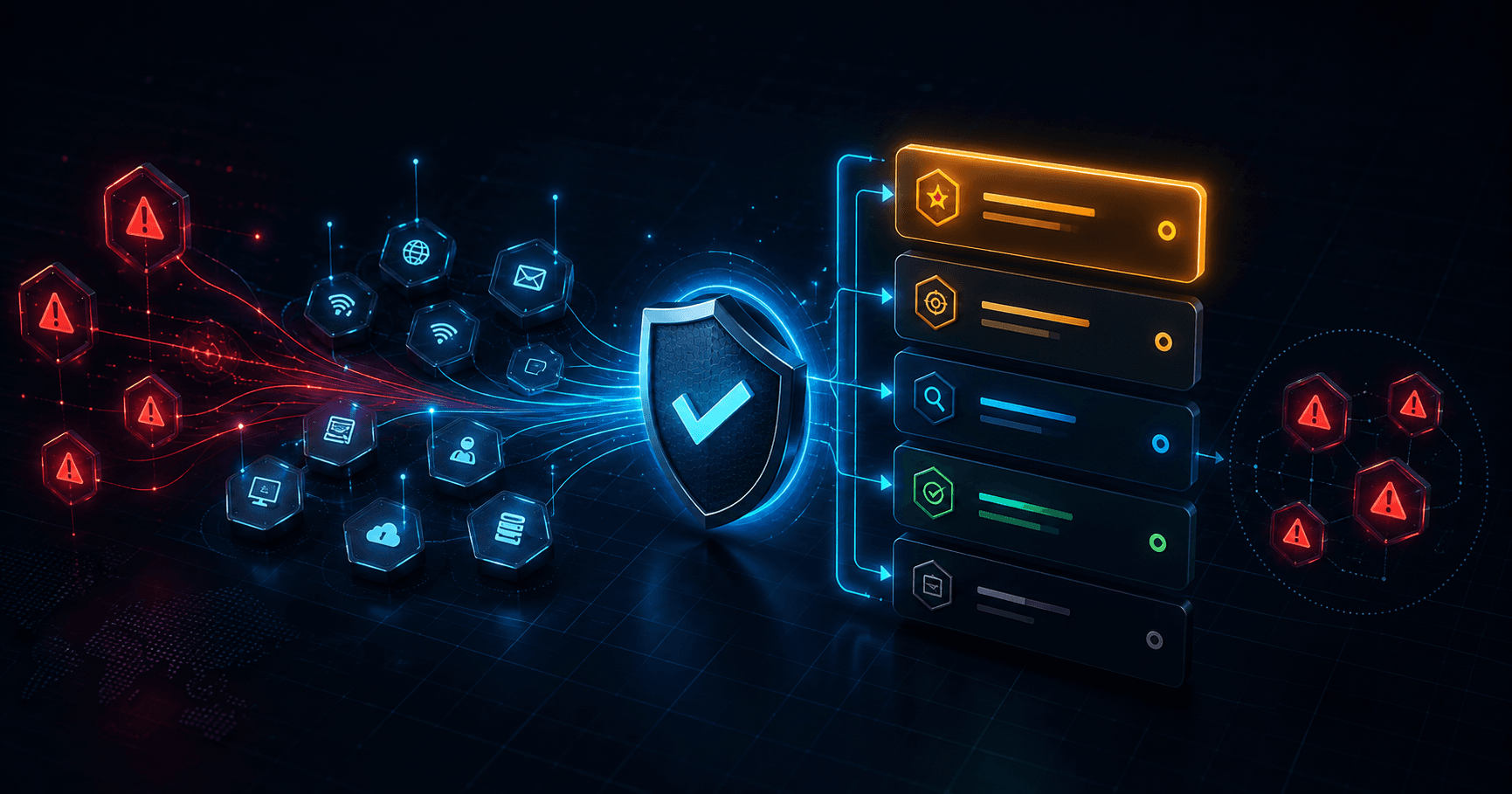
An alert has value only when someone can decide what it means, what happens next, and who owns that work. A growing inbox without a response path simply moves the bottleneck from detection to triage.
isMalicious Alerts and the Action Center split that problem into two connected views. Alerts receives findings and shows monitored items. Action Center turns response work with a defined next step into a priority queue with reasons, source context, direct actions, and optional AI-assisted ranking.
The model aligns with NIST SP 800-61 Rev. 3, which places incident response inside ongoing cybersecurity risk management. Detection, response, and recovery work become more effective when they share context and clear decisions.
Use Alerts as the Analyst Inbox
The Alerts page has two jobs:
- Inbox: review incoming alerts that require attention;
- Monitored items: review the entities your team deliberately chose to monitor.
That separation prevents a common source of confusion. An incoming alert is an event to assess. A watched entity represents an ongoing intelligence need. The same domain or IP can appear in both views, but the reason for reviewing it differs.
When a threat report reveals an entity worth following, add it to monitoring where supported. Monitored items then become a deliberate collection of assets, suppliers, suspicious infrastructure, or investigation indicators, rather than a second undifferentiated inbox.
Move Response Work into One Queue
Action Center brings together the work that should compete for analyst time. Each queue item can expose:
- its priority;
- the source of the work;
- the reason it needs attention;
- the related entity, when available;
- how recently it changed;
- a direct primary action.
This lets the analyst compare unlike tasks without hiding their origin. A critical alert, an aging response task, and a monitored-entity change may all deserve attention, but for different reasons. The source badge and explanation preserve that distinction.
Use the queue as the shift handoff surface. The next analyst should be able to read the first items and understand both the order and the rationale.
Apply AI Triage as a Second Opinion
For eligible plans, AI triage can rank user-scoped alerts, explain the rationale, suggest a next action, and identify related clusters. Matching results decorate the visible queue. Other ranked alerts remain visible in the triage panel.
This is decision support, not autonomous response. Treat a suggested action as a hypothesis to validate against:
- the full evidence in the report;
- the importance of the affected asset;
- source quality and agreement;
- current incidents and recent changes;
- your organization’s containment policy.
If the ranking conflicts with the evidence, follow the evidence and document why. A transparent correction improves the handoff and prevents the same mistake during the next review.
Use a Four-Step Response Loop
1. Validate
Open the linked entity or source record. If several indicators belong to the same message or event, use a composite report to keep them together. Confirm that the indicator, timestamp, and affected asset match the alert.
2. Prioritize
Score operational urgency with more than severity. Consider exposure, confidence, recency, likely impact, exploitability, and whether compensating controls already exist.
3. Assign
Choose a named owner and a next action. “Investigate” is too vague. Better actions include checking endpoint telemetry, blocking a confirmed indicator, contacting an asset owner, collecting a sample, or opening a coordinated case.
4. Record
Preserve the evidence and decision. Use report history for reusable technical findings and Cases when the work needs a timeline, multiple artifacts, or several collaborators.
Connect Threat Monitoring to Response
The strongest workflow starts before the alert arrives:
- Review relevant activity in the Threats dashboard.
- Validate concrete indicators through Smart Lookup.
- Monitor the entities that represent a continuing intelligence need.
- Review changes under Monitored items in Alerts.
- Rank work with a defined response step in Action Center.
- Escalate coordinated investigations into a case.
This chain keeps context attached to the work. The analyst knows why the entity was watched, what changed, which evidence supports the alert, and what action was chosen.
Define What “Done” Means
An alert is not complete because someone opened it. Choose a terminal state that another analyst can verify:
- false positive, with the reason and supporting evidence;
- accepted risk, with an owner and review date;
- contained, with the control and affected scope;
- escalated to a case or incident;
- still monitoring, with a defined trigger for the next review.
For a reusable operating model, adapt the incident response plan and incident response playbook to your organization. isMalicious supplies the connected evidence and work surfaces. Your process defines authority, service levels, communication, and closure.
Keep the Queue Defensible
A useful Action Center is short enough to act on and explicit enough to audit. Remove duplicate work, merge related evidence into a case, and record the reason for changes in priority. Re-run assisted triage when the alert set changes materially, not as a substitute for opening the evidence.
The result is a response workflow that preserves human judgment while reducing mechanical sorting. Alerts show what changed. Action Center shows what should happen next. Reports and cases preserve why the team acted.
FAQ
Frequently asked questions
What is the difference between Alerts and Action Center?
Alerts contains the analyst inbox and monitored items. Action Center combines response work into a priority queue so the team can decide what to validate and handle next.
Does AI triage take action automatically?
No. AI triage ranks relevant alerts, explains its rationale, proposes an action, and groups related items. The analyst still validates the evidence and chooses the response.
Can I monitor an indicator after a report?
Yes. When a supported report exposes monitoring, add the entity to Monitored items and review subsequent changes from that tab in Alerts.
How should a team assign alert priority?
Combine severity with asset relevance, confidence, recency, business impact, and whether the finding overlaps with an active incident. Record the reason so another analyst can reproduce the decision.
When should an alert become a case?
Create or update a case when the alert requires coordinated investigation, several pieces of evidence, multiple owners, a timeline, or a durable response record.
Related articles
 Threat Report History: Recheck, Monitor, and Reuse Evidence
Use isMalicious report history to find earlier lookups, run fresh checks, add indicators to monitoring, create cases, and export a reusable lookup index.
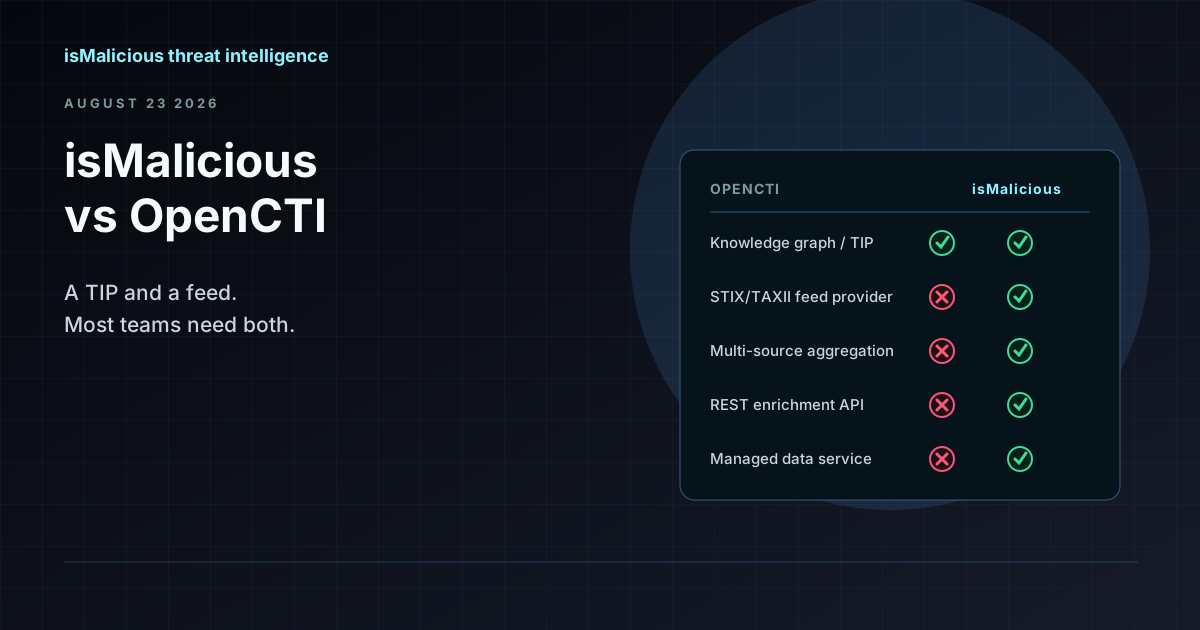 isMalicious vs OpenCTI: Why This Is the Wrong Comparison (and How They Work Together)
OpenCTI is a threat intelligence platform and knowledge graph. isMalicious is a data provider that feeds it. Teams searching for an OpenCTI alternative usually need a feed, not a replacement TIP.
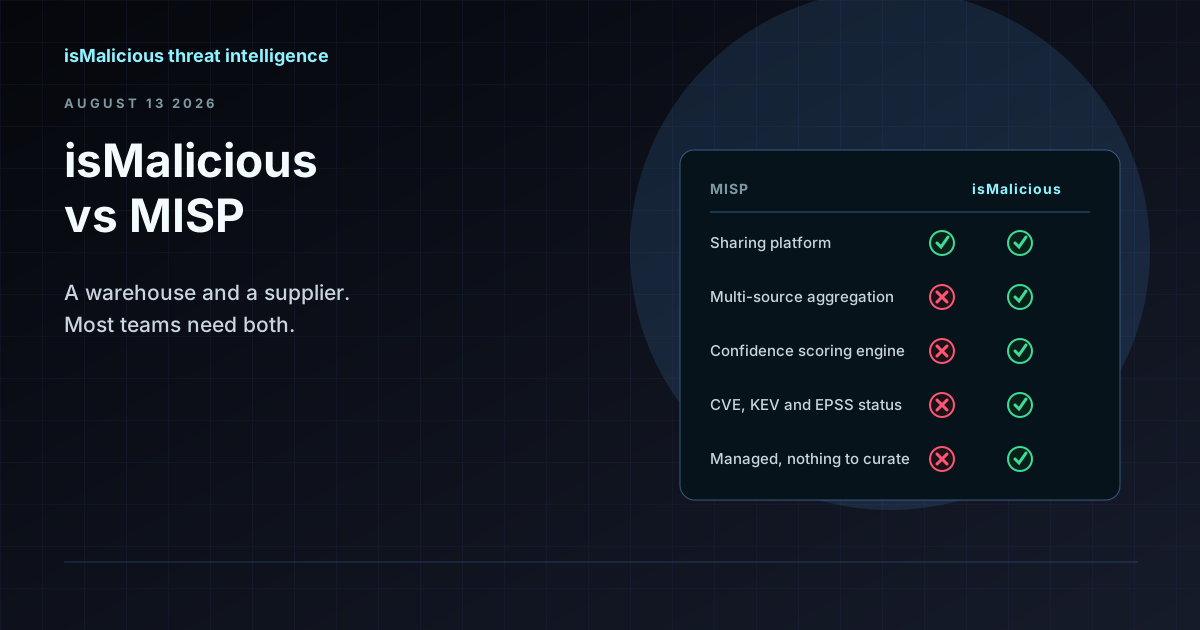 isMalicious vs MISP: Why This Is the Wrong Comparison (and What to Compare Instead)
MISP is where you store and share indicators. isMalicious is where indicators come from. Teams searching for a MISP alternative are usually looking for a feed, not a replacement platform.
Check any IP or domain
See what our indexed threat intelligence records say about it.
Try the IP / Domain Checker