Domain Reputation Monitoring: Which Changes Need Action?
Track domain reputation over time: distinguish a new phishing report from expected DNS changes, then decide what to verify before restricting access.
 IsMalicious Team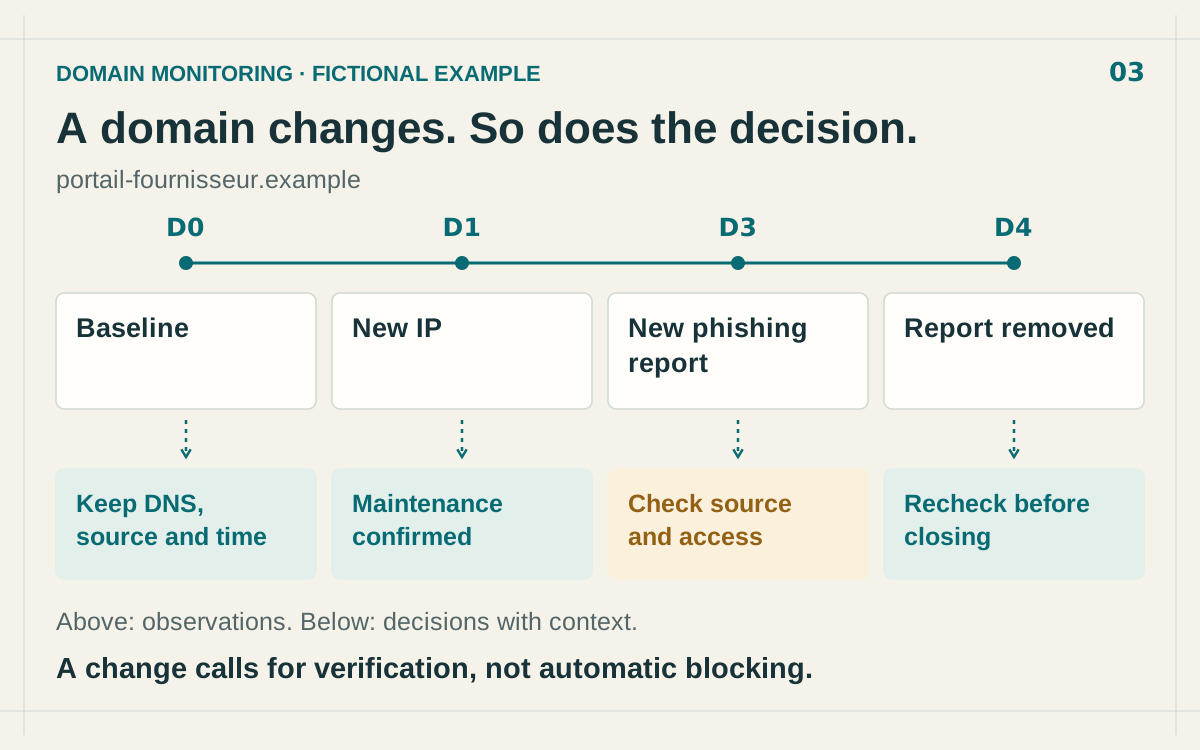
Domain reputation monitoring means comparing dated observations to decide whether a domain remains acceptable for a particular use. A single lookup answers “what do we know now?” Monitoring should answer “what has changed since our last decision?”
That distinction matters for a supplier portal, a login service or a domain retained during an investigation. A different IP address can reflect maintenance. A new phishing report can justify reviewing access. A report disappearing also requires validation before anyone reverses a restriction.
Build a baseline someone else can use
Start with the exact hostname. login.example and support.login.example describe different scopes. If a report concerns a specific URL, preserve its path as well. Immediately extending a restriction to the whole domain can affect unrelated services.
For each monitored item, record the following in your tracking system:
- Hostname and business use: which service would a restriction affect?
- Business owner: who can confirm a migration or supplier incident?
- Source and reported behavior: what exactly is the domain accused of doing?
- Lookup time: when did your team receive this result?
- Published observation time: which period does the evidence describe?
- Decision and next review: why is access allowed, restricted or under investigation?
Keep the two timestamps separate. Information retrieved this morning may describe old activity. A source without an observation timestamp can still be useful, but that limitation belongs in the decision record. Threat report history helps find previously checked indicators. Preserve dated evidence and the business reasons for your decision in your own investigation record.
Record what remains unknown, too. An unavailable source, an unconfirmed supplier change and an absent access log are different gaps. Naming them allows the next analyst to continue the investigation without repeating the same unsuccessful checks.
Compare the same signal within the same scope
A reputation change can come from a new observation, a source correction or different coverage between two lookups. Before describing a deterioration, confirm that you are comparing the same hostname, indicator type and source.
“No detection available” and “reassuring analysis” are different findings. Likewise, a source missing from a second result has not necessarily withdrawn its report. Look for an explicit status or a successful follow-up lookup before treating absence as a change in intelligence.
For intelligence supplied as STIX, valid_from, valid_until and revoked help describe validity and withdrawal by the producer. They do not establish a website’s current condition. These distinctions are defined in the OASIS STIX 2.1 specification.
Separate DNS changes from threat reports
A different DNS answer first raises an operational question. Has the service moved? Does it use multiple addresses? Are the resolver and lookup times comparable? TTL governs how long a record can be cached, contributing to differences between observations. See the DNS resource record definition in RFC 1035.
The returned address does not always identify the origin server. For example, Cloudflare’s proxied records return shared anycast addresses on its network, as explained in its proxy status documentation. Adverse reputation associated with such an IP therefore requires checking the hostname and the underlying evidence.
Preserve approved changes: the maintenance window, expected provider and person who confirmed the work. That context can explain an observation without creating a permanent exception. A migration approved on Tuesday does not account for every future change to the domain.
This monitoring task also differs from discovering new domains that resemble your brand. If that is your objective, the brand impersonation monitoring guide covers candidate discovery and its separate validation process.
Follow a timeline with different actions at each step
Consider portail-fournisseur.example, used to retrieve invoices. The observations below are fictional. They illustrate an investigation method, rather than measured results or a promise to detect every change automatically.
Fictional example. Each observation calls for a different check; the timeline contains no measured reputation score.
D0: establish the baseline. The team records available intelligence, DNS answers and lookup time. The business use and supplier contact are known. Nothing reported by the consulted sources justifies restricting this service at that point.
D1: a new IP appears. The supplier confirms a migration matching the approved maintenance window. The analyst attaches that confirmation and updates the DNS baseline. Monitoring continues without classifying the migration as an incident.
D3: a new phishing report is published. The analyst checks whether it concerns this portal, a particular URL or another hostname under the domain. They look for access in their organization’s logs and contact the supplier through an established channel. Those findings determine the scope and urgency of any restriction.
D4: the report is removed. The team confirms withdrawal and checks the remaining evidence before reversing a restriction. A source correction, website remediation and a collection failure need different interpretations, even if a red warning has disappeared from the screen.
Write the criteria before the next alert arrives
A useful rule connects a change, the evidence to obtain and an action. “Monitor for changes” gives the next analyst too little guidance.
- New phishing report for an actively used hostname: check the source, affected URL and internal access to determine the scope to restrict and investigate.
- New IP without another adverse signal: check maintenance and expected infrastructure, then update the baseline or request an explanation.
- Source becomes unavailable: check collection status. Mark the observation incomplete and retry.
- Explicit withdrawal of a report: examine the reason for withdrawal and remaining evidence before reassessing an existing restriction.
Set review frequency around business use and response capacity. An essential service used daily and a domain retained from an old investigation have different needs. Assign a backup owner as well. An alert delivered during someone’s absence still needs a person who will check the evidence and record a decision.
Keep complementary evidence attached to the investigation
isMalicious supports watching domains and reviewing changes in available intelligence among monitored items. The maintenance confirmations, access logs and DNS comparisons described here are additional evidence collected by your team. Keep them with the investigation so an alert can be interpreted in its operational context.
To apply the method, open a domain report, review its evidence and add the domain to monitoring when the option is available. At that point, record which change would make you act, who would verify it and what evidence would support the decision.
FAQ
Frequently asked questions
Does an IP address change make a domain suspicious?
No. A migration, CDN or configuration change can alter DNS answers. Check the maintenance context and other observations before drawing a conclusion.
What should a domain reputation monitoring record contain?
Keep the exact hostname, its business use, the intelligence source, lookup time, observation time when available, and evidence supporting the verdict.
Is removal from a threat source enough to unblock a domain?
It warrants a new review. Confirm removal with the source, examine remaining evidence and apply your organization’s criteria for lifting the restriction.
Related articles
 Parked Domains: Assess the Risk Before Blocking
Distinguish domain parking, expiration, and malicious behavior. Examine actual use and choose a restriction supported by the evidence.
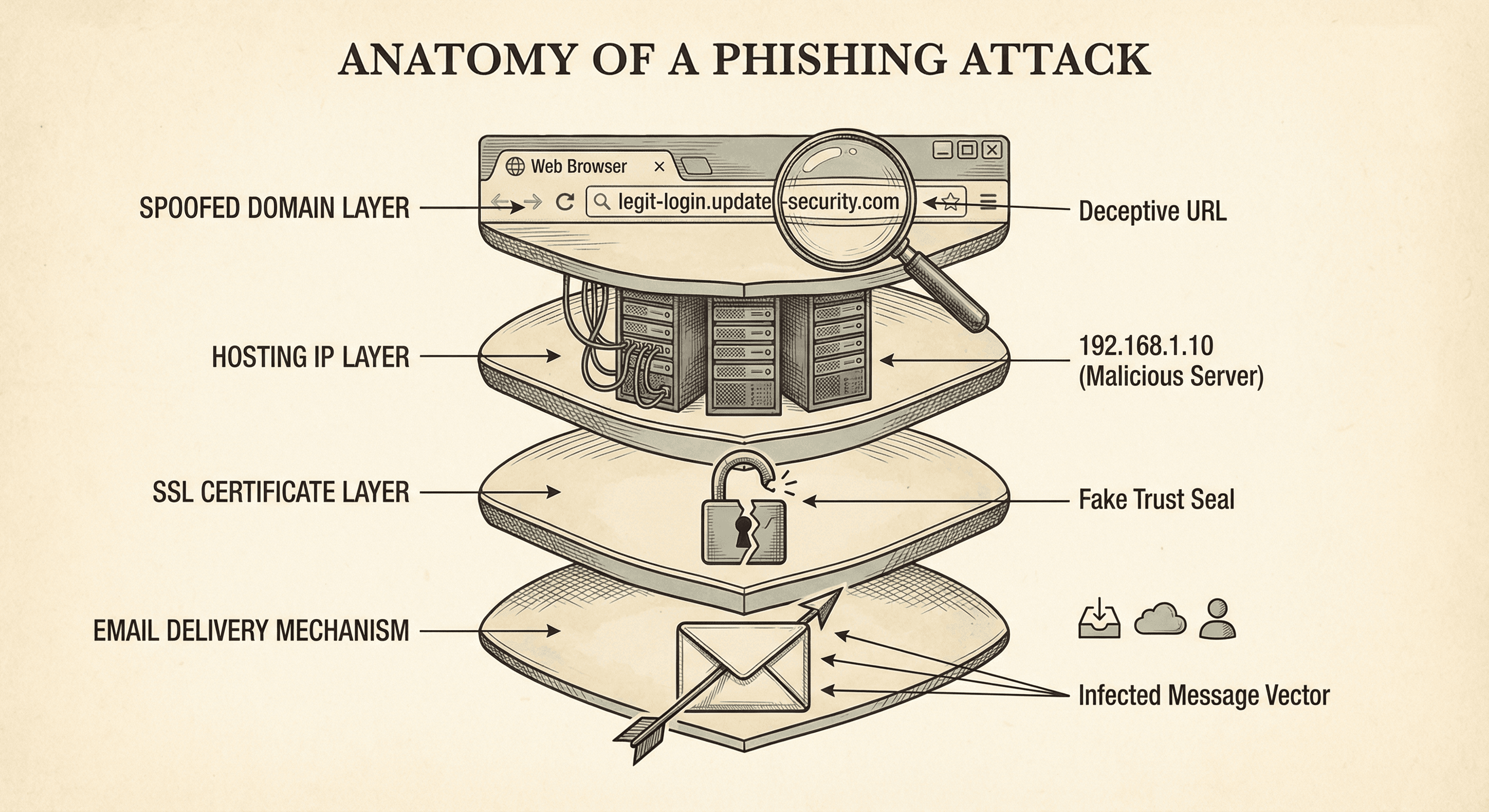 RDAP: Read Domain Data During an Investigation
Use RDAP events, statuses, and contacts to document a suspicious domain without misattributing an identity or claiming an unproven compromise.
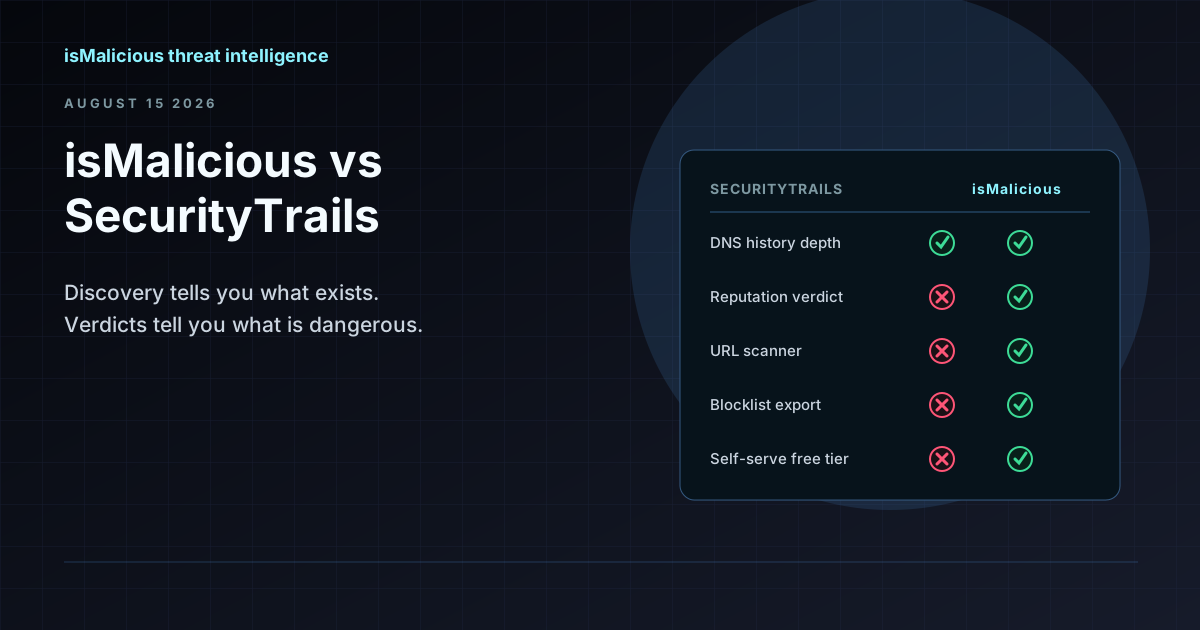 isMalicious vs SecurityTrails: Discovery Data and Reputation Verdicts Are Not the Same Product
SecurityTrails tells you what exists — every subdomain, every historical DNS record. isMalicious tells you what is dangerous. Most teams searching for a SecurityTrails alternative want the second half.
Check the domain you want to monitor
Review the domain's reported threats and available sources before setting up monitoring.