Malicious Browser Extensions Are Stealing Session Cookies: Detection Guide
Rebranded browser extensions are harvesting session cookies and OAuth tokens after silent updates. Here is how to detect and respond before EDR ever sees it.
 IsMalicious Team
Security teams are once again watching a familiar pattern repeat itself inside the browser store ecosystem: extensions that once did something boring and useful — screenshotting, tab management, coupon finding, PDF conversion — change hands, get a silent auto-update, and start quietly harvesting session cookies and OAuth tokens from every site the user is logged into. This is not a single incident. It is a recurring 2026 trend, and it keeps working precisely because it does not look like malware to the tools built to catch malware.
The mechanism is simple and that is what makes it durable. An extension developer sells a popular listing, or an attacker compromises a developer account, or a maintainer quietly rebrands under new ownership. Nothing about the install changes for the user — same icon, same permissions prompt they already accepted months ago. Then an auto-update ships new code. The extension already has broad host permissions from its original legitimate use case, so it does not need to ask for anything new. It simply starts reading document.cookie, intercepting chrome.cookies API calls, or scraping tokens out of local storage and sessionStorage, then shipping that data to a remote endpoint on a schedule.
Why This Slips Past Traditional Detection
The reason this keeps working is architectural, not a failure of any single vendor's product:
- The code runs inside
chrome.exeormsedge.exe— a process every EDR agent already trusts and rarely inspects at the JavaScript level. - There is no new file dropped to disk, no unusual parent-child process spawn, and no unsigned binary to flag.
- The extension was reviewed and approved by the store at initial submission; auto-updates after that point typically receive far less scrutiny.
- Network requests blend into ordinary browser traffic — HTTPS to a domain that looks like any other analytics or CDN endpoint.
- Session tokens and cookies are, by design, meant to leave the browser and travel to legitimate first-party and third-party services, so exfiltration traffic doesn't look anomalous on its face.
The result is a detection gap sitting squarely between the browser vendor's store review process and the endpoint security stack — two systems that each assume the other is watching this layer.
Detecting Malicious Extensions By Hash, Not By Vibes
Because the extension itself is the artifact, not just its network traffic, the most reliable detection angle is treating the packaged extension the same way you would treat any other suspicious binary: hash it and check reputation.
- Pull the installed
.crxpackage (or the unpacked extension directory) and hash the package plus themanifest.jsonand any bundledbackground.js/ service worker scripts. - Run those hashes through file hash reputation lookups to check for matches against known-malicious samples, not just the original clean version of the extension.
- Track version-over-version hash drift for extensions your organization already trusts — a hash change alone is not proof of compromise, but a hash change paired with new remote hosts contacted is a strong signal.
- Compare the manifest's requested permissions and
host_permissionsbetween versions; a jump from a narrow permission set to broad<all_urls>access after an ownership change is a red flag worth investigating even without a hash match. - Feed newly observed extension hashes into your existing hash-based detection pipeline so future installs across the fleet get flagged automatically rather than requiring a manual review each time.
This is the same discipline SOC teams already apply to executables and scripts — it just needs to be pointed at a part of the browser attack surface that has historically been treated as out of scope.
Following The C2 Domains And IPs
Once an extension is confirmed to be exfiltrating data, the beacon infrastructure it talks to is usually the fastest path to scoping the blast radius and finding other affected machines.
- Extract every domain and IP the extension's background script contacts, including ones buried in obfuscated or base64-encoded strings inside the bundle.
- Run each one through domain intelligence to check registration age, DNS history, and hosting patterns typical of throwaway C2 infrastructure.
- Cross-check the resolved IPs with IP reputation lookups for hosting providers, ASN reputation, and co-located malicious infrastructure.
- Watch for infrastructure reuse: attackers running these campaigns frequently rotate domains but keep the same hosting provider, TLS certificate issuer pattern, or IP block across multiple malicious extensions.
- Once one C2 domain is confirmed, pivot on passive DNS and shared certificate data to uncover sibling domains before they get weaponized against a different set of victims.
Enriching this infrastructure early turns a single-extension finding into a fleet-wide detection rule rather than a one-off cleanup.
Incident Response Playbook For Session Hijacking
If a malicious extension has been confirmed in your environment, treat it as an active session compromise, not just a malware removal task:
- Revoke all active sessions and refresh tokens for every account that had the extension installed, across every service the extension had host permissions for — not just the primary SSO provider.
- Force re-authentication with MFA for affected users, and rotate any API keys or long-lived tokens that may have been sitting in browser storage.
- Remove the extension fleet-wide via managed browser policy, and block reinstallation by extension ID at the endpoint or proxy layer.
- Hunt for the confirmed C2 domains and IPs across proxy, DNS, and firewall logs to find every host that beaconed out, not just the one that triggered the original alert.
- Preserve the extension package, manifest, and any captured network traffic before remediation, since the hash and infrastructure indicators are what let you detect the next rebrand of the same campaign.
- Loop this incident into your incident response workflow so the indicators are retained and searchable the next time a similar wave surfaces.
Keep Watching After The Cleanup
A single removal and password reset closes the immediate exposure, but the underlying campaign infrastructure rarely disappears — it resurfaces under a new extension name, a new listing, or a new update a few months later. Continuous monitoring of the hashes and infrastructure you've already confirmed as malicious is what catches the next wave before it reaches your users again. Wire hash and domain checks into your existing detection pipeline through the threat intelligence API so every new extension update, every new beacon domain, and every reused hash gets checked automatically instead of waiting for the next headline to prompt a manual review.
FAQ
Frequently asked questions
How do malicious browser extensions steal session cookies?
A previously legitimate extension is sold, compromised, or silently rebranded, then an auto-update pushes code that reads cookies, local storage, and OAuth tokens from the browser and exfiltrates them to attacker-controlled infrastructure.
Why does this technique bypass EDR and antivirus?
The malicious code executes inside the trusted, already-whitelisted browser process rather than as a new standalone binary, so it never triggers process-based detection, code-signing checks, or file-download alerts that endpoint tools rely on.
What is the fastest way to detect a compromised extension in my fleet?
Hash the installed extension package and manifest files and check them against known-malicious sample reputation, then enrich any beacon domains the extension contacts through domain and IP lookups to confirm C2 activity before it spreads further.
Related articles
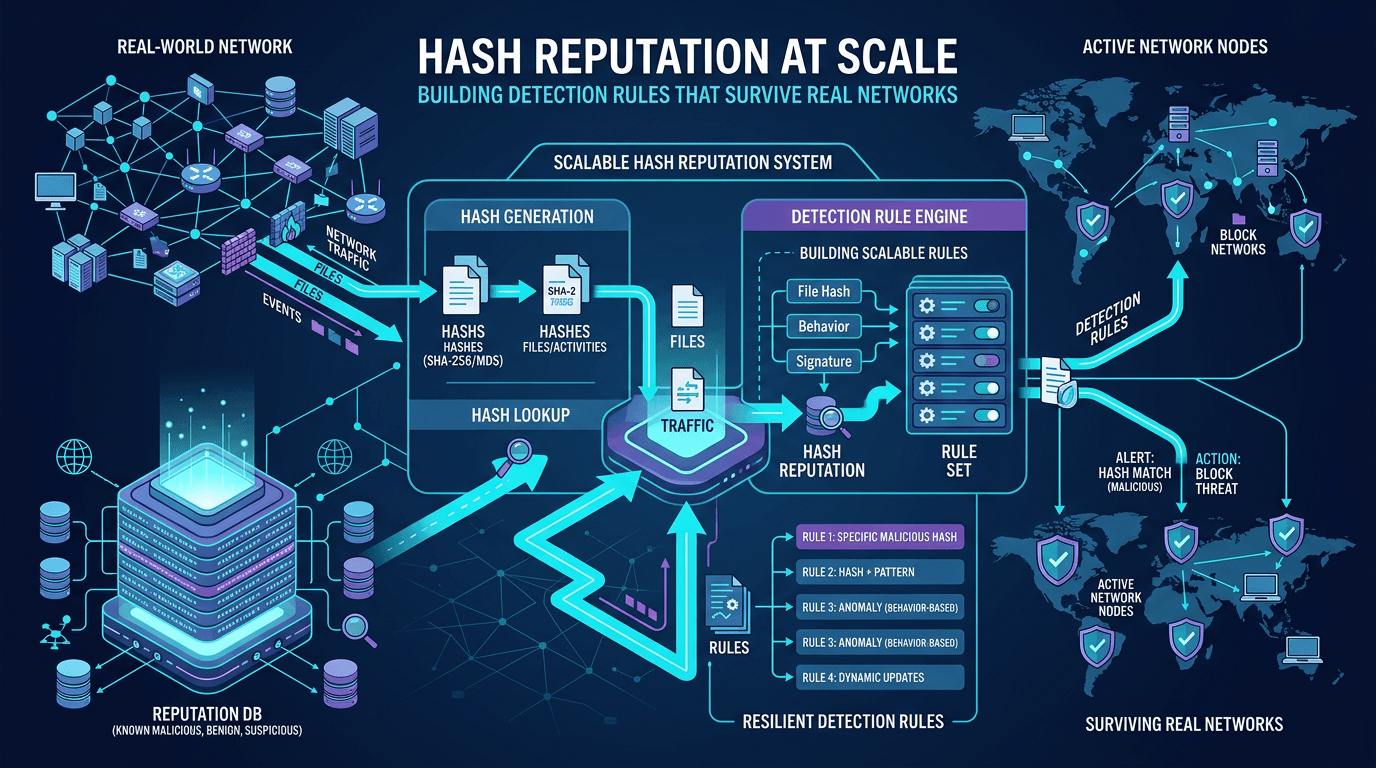 Hash Reputation at Scale: Building Detection Rules That Survive Real Networks
Move beyond one-off hash blocks: design reputation pipelines, reduce false positives, and integrate file intelligence with IP and domain context for production-ready detection engineering.
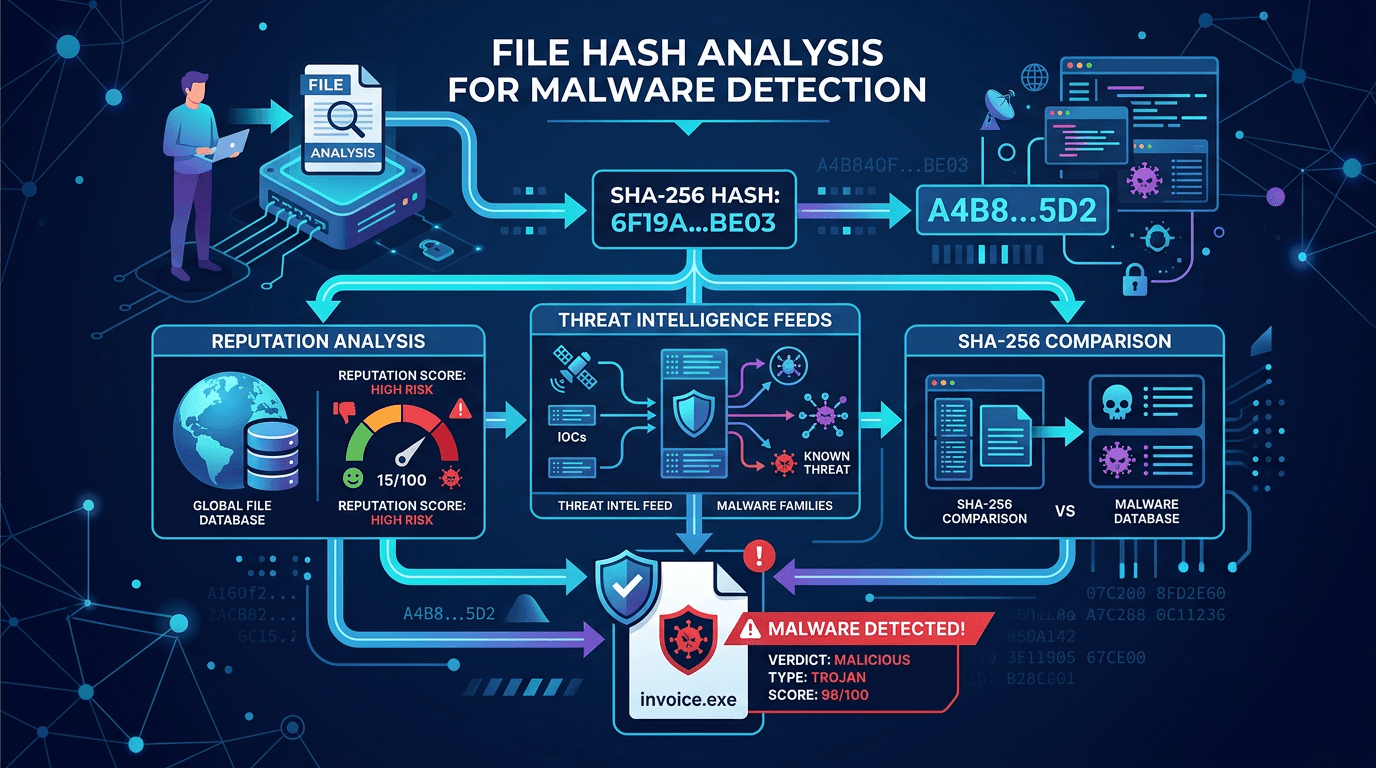 File Hash Check: Is This SHA-256 Malware?
How to check MD5, SHA-1, and SHA-256 hashes against threat intelligence, and how SOC teams use hash reputation to cut false positives.
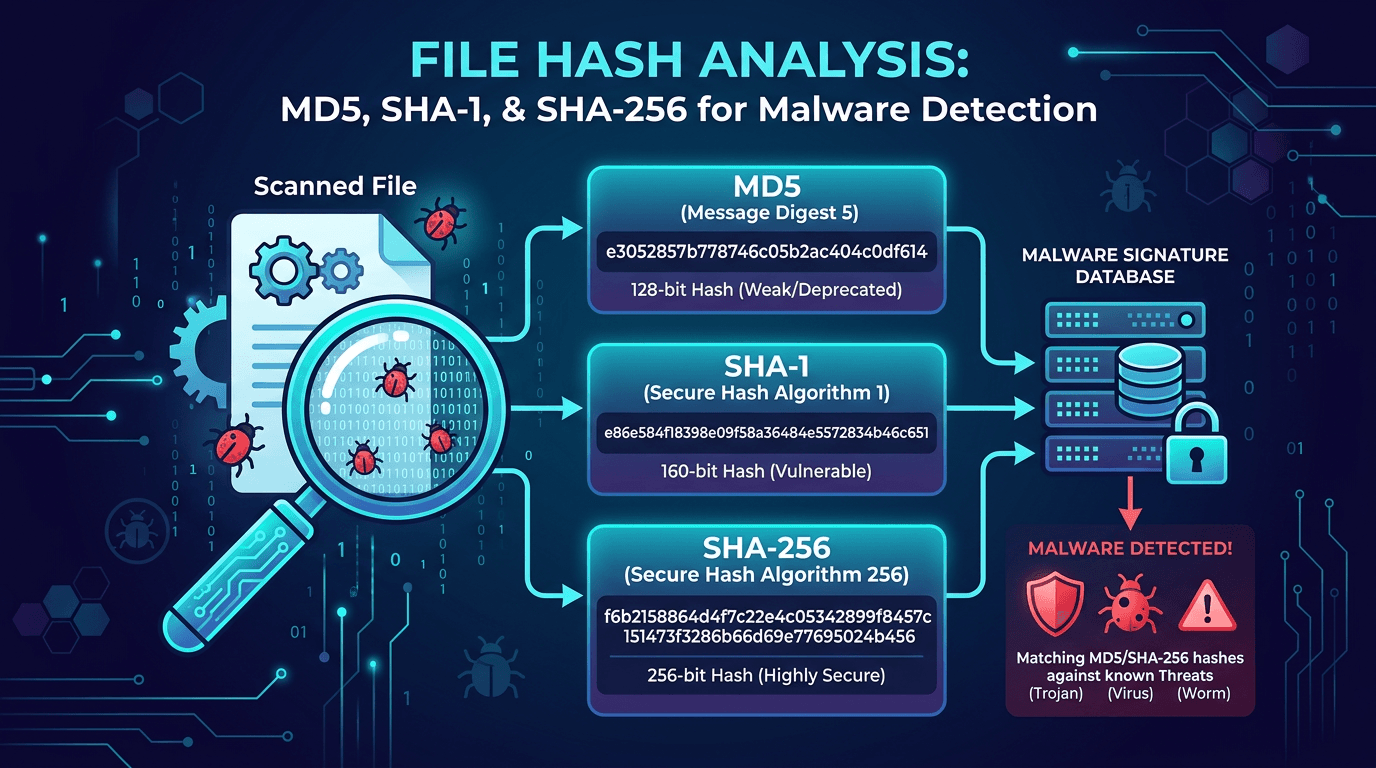 File Hash Analysis: MD5, SHA-1, and SHA-256 for Malware Detection and Threat Hunting
A practical guide to file hashes in cybersecurity—how MD5, SHA-1, and SHA-256 work, why they matter for malware detection, incident response, and threat hunting, and how to use hash lookups to enrich indicators of compromise.
Check any IP or domain
See what our indexed threat intelligence records say about it.
Try the IP / Domain Checker