Reverse IP Lookup: Pivoting on Infrastructure Without Drowning in Shared Hosting
A reverse IP lookup turns one indicator into a cluster — or into a thousand innocent neighbours. Here is how to tell the difference, and how to pivot on hosting infrastructure without generating false positives.
 IsMalicious Team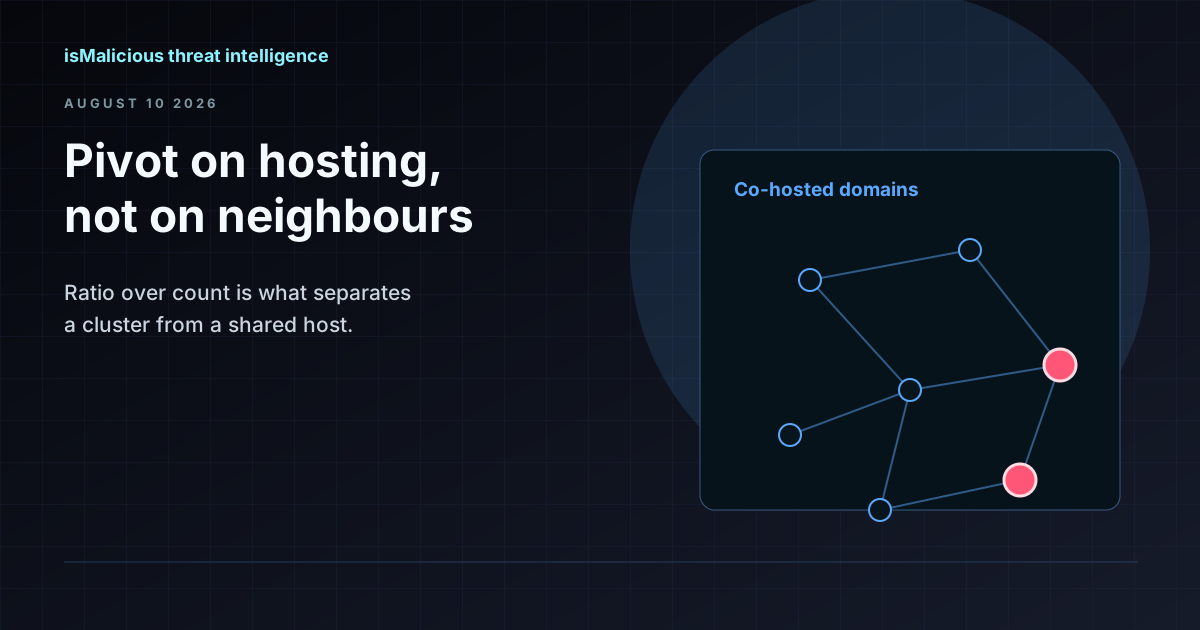
A reverse IP lookup answers a simple question: what else lives at this address? It is one of the most productive pivots available during an investigation, and one of the easiest to misuse. Point it at a dedicated server running three phishing kits and you have found a campaign. Point it at a shared hosting IP and you have found four thousand small business websites, three of which are compromised, none of which have anything to do with each other.
The technique is not the hard part. Knowing when the result means something is.
What the Lookup Actually Returns
An ordinary DNS query resolves a domain to an address. A reverse IP lookup inverts that: given an address, return the domains known to resolve to it. Useful implementations return two sets rather than one:
- Current resolutions — domains pointing at the address now.
- Historical resolutions — domains that pointed there previously and have since moved.
The historical set is frequently the more interesting of the two during incident response. Attackers rotate infrastructure, and a domain that resolved to a known-bad address three weeks ago is evidence even if it resolves somewhere innocuous today. Working only from current resolutions means you see the attacker's present position and none of their history.
The Shared Hosting Problem
This is the trap that makes people distrust the technique, so it is worth being precise about it.
Shared hosting servers routinely host thousands of unrelated domains on a single IP address. Content delivery networks are worse: a single edge address can front millions of tenant domains. In both cases, the fact that your suspicious domain shares an IP with a known-malicious domain carries essentially no information. They share a landlord, not a conspiracy.
Two heuristics separate the signal from the noise:
- Neighbour count. A small population implies dedicated or semi-dedicated hosting, where co-location is a deliberate choice by one operator. A large population implies shared infrastructure, where co-location is an accident of provisioning. The threshold is fuzzy, but the difference between five neighbours and five thousand is not.
- Malicious ratio, not malicious count. Three flagged domains out of five is a cluster. Three flagged domains out of four thousand is a statistically ordinary shared host. Count alone will mislead you; the proportion is what matters.
Combine both and the interpretation is usually unambiguous. Low count plus high ratio means dedicated attacker infrastructure and the whole neighbour list deserves attention. High count plus low ratio means you learned nothing about your domain and should pivot on something else.
When to Stop Pivoting
Some hosting arrangements make reverse IP structurally uninformative. Recognising them early saves an hour of chasing:
- CDN edge addresses. The reverse lookup returns the CDN's tenant list. This tells you the domain uses a CDN and nothing about who operates it.
- Cloud load balancers and shared ingress. Same problem: the address belongs to the provider's fronting layer, not to the tenant.
- Parking and registrar holding pages. Large numbers of unrelated domains resolve to parking infrastructure by default. Co-location there means "both are unused," which is occasionally interesting and rarely conclusive.
- Sinkholes. Domains pointed at a sinkhole address are grouped by whoever is doing the sinkholing, not by their operator. A sinkhole IP with hundreds of malicious neighbours is a research artefact, not a campaign.
In each of these cases the productive move is to pivot on something the operator controls instead — nameservers, TLS certificate details, or DNS history showing where the domain resolved before it moved behind shared infrastructure.
Where Reverse IP Earns Its Keep
Set aside the shared-hosting cases and the technique is genuinely strong in several recurring situations.
Expanding a phishing campaign from one reported URL
Users report one link. The domain resolves to an address hosting a handful of other domains, several of which are also brand lookalikes registered in the same window. You now have the campaign rather than one instance of it, which changes both the takedown request and the scope of the user notification.
Finding C2 infrastructure siblings
Command-and-control servers are often provisioned in small batches on the same hosting. A reverse lookup on a confirmed C2 address, filtered for low neighbour counts, frequently surfaces the operator's other nodes before those nodes appear in any feed. Those are the addresses worth pre-emptively blocking.
Assessing hosting reputation for an unknown domain
Sometimes the neighbours are the verdict. A domain with no history of its own, hosted on an address where most co-located domains are flagged, is a reasonable escalation even without direct evidence against it. This is the one case where a high malicious ratio on a moderately populated address does most of the analytical work.
Retrospective scoping during an intrusion
Once you have one attacker-controlled address, historical reverse IP shows which other domains used it during the intrusion window. Those domains belong in your log queries even if they resolve elsewhere now — and they frequently explain traffic that looked unrelated at the time.
Mapping an organization's own exposure
Pointed inward, the same lookup shows which of your own domains share hosting, which sometimes surfaces forgotten staging sites, expired marketing microsites, and third-party-managed properties nobody has inventoried. Shared hosting means shared blast radius.
A Pivot Workflow That Holds Up
- Start from a confirmed indicator, not a suspicion. Pivoting from an unverified domain multiplies uncertainty rather than resolving it.
- Resolve it and check the hosting type first. If the address belongs to a CDN or a major cloud fronting layer, stop and pivot elsewhere.
- Pull the neighbour list, current and historical. Note the population size before reading any individual entry.
- Compute the malicious ratio rather than scanning for familiar names. Ratio over count, every time.
- Filter to the plausible subset — registered in a similar window, similar naming pattern, similar TLD choice, similar nameservers.
- Verify each candidate independently. Co-hosting is a reason to look, never a verdict on its own. Confirm with domain reputation and, where the page still resolves, a URL scan.
- Feed what you confirm back into controls, and keep the unconfirmed set as hunting context rather than as blocking input.
Step six is where most reverse-IP investigations go wrong. Blocking an entire neighbour list because two members were malicious is how a security team takes down a customer's website.
Doing It at Investigation Scale
The isMalicious reverse IP lookup returns current and previously resolving domains together, flags whether an address looks like shared hosting, and attaches the threat status of co-hosted domains — which is what makes the malicious-ratio judgment possible without exporting a domain list and enriching it somewhere else.
Pair it with IP reputation for the hosting verdict and ASN context to see whether the whole network block has a history, since some providers concentrate abuse at the ASN level in a way individual address lookups understate. Where a pivot produces a long candidate list, bulk lookups check the whole set in one request rather than one at a time, and the API puts the same pivot inside a SIEM or SOAR playbook so an address in an alert arrives with its neighbours already assessed.
Used with the population and ratio checks in place, reverse IP is one of the highest-yield pivots in an analyst's toolkit. Used without them, it is a reliable generator of confident false positives.
FAQ
Frequently asked questions
What is a reverse IP lookup?
A reverse IP lookup finds every domain name known to resolve to a given IP address, which reveals the other sites sharing that hosting infrastructure. It is the inverse of an ordinary DNS resolution: instead of asking where a domain points, you ask what points at an address.
How many domains can share a single IP address?
A shared hosting server routinely hosts thousands of domains on one address, and a CDN edge IP can front millions. That distribution is exactly why co-hosting alone is not evidence of anything — the number of neighbours has to inform how much weight you give the relationship.
When is co-hosting actually a meaningful signal?
When the neighbour count is low and the malicious ratio is high. Five domains on an address where three are flagged is a strong indication of dedicated attacker infrastructure. Three flagged domains among four thousand on a shared host tells you the host is popular, not that your domain is bad.
Does reverse IP work against CDNs and cloud providers?
Not usefully for attribution. A domain behind a CDN resolves to shared edge infrastructure, so the reverse lookup returns the CDN's tenant population rather than anything about the operator. The same applies to large cloud load balancers. Recognising these cases and stopping the pivot is part of using the technique correctly.
How does isMalicious support reverse IP pivoting?
The reverse IP lookup returns domains currently resolving to an address plus domains that previously pointed there, alongside shared-hosting detection and the threat status of co-hosted domains. Because the reputation verdict is attached to each neighbour, you can judge the malicious ratio directly instead of exporting a domain list and checking it somewhere else.
Related articles
 Smart Lookup: Check Any Threat Indicator from One Search
Paste an IP, domain, URL, email, phone number, wallet, file hash, or a complete suspicious message. Smart Lookup routes each indicator to the right threat report.
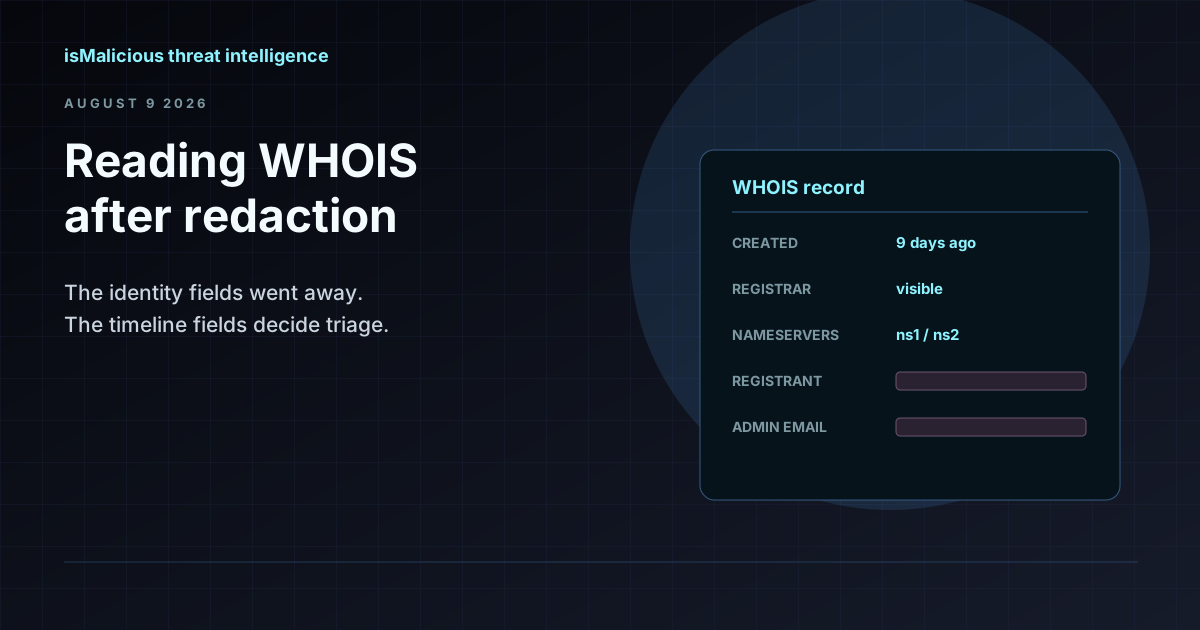 WHOIS Lookup for Security Investigations: Reading a Record After Redaction
Privacy services stripped the registrant name out of most WHOIS records, but the fields that matter for triage survived. Here is what a WHOIS record still tells an analyst, and how to read it.
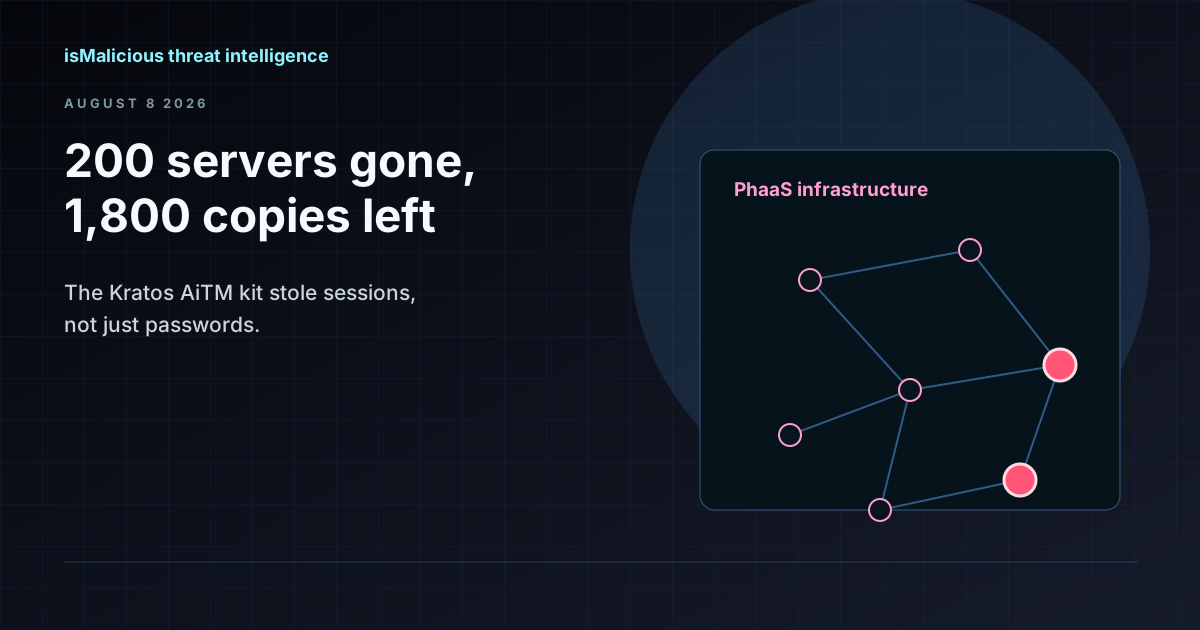 The Kratos Phishing Kit Takedown: 200 Servers Gone, 1,800 Copies Still Out There
German and US law enforcement dismantled Kratos, the AiTM phishing service behind roughly 15,000 Microsoft 365 campaigns a month. The infrastructure is offline, but the kit is not. Here is what to hunt for now.
Check any IP or domain
See what our indexed threat intelligence records say about it.
Try the IP / Domain Checker