Mobile Smishing Defense: URL Scanners And Domain Reputation For July 2026
Mobile phishing keeps gaining operational relevance. Security teams need URL scanning, domain reputation checks, DNS pivots, and employee reporting workflows built for SMS and chat.
 IsMalicious Team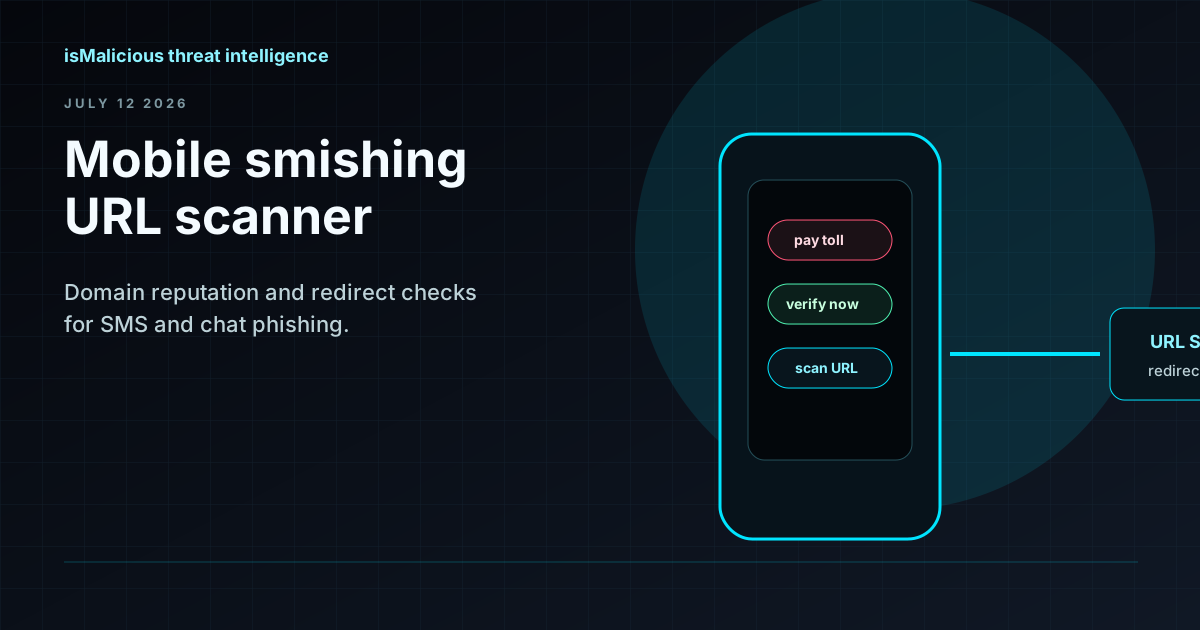
Mobile phishing is where security awareness often meets its limits. Users read SMS, chat, and personal messaging notifications quickly. Links are shortened, screens are small, and the lure often feels urgent: delivery, tolls, banking, payroll, travel, MFA, or benefits. The 2026 Verizon DBIR reinforces the broader pressure around human-targeted and mobile channels. For defenders, July 2026 is a good time to treat smishing as infrastructure intelligence, not only user training.
The observable is usually simple: a URL. The workflow around that URL needs to be fast.
Start With The Full Link Chain
Smishing campaigns often use redirectors and shorteners. Analysts should capture:
- the submitted URL;
- every redirect;
- the final landing domain;
- visible brand impersonation;
- hosting IP and ASN;
- certificate information;
- domain age and DNS changes;
- page behavior and form fields.
Use the isMalicious URL scanner and domain reputation check to move from a user report to evidence. If the final domain is malicious, pivot through DNS history and hosting IP context to find related infrastructure.
Reporting Must Fit Mobile Behavior
If employees have to forward an SMS to a complicated mailbox, many will not report. Give them a simple path: screenshot, copy link, mobile security app, or helpdesk shortcut. Then make sure the SOC can enrich the submitted URL automatically.
A useful smishing case record includes:
- who reported it;
- when it arrived;
- original sender;
- URL and redirect chain;
- enrichment verdict;
- related domains or IPs;
- blocklist action;
- user click or credential submission status.
Bulk Triage Beats One-Link Lookup
Smishing campaigns rarely send one link. They generate variants across delivery brands, toll names, bank themes, and regional language. When reports arrive, group them by domain, redirector, hosting IP, certificate, and URL pattern. A bulk workflow prevents analysts from treating each message as a separate incident.
Use the bulk check workflow when several users report similar messages. Enrich the domains and URLs together, then push confirmed malicious infrastructure into blocking controls. This shortens the window between first report and organization-wide protection.
Block Related Infrastructure, Not Only One Link
Attackers rotate URLs quickly. Blocking a single path may not be enough. Confirmed malicious domains and infrastructure should move into blocklists, DNS controls, proxy controls, and SIEM correlation. Use API enrichment to automate lookups from SMS reports and web gateway logs.
Search terms such as "URL scanner", "malicious domain checker", "domain reputation check", and "is this link safe" reflect real response moments. The user has a link and needs an answer. The answer should be a workflow, not a slogan.
Include Mobile In Incident Response
If a user submitted credentials, revoke sessions and review identity logs. If the link installed a mobile profile or application, involve endpoint or mobile device management teams. If the lure impersonated payroll, finance, or HR, notify the business owner so they can warn users through trusted channels.
Measure the response loop as a security control. Track time from first user report to URL scan, time from scan to verdict, time from verdict to blocklist update, and the number of related domains found through DNS or certificate pivots. These metrics show whether smishing response is improving or simply creating more tickets.
The best mobile phishing programs connect reporting, enrichment, and blocking into one workflow. A reported URL should not sit in a mailbox until an analyst has time to open it. It should be scanned, enriched, grouped with similar reports, and routed to the right control owner. That is how a single suspicious text becomes organization-wide protection.
Operational CTA
Try the URL scanner, check suspicious domains with the IP / Domain Checker, and connect confirmed smishing indicators to your SIEM and blocklist workflows.
Frequently asked questions
- Why is mobile smishing hard to defend against?
- SMS and messaging apps often bypass email security controls, use short links, create urgency, and are read on devices where users inspect URLs less carefully.
- What should analysts check in a smishing URL?
- Check redirects, final landing domain, domain age, DNS history, certificate reuse, hosting IP reputation, blocklist evidence, and visual impersonation.
- Should smishing indicators go into blocklists?
- Yes when confirmed. Domains, URLs, and IPs tied to active smishing should feed DNS, proxy, firewall, and endpoint controls where possible.
- How does isMalicious help with smishing response?
- isMalicious provides URL scanning, domain reputation checks, DNS history, IP reputation, blocklists, and API enrichment for SOC workflows.
Related articles
 Shadow AI Data Leak Defense: Monitor Domains, URLs, And Unsanctioned AI Apps
Shadow AI has become a governance and data leakage issue. Security teams need discovery, DNS visibility, sanctioned app controls, and domain monitoring around AI tool usage.
 Ransomware Revenue Is Rising: Initial Access Brokers Make Threat Intelligence Urgent
Q1 2026 ransomware revenue reporting points to a mature access market. Defenders need ransomware intelligence, domain monitoring, blocklists, and API enrichment before encryption begins.
 Outsider Enterprise Takedown: AI Phishing Infrastructure Is Now A Domain Reputation Problem
The FBI, Google, and Black Lotus Labs disruption of Outsider Enterprise shows why AI phishing defense needs URL scanning, domain reputation checks, blocklists, and fast API enrichment.
Protect Your Infrastructure
Check any IP or domain against our threat intelligence database with indexed records.
Try the IP / Domain Checker