IOC Expiration: When to Remove an IP From a Blocklist
Manage IOC expiration with separate DNS, evidence and STIX validity clocks. Review stale IP blocks, process withdrawals and preserve the audit trail.
 IsMalicious Team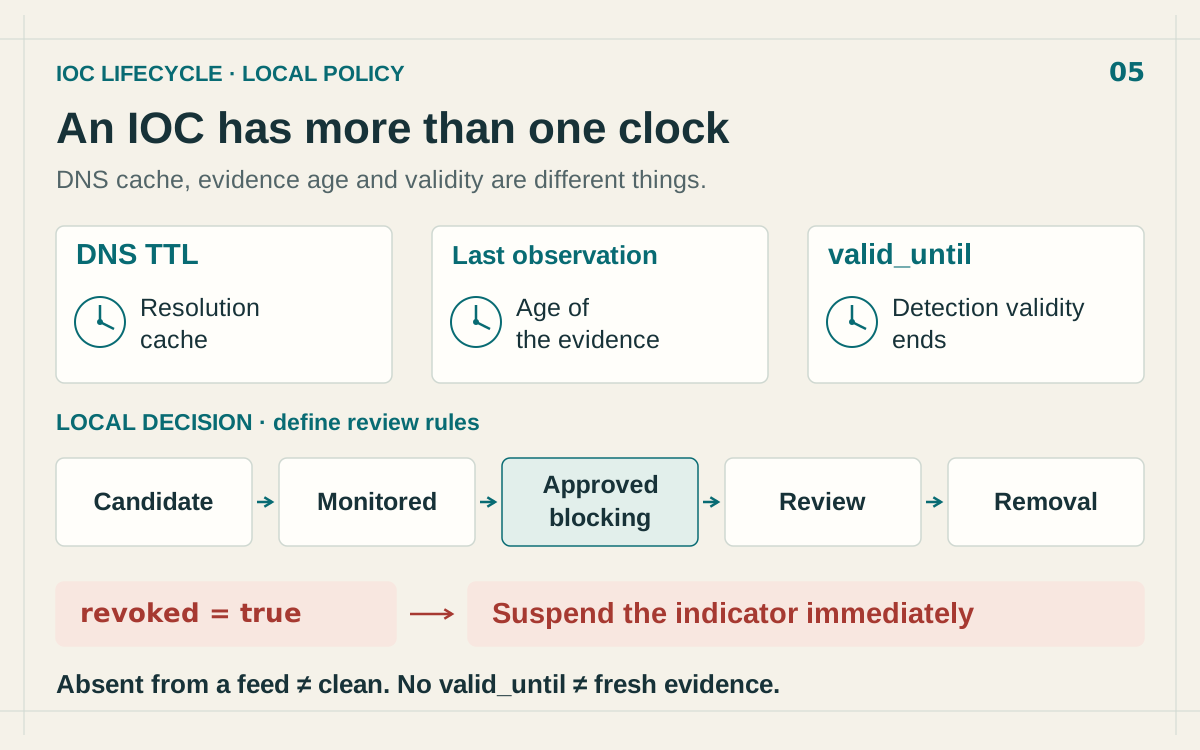
An IP address was blocked during an incident. Weeks later, a legitimate service fails, and nobody can explain why the rule is still active. IOC expiration should resolve that situation: determine whether the evidence still supports an action, assign a review date and preserve the decision.
The useful question is specific: what justifies keeping this block, for this service, at this time? A newly downloaded feed can contain an old observation, while a firewall keeps enforcing an even older decision. Your ingestion process needs to preserve those distinctions.
Separate the three clocks
DNS TTL concerns how long a resolution record can be cached. It does not measure threat age. RFC 8767 even defines circumstances for serving expired DNS data when refresh fails. A visible DNS answer therefore does not establish that an attacker currently controls the infrastructure.
Evidence age answers a different question: when was the activity supporting this signal observed? Store that timestamp when the source supplies it, and mark it as unavailable otherwise. Keep the download time in a separate field. Receiving an old observation today does not make the observation recent.
Producer-declared validity is a third clock. In the STIX 2.1 Indicator definition, valid_from starts the validity window; optional valid_until ends it. Omitting the latter leaves no declared end boundary. Your own review policy still governs operational decisions.
Proposed decision model. These states describe a policy to implement in your environment, rather than automation supplied by every feed.
Put a review date on the decision
An indicator can remain useful for a retrospective investigation after its network block is no longer justified. Separate evidence retention, historical log matching and active prevention. An incorrect decision has different consequences in each use case.
Before promoting an IP into a firewall rule, record:
- the exact observable and its source;
- the supporting evidence, its timestamp and its limitations;
- the destination control, enforcement scope and owner;
- the review date and conditions for renewal or removal.
A rule covering shared infrastructure deserves a check at the domain or service level. The IP blacklist false-positive guide explains how to avoid extending one observation to every use of an address.
Choose a review condition that someone can act on. “Keep during incident response, then review with the service owner” supports an accountable decision. “Keep because it has always been in the file” gives the next analyst nothing to evaluate. A renewal should identify the evidence that changed or the documented reason an existing precaution remains necessary.
Process updates without resetting evidence age
Preserve the intelligence version, receipt time and underlying observations separately. An edited description or new label does not, on its own, establish new activity on your network. The OASIS STIX library’s versioning guide demonstrates how creating another version updates modified.
That distinction prevents a policy mistake: extending every block’s review deadline on each download even when no new evidence arrived. The ingestion timestamp helps measure connector health. Renewing enforcement needs a recorded reason tied to the affected service and current investigation.
Revocation also needs an explicit path. revoked: true means the producer has withdrawn the object’s validity; the revocation is permanent for that STIX object. The STIX versioning specification defines the mechanism. Under the policy proposed here, suspend that object as an active justification and review dependent rules. Independent evidence can still support a separate control.
Feed absence is not a verdict
Consider a fictional example: the indicator 192.0.2.44 appears in Monday’s validated list. On Tuesday the connector receives an empty response. One decisive fact is missing: did a comparable synchronization actually finish?
A changed filter, skipped page, different collection or lost permission can explain the absence. TAXII pagination must be completed; the TAXII 2.1 specification describes the more and next properties. Comparing two lists only helps when both represent the intended scope.
Handle feed failure and indicator withdrawal separately. A failed synchronization should invoke a feed incident policy, with an alert and a maximum acceptable period of stale data. A successful synchronization with a confirmed withdrawal, interpreted according to the provider’s contract, should open the relevant review. A transport error must not silently become a decision to allow traffic.
There is a second failure mode: retaining the last good list forever because every new run fails. Assign an owner to that condition and make the stale-data limit visible. Otherwise, a mechanism intended to preserve continuity becomes an indefinite exception to your review policy.
The continuous TAXII integration guide covers checkpoints and recovery. The lifecycle described here starts after ingestion and determines how the received intelligence is used.
Remove the rule and verify the result
In the fictional example, the team later confirms that the original signal was withdrawn. It checks for other active justifications, reviews recent local logs and identifies every enforcement point carrying the rule. If no justification remains, it removes the relevant block and records the decision in the case.
Verify the change where enforcement happens. An entry removed from the central repository can remain loaded on a firewall, proxy or resolver. Compare deployed versions and test the affected legitimate service. Do not browse to a still-suspicious destination merely to see whether a block is gone.
Retain the old version for investigation, but protect the rollback path. Restoring an earlier list must not blindly reactivate revoked justifications. Reapply withdrawal decisions and current exceptions when rebuilding the active policy. The operational blocklist guide covers deployment and restoration checks.
Keep a decision record that the next responder can follow: original reason, new evidence, approving owner, affected rules and verification result. Evidence may remain in the historical lookup after active enforcement ends. Document that distinction so a future alert does not automatically recreate a block that was deliberately removed.
Start with one old rule and reconstruct its three dates: observation, ingestion and next review. Look up the IP’s current reputation, compare it with local evidence and record the outcome. That single review supplies a working model for the rest of the list.
FAQ
Frequently asked questions
How long should an IP address stay on a blocklist?
There is no universal duration. Set a review date based on the evidence, affected service and cost of an incorrect block. A temporary rule needs an owner and an explicit renewal condition.
Does DNS TTL determine IOC expiration?
No. DNS TTL governs resolution caching. It does not establish how long malicious activity lasts or how long a security rule should remain active.
Is an IP safe when it disappears from a feed?
Absence alone is insufficient. Confirm that synchronization completed, filters and permissions stayed consistent, and the provider documents what a withdrawal means.
Should evidence be deleted when a block expires?
Keep the observations, rationale and decisions according to your retention policy. Removing an active control and erasing its investigation history are separate operations.
Related articles
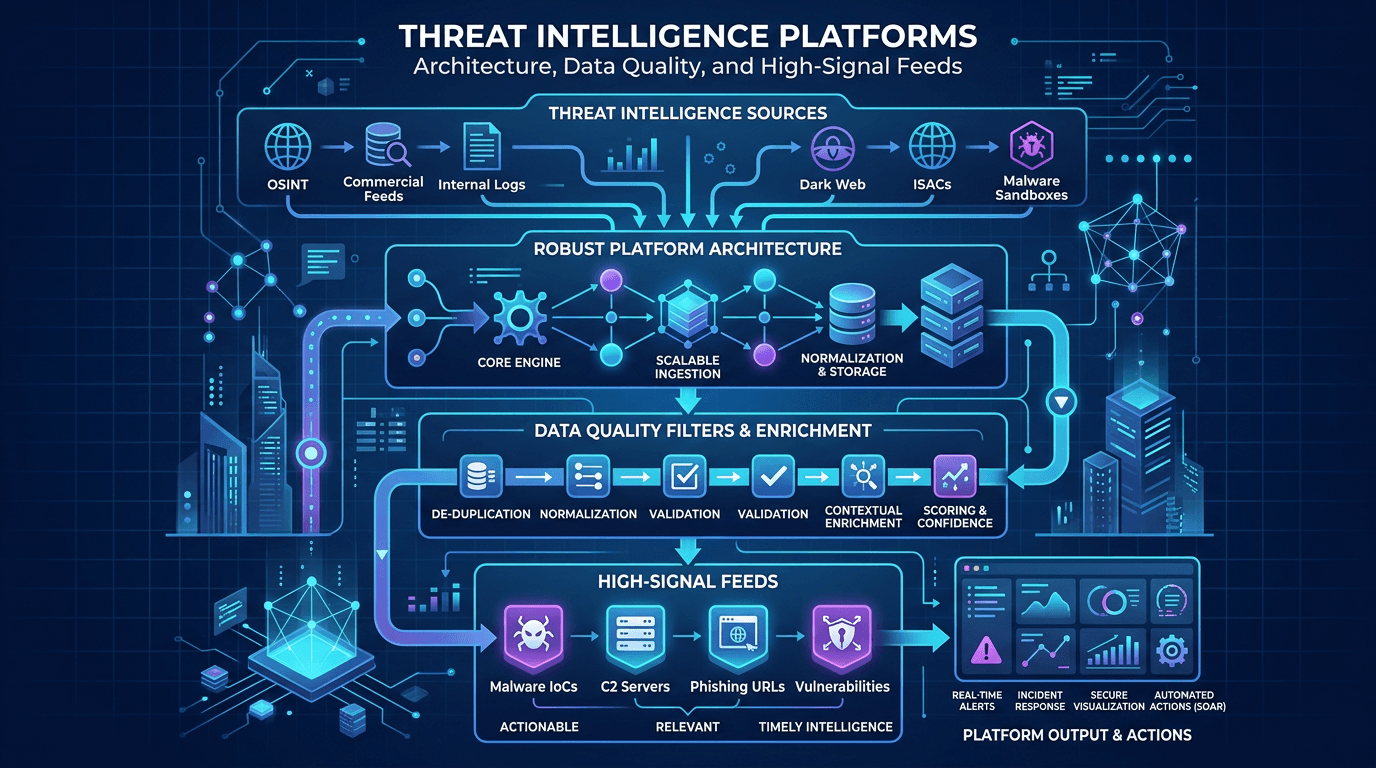 Threat Intelligence Platforms: Architecture, Data Quality, and High-Signal Feeds
Design TIPs and intel pipelines that scale: normalization, confidence scoring, deduplication, API-first delivery, and how to pair platform investments with analyst workflows.
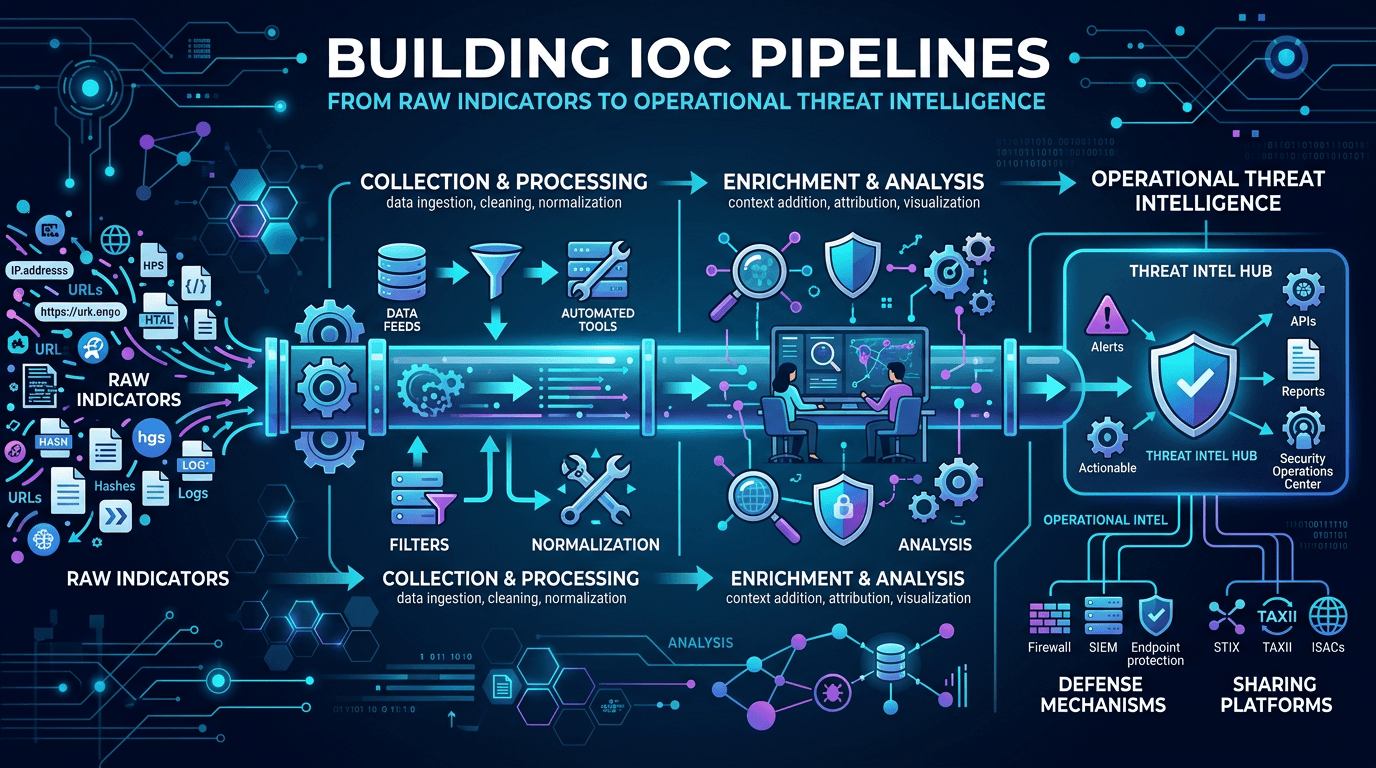 Building IOC Pipelines: From Raw Indicators to Operational Threat Intelligence in 2026
A practical engineering guide to building indicator of compromise (IOC) pipelines—ingestion, normalization, deduplication, enrichment, scoring, distribution, and feedback—to turn raw threat feeds into operational defense.
 Operational Threat Intelligence: Turning IOCs into Prioritized Security Actions
Define operational CTI that SOC teams can use daily: IOC lifecycle, confidence scoring, feed hygiene, and how to align indicators with detection engineering and incident response.
Check the IP behind the alert
Review the sources and dates of reported threats before deciding whether an IP should remain blocked.