Blocklists for Operational Threat Prevention: Test and Roll Back
Use /app/blocklists to select, test, deploy, measure, and safely reverse IP or domain prevention controls.
 IsMalicious Team
A blocklist becomes a prevention control only after it can be changed without surprising the network. Downloading a text file is easy. Selecting the right scope, validating its syntax, measuring collateral impact, and restoring the previous version are the operational tasks that keep the control useful.
The blocklists workspace brings those decisions together. It lets you search global lists, choose IP or domain data by level or category, inspect available counts, download malware-family lists, select domain-oriented formats, open firewall-specific instructions, and switch to team-scoped lists. This article starts there and focuses on controlled adoption. The existing download automation playbook covers the mechanics of scheduled retrieval.
Choose the smallest list for the control
Write one objective before selecting a file: block confirmed command-and-control IPs at egress, reject known phishing domains in DNS, or supply a hunting lookup to the SIEM. Each objective has a different tolerance for delay and false positives.
In /app/blocklists, first choose the entity type. IP lists fit network controls that match addresses; domain lists fit DNS resolvers, secure web gateways, and products that inspect hostnames. Then choose a severity or category. Malware, phishing, spam, botnet, scam, and other available categories express intended use more clearly than an all-inclusive list.
Start narrow. A category or high-priority level is easier to explain, test, and reverse than an undifferentiated set. Malware-family lists can support a focused incident when defenders need infrastructure associated with one family. The operational IOC prioritization guide provides the decision model for promoting intelligence into action.
Record the selected filename, business purpose, consuming control, owner, expected update method, and expiry or review date. This small declaration prevents an old emergency list from becoming an undocumented permanent rule.
Consume the artifact in the right format
The application offers plain output and domain-oriented hosts, dnsmasq, and adguard choices. Plain is appropriate for products that accept one observable per line. The other formats embed domain entries in syntax expected by specific local resolvers or filtering tools. IP lists remain plain because a hosts-style domain mapping would change their meaning.
Download to a staging location, not directly into the live policy path. Keep the server filename and assign your own immutable version identifier, for example a retrieval timestamp plus a content checksum. Store the raw artifact exactly as received, then produce any vendor-specific derivative from that copy.
Confirm that the target appliance accepts comments, line endings, address families, and the selected domain syntax. A successful download does not prove a successful import. For current machine-to-machine paths and examples, use the blocklist API reference. The public blocklist data page explains the dataset options, while the firewall solution page links the control to supported deployment patterns.
Build a predeployment test gate
Reject an artifact before production when it fails any required check. A useful gate includes:
- The file is non-empty and decodes as expected.
- Every non-comment line parses as the declared entity type and normalizes consistently.
- Duplicate entries are removed without changing meaning.
- Reserved, private, loopback, broadcast, and locally protected values are flagged for review.
- The change from the active version stays within an approved operational boundary, or receives explicit review.
- Critical business domains, update services, identity providers, and monitoring endpoints are checked against an allowlist.
- The target product accepts the staged file and reports a successful load.
Use the bulk-check workflow to review a sample of unfamiliar indicators with context before enforcement. For shared hosting, CDNs, or infrastructure that changes ownership quickly, require corroboration instead of assuming a list membership alone proves that every hosted service is malicious.
Test both directions. Known test indicators should match, and a curated set of legitimate destinations must remain reachable. A parser that loads successfully but never matches is as broken as a policy that blocks too much.
Deploy progressively and preserve ownership
Publish the validated artifact to a canary policy first. The canary can be a test resolver, a small egress segment, a monitor-only rule, or a SIEM lookup that creates alerts without blocking. Observe long enough to cover the traffic patterns relevant to the control, then expand in named stages.
Separate the data version from the policy version. The data version identifies exactly which entries were received. The policy version records how the appliance used them: direction, action, scope, precedence, and exceptions. This distinction lets an incident reviewer determine whether a false positive came from the feed, a transformation, or the enforcement rule.
The NIST firewall policy guidance recommends documented policy, testing, deployment, management, and explicit guidance for ruleset changes. Apply that change discipline even when the vendor makes list import look like a single button.
For vendor-specific implementation after the control is approved, continue with the firewall blocklist automation playbook.
Measure prevention without confusing activity with outcome
Measure the pipeline and the security result separately. Pipeline metrics include artifact age, retrieval status, validation failures, entry count and delta, transformation errors, appliance load status, propagation time, and current version. These tell you whether the control is operating as designed.
Outcome metrics include matches, unique source and destination assets, blocked connection attempts, analyst-confirmed malicious activity, user-reported disruption, exceptions, and restored legitimate traffic. A large match count can reflect repeated attempts from one noisy host. It does not automatically mean many incidents were prevented.
Attach the data and policy versions to every alert or helpdesk case. When someone reports a blocked service, responders can reproduce the exact state instead of inspecting whatever list happens to be current. Review high-volume entries for shared infrastructure and compare blocks with endpoint, DNS, proxy, and identity evidence.
The wider threat feeds catalog is useful when deciding whether a different delivery mechanism, such as TAXII or alert-time enrichment, would provide better context than a flat prevention list.
Roll back without improvising
Keep at least the current and previous validated artifact available to every deployment target. Publish by changing an atomic reference, object version, or policy attachment. Do not overwrite the only good file in place. The same mechanism that promotes a new version should restore the previous one.
Define rollback triggers before rollout: import failure, unexpected entry delta, loss of a critical business service, false-positive threshold breach, or unexplained match surge. Name the person or on-call role authorized to roll back, and make the action independent of the feed's availability.
A rollback restores both the previous data version and its policy binding. Confirm that appliances actually converged, clear only caches that need clearing, and preserve the failed version for analysis. Record cause, affected scope, detection time, recovery time, and the decision about reintroduction. Avoid editing individual entries live unless an emergency exception process requires it; undocumented edits destroy reproducibility.
Turn a download into a managed lifecycle
After one manual cycle succeeds, automate retrieval into staging, validation, version creation, canary publication, promotion, monitoring, and retention. Automation should stop on uncertainty and keep the active version unchanged. It should never convert a missing download or parser error into an empty allow-all or deny-all artifact.
Use the Global and Team views in /app/blocklists to keep shared intelligence separate from organization-specific decisions. Review the declared purpose and owner regularly, expire incident-specific lists, and test rollback during normal operations.
The result is a modest but dependable prevention system: the smallest relevant list, delivered in a compatible format, tested against legitimate traffic, promoted in stages, measured with evidence, and reversible with one known action.
FAQ
Frequently asked questions
Which blocklist should I deploy first?
Choose the smallest list that matches one documented control objective. Start with the correct entity type and a narrow severity, category, or malware-family list. Broader coverage should follow evidence from the first deployment, not precede it.
Which download formats are available in /app/blocklists?
The application exposes plain downloads and domain-oriented hosts, dnsmasq, and AdGuard choices. Confirm the downloaded filename and syntax against the importing product before deployment because IP and domain controls expect different representations.
How should I test a new blocklist?
Validate syntax and entity type, remove duplicates, compare the change with the active version, check business allowlists, load it into a non-enforcing or canary policy, and verify both known matches and important legitimate destinations.
What should I measure after deployment?
Track artifact age, validation status, entry delta, load success, match volume, unique affected assets, analyst-confirmed malicious activity, false positives, exceptions, and rollback events. Separate feed health from security outcome metrics.
What makes a blocklist rollback reliable?
Keep an immutable previous artifact and its policy binding, publish versions atomically, define rollback triggers and an owner, and rehearse switching back before the first production rollout. Deleting individual entries under pressure is not a rollback plan.
Related articles
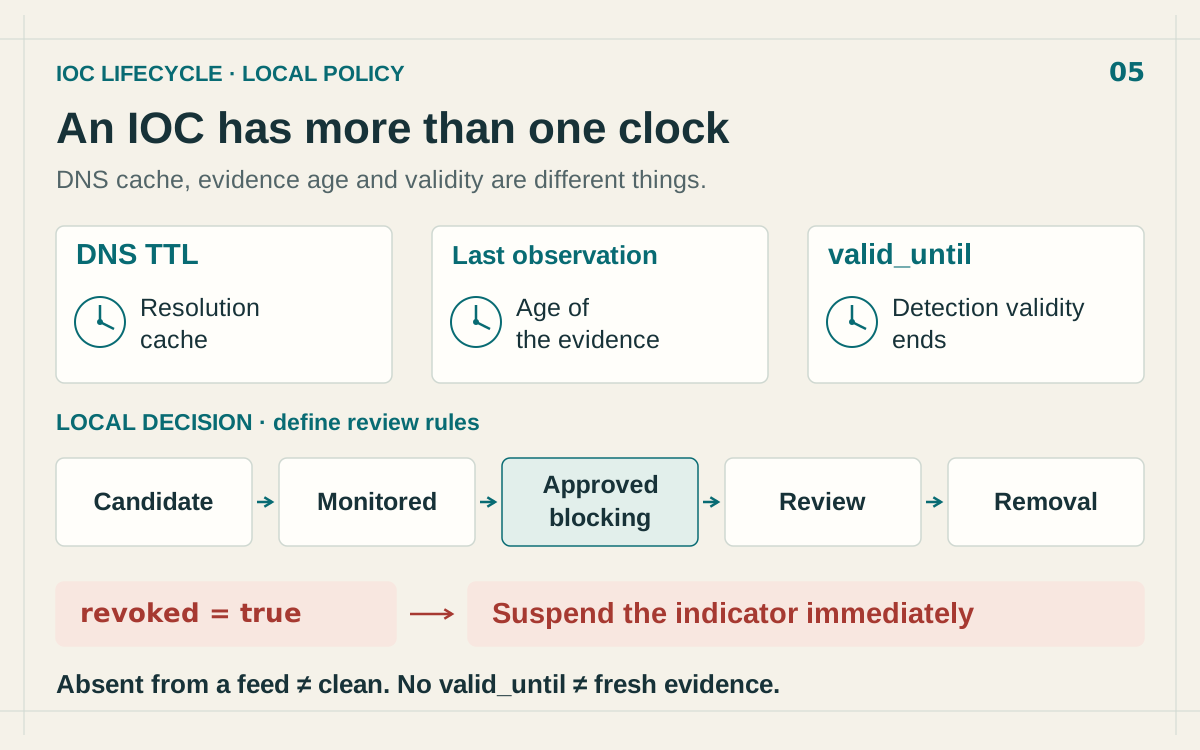 IOC Expiration: When to Remove an IP From a Blocklist
Manage IOC expiration with separate DNS, evidence and STIX validity clocks. Review stale IP blocks, process withdrawals and preserve the audit trail.
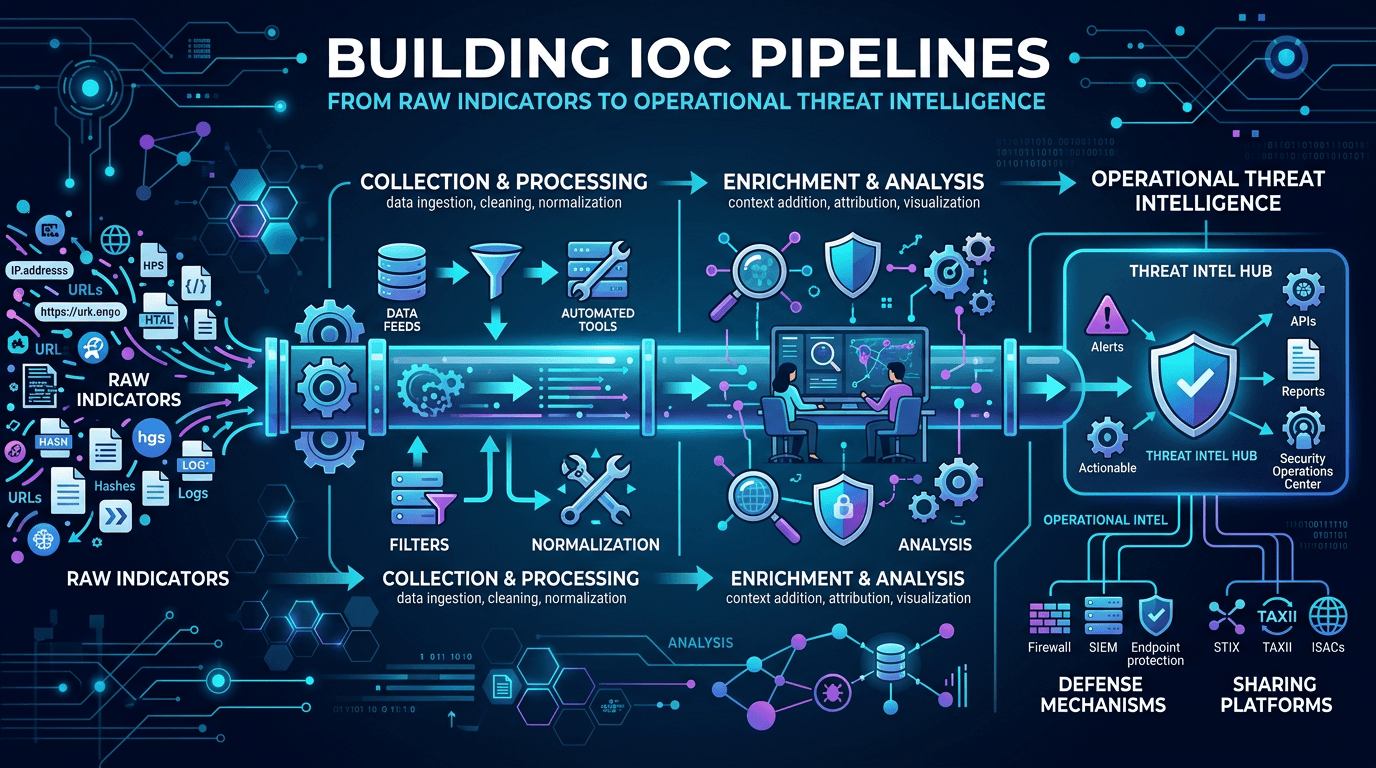 Building IOC Pipelines: From Raw Indicators to Operational Threat Intelligence in 2026
A practical engineering guide to building indicator of compromise (IOC) pipelines—ingestion, normalization, deduplication, enrichment, scoring, distribution, and feedback—to turn raw threat feeds into operational defense.
 Strategic, Operational, and Tactical Threat Intelligence: A Practitioner's Framework for 2026
A complete guide to the three levels of threat intelligence—strategic, operational, and tactical—with practical examples of consumers, outputs, feeds, and how to connect them into a coherent CTI program.
Check any IP or domain
See what our indexed threat intelligence records say about it.
Try the IP / Domain Checker