CTI Analyst OPSEC: Scan URLs Without Exposing Secrets
Protect CTI investigations before scanning URLs or files: assess public visibility, signed links, hash lookups, and the right environment for sensitive evidence.
 IsMalicious Team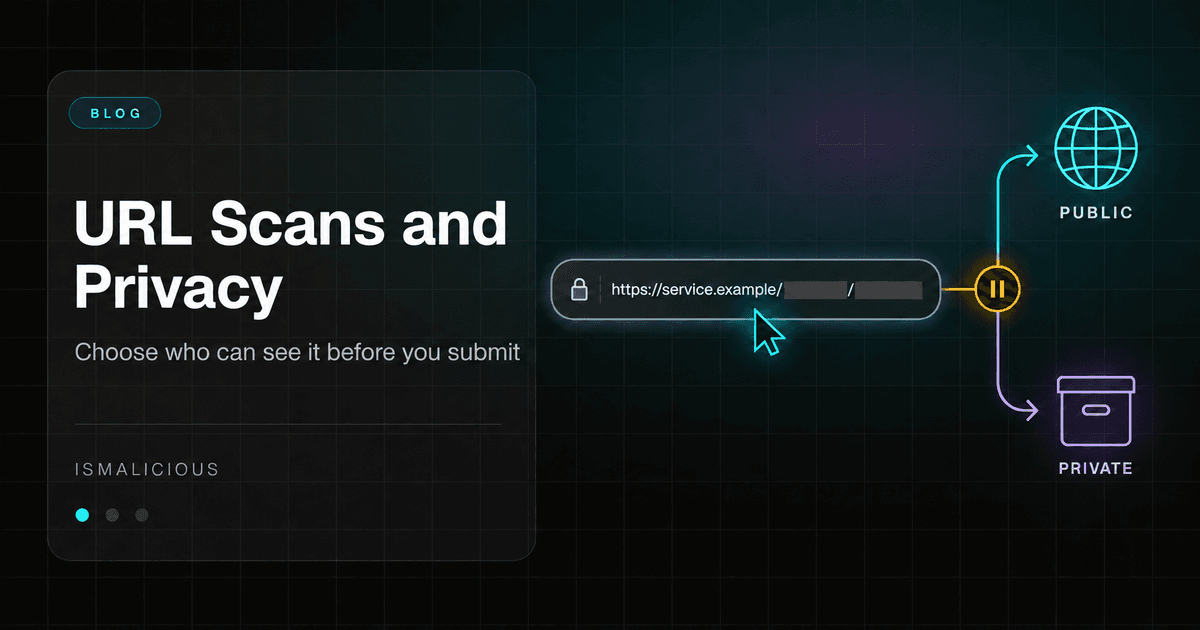
Before scanning a suspicious URL, inspect what it contains and who will receive it. The link may include a login token, personal email address, case identifier, or temporary access to a document. A scanner can protect the analyst’s workstation while receiving information the organization never intended to disclose.
An August 31, 2026 discussion in r/cybersecurity asks which tools to use for links and downloads received by email. Several replies suggest scanners; another raises the problem of private data in uploaded files. That tension needs a precise workflow. Community comments identify the concern, while service documentation establishes actual visibility rules.
CTI analyst OPSEC, in this context, means limiting information disclosed by an investigation and understanding the effects of its actions. Three decisions organize the work: which data is necessary, what operation will run, and which environment is authorized to perform it.
Distinguish lookup, submission, and active browsing
Looking up an existing report, uploading a file, and asking a service to load a page are different operations. An interface may place them under the same “analyze” action, but their exposure is not equivalent.
A lookup sends a query to a provider. A submission transfers a new object or reference for examination. Active browsing contacts the destination and may download content, follow redirects, or trigger an action associated with the link.
Write the intended operation in the ticket. “Retrieve an existing report for this hash” is more precise than “check the file.” In automated integrations, give these actions separate permissions. A missing report should not silently cause the full document to be uploaded.
Our guide to file hash analysis for malware investigations explains how a fingerprint supports correlation. That benefit should not obscure the boundary between consulting intelligence and distributing a sample.
The distinction also matters when delegating work to another person or tool. Request the specific operation and object, rather than sending a sensitive attachment with an open-ended instruction to investigate it.
Inspect the URL locally before external requests
Read the string in an approved tool that does not automatically load the page. Identify the scheme, host, path, query parameters, and fragment. A secret may appear anywhere in the string supplied to a scanner, including a path that looks like an ordinary identifier.
Look for password-reset links, personalized invitations, shared documents, and signed URLs. An encoded email address remains an email address. An opaque identifier can still distinguish a customer or internal transaction.
The fragment after # is normally absent from the initial HTTP request to the destination server. However, a scanning service can receive it when you submit the complete URL, and page JavaScript may use it. Its absence from an HTTP access log therefore does not guarantee confidentiality throughout the analysis workflow.
Keep the original in the restricted case store. Use a defanged, redacted version in comments intended for a wider audience, identifying what was removed. Replacing a dot with [.] prevents some accidental clicking; it does not remove secrets from the rest of the link.
Check automatic previews in the destination tool as well. A case comment, chat message, or document may be processed by a link-preview feature before an analyst decides to visit it.
Treat signed links as access capabilities
A signed URL can authorize access to an object without another login. Amazon S3’s presigned URL documentation describes these links as bearer tokens: possession grants the capabilities permitted by the signature and its constraints. That changes the decision to send one to a third party.
Consider this fictional example, which contains no working credential:
https://documents.example/customer-contract.pdf?token=EXAMPLE_SECRET
The risk is not limited to the domain name. The URL may grant access to the contract itself. Replacing the token with a dummy string avoids transferring that capability, but the resulting request is different.
For a single-use link, automated browsing may also consume the access depending on application behavior. Establish that property before using a scanner that loads the page. If the question concerns only domain reputation, there is no reason to provide document access as an additional input.
Do not assume a short expiry eliminates the issue. The relevant question is whether the link can still be used when received, processed, or copied. The investigation should record the capability and its state rather than relying on its appearance.
Choose urlscan visibility deliberately
The urlscan FAQ distinguishes Public, Unlisted, and Private results. Public results are publicly searchable. Unlisted results remain available to vetted researchers and companies through urlscan Pro. Private results are accessible with their unique identifier, so that identifier also needs protection.
Unlisted is therefore a limited sharing choice. It is not automatically suitable for customer documents or access links. Private also requires care when placing a result link in a ticket: the audience of that ticket can become the audience of the scan.
Before regular use, establish approved defaults for each data category. An analyst should not need to rediscover the meaning of visibility settings during an incident. Save the level actually applied to the scan in the case record and protect its identifier according to the information it reveals.
Record the applicable retention separately. Visibility answers who can access a result; retention answers how long the provider keeps it. Neither property can be inferred reliably from a generic “secure scanning” label.
Verify the VirusTotal workflow actually used
VirusTotal’s How it works explains that standard reports are shared with its community and submitted file or page contents may be shared with premium customers. Assess confidentiality before submitting an attachment, including one suspected of containing malware.
The private file API documentation describes a separate licensed route whose files are not shared with other users or partners. Its analyses are temporary and do not include antivirus verdicts. The broader Private Scanning guide also describes URL submissions, organization visibility, and configurable retention.
A commercial label containing “private” is not sufficient evidence about the action your integration performs. Check the form or endpoint, account privileges, result destination, and configured retention. Validate the route using a harmless artifact without sensitive data before adding it to incident procedures.
Inspect error handling too. An unavailable private service must not cause an integration to fall back to standard public submission. A fallback can make a workflow appear reliable while changing its confidentiality properties precisely when an analyst is under pressure.
Use a hash when the content is unnecessary
VirusTotal’s search documentation describes retrieving an existing report from a file hash without submitting the file again. Calculating the fingerprint locally can therefore avoid an unnecessary content transfer.
That operation is not anonymous. The provider receives the fingerprint and usual request metadata. A hash can identify a document already known to the recipient, even though it does not provide a general method of reconstructing an unknown file.
An absent result means the lookup did not find an accessible report. It does not establish that the file is harmless. The next step may be local analysis, an approved private environment, or escalation to a qualified team. It should not be an automatic upload by default.
When a report exists, check its date and the quality of its intelligence sources before acting. For automated or commercial workflows, also verify that the interface and terms fit the intended use. A human search page does not become an authorized API because a script can access it.
Record what URL reduction changes
Removing parameters, replacing a path, or retaining only the domain can reduce exposure. Every transformation also narrows the question the analysis can answer.
A shared hosting domain may be legitimate while a particular path serves phishing content. On a targeted site, a token may select a victim or activate a redirect. A scanner receiving a reduced URL can therefore see a different page from the employee who received the original.
Use a short transformation record:
Original object: retained in the restricted case
Submitted object: domain only
Removed elements: customer path and access token
Purpose: assess infrastructure reputation
Limitation: original link content and destination not verified
Keep that limitation in the final report. “Safe link” is an unsupported conclusion after checking only the domain. Our article on spear phishing and social engineering vectors provides context for links designed around individual recipients.
If an analyst later needs the original content, treat that as a new decision with a different minimum input. Do not gradually restore sensitive fields to a public submission until the page works; reconsider the environment required for the question.
Separate result confidentiality from visit visibility
A report restricted to your team does not make the underlying website visit invisible. Loading the page creates network activity its operator can observe. A personalized URL may connect that visit to the original recipient.
Ask whether active interaction is necessary. Start where possible with already collected logs, message headers, and existing reports. When loading the destination is essential, use the organization’s designated analysis environment, under its network policy, without the analyst’s personal or work sessions.
A virtual machine still requires controls over shared folders, clipboard access, synchronization, and stored secrets. The objective is to constrain what the environment can transmit and reach. Isolation must come from an understood configuration rather than the word “sandbox.”
Avoid repeated active scans by habit. Additional visits can change ephemeral content, make the investigation observable, and complicate the timeline. Each visit should address a specific unanswered question.
Keep a record of the environment and time used to obtain a screenshot or redirect chain. Different locations, browser settings, or expired links can produce different results without either observation being fabricated or incorrect.
Preserve the source’s sharing restrictions
Before transmission, list who will receive the object and its results, then verify the sharing restrictions attached to the case. Our TLP sharing guide provides a workflow for checking the proposed audience and retaining the instructions with each distributed copy.
A marking does not technically stop an upload. Translate handling requirements into concrete tool choices: allowed destinations, operations, and a defined process for unmarked material. Add case-specific and contractual restrictions where applicable.
Our guide to threat intelligence sharing discusses exchange between organizations. Apply the same reasoning to scanning results copied into tickets, summaries, exports, or downstream systems. The original submission is only one transfer in that chain.
Prepare a decision record analysts can use during an incident
The preliminary check should be short enough to use consistently. A common template prevents each analyst from improvising:
Question: reputation / content / behavior
Minimum object: domain / complete URL / hash / file
Sensitive material: present / absent / unresolved
Operation: existing lookup / submission / active browsing
Approved destination: exact tool and workflow
Visibility and retention: verified settings
Possible visit effect: none identified / requires review
Expected limitations: short explanation
“Unresolved” should lead to useful work: local inspection, consultation with the case owner, or selection of an environment already approved for that sensitivity. It should not default to a public upload to save time.
Record the procedure version and verification date. Offers, settings, and integrations change. An old screenshot of a privacy option is not evidence of how today’s submission will be handled.
Respond if confidential material was already submitted
Record the service, time, account, object, and effective visibility. Notify the incident owner through the established process, then request removal through the official channel. VirusTotal provides a contact procedure for accidental sensitive uploads.
If the URL includes an active access capability, promptly assess revocation or replacement with the service owner. Deleting a report does not revoke a token. Confirmation of deletion also does not establish that nobody accessed or copied the material earlier.
Document observed exposure and remaining unknowns without declaring a confirmed leak when the evidence does not support one. Then correct the failure that permitted submission: an unsafe default, ambiguous action, fallback automation, or missing distinction between a hash lookup and a file upload.
For a shareable domain or IP address, an IsMalicious reputation lookup can add context. Select the smallest useful observable and apply the same confidentiality review to every tool. The desired outcome is specific: obtain the evidence needed for the decision while controlling what the investigation discloses.
FAQ
Frequently asked questions
Is an unlisted urlscan result confidential?
It is absent from public search but remains available to vetted researchers and companies through urlscan Pro. Private has a different audience. Protect the result identifier and check retention as well as the visibility setting.
Does a file hash lookup upload the file?
A report lookup sends the fingerprint rather than the file. The provider still receives the query, and a hash can identify a document already known to it. No result does not mean the file is safe.
Can I remove a token before scanning a URL?
You can examine a reduced URL, but the finding then applies to that version. Removing a token can change content, access, or redirects. Record the transformation and do not treat the result as validation of the original link.
Does a VirusTotal subscription make every upload private?
Do not assume it does. VirusTotal documents a separate Private Scanning workflow. Verify the actual submission route, account privileges, options, and retention used by your integration.
Related articles
 CTI Analyst Portfolio: Build a Safe, Reproducible Lab
Build a CTI analyst portfolio with offline datasets, evidence-led assessments, reproducible results, and a review rubric that shows how you make decisions.
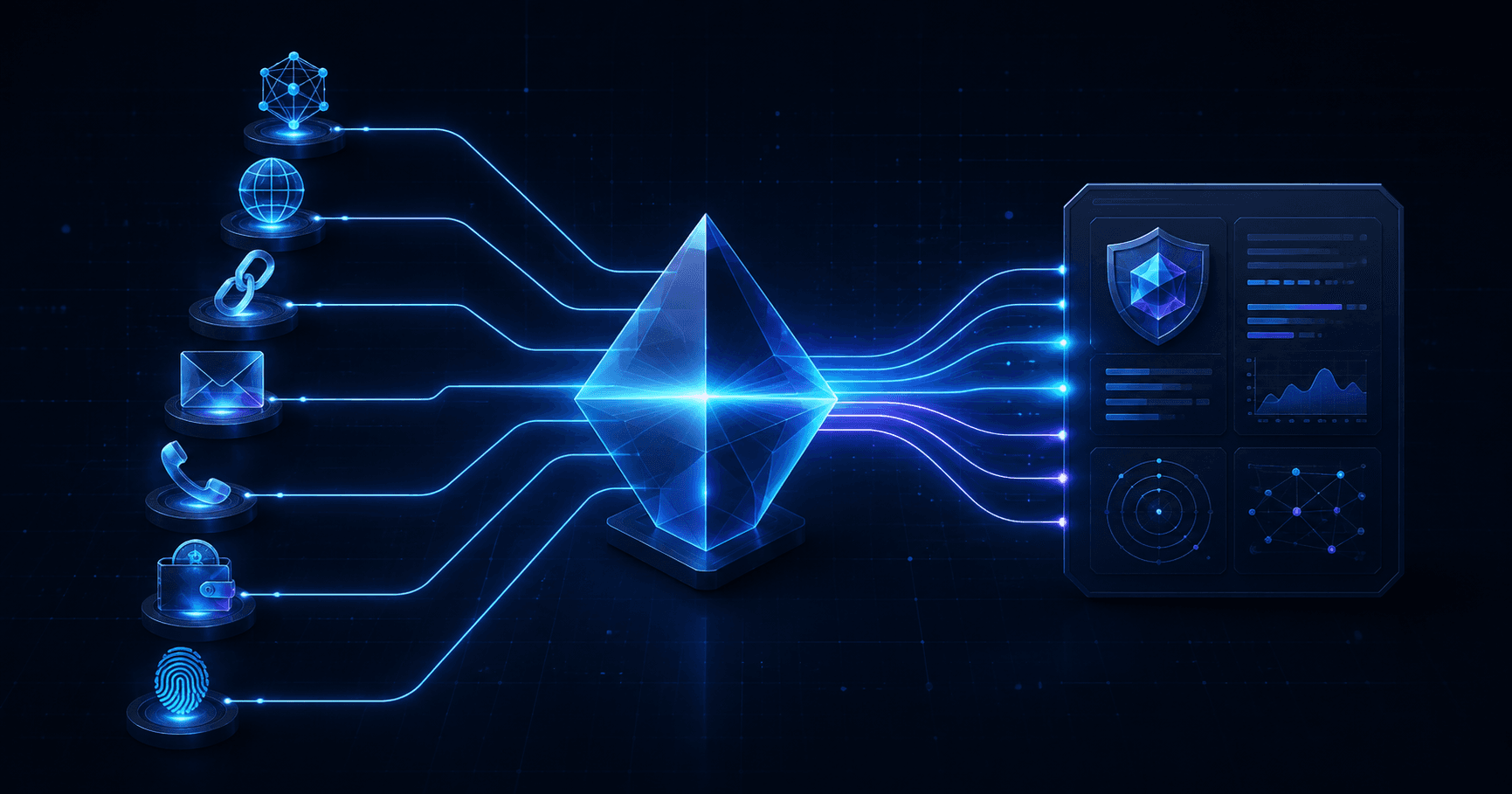 Smart Lookup: Check Any Threat Indicator from One Search
Paste an IP, domain, URL, email, phone number, wallet, file hash, or a complete suspicious message. Smart Lookup routes each indicator to the right threat report.
 urlscan.io vs isMalicious: URL Scanning
urlscan.io captures what a page does; isMalicious tells you if it is malicious. Verdicts, redirect chains, and blocklists compared.
Check any IP or domain
See what our indexed threat intelligence records say about it.
Try the IP / Domain Checker