RDAP: Read Domain Data During an Investigation
Use RDAP events, statuses, and contacts to document a suspicious domain without misattributing an identity or claiming an unproven compromise.
 IsMalicious Team
RDAP provides structured data about a domain's registration. In a security investigation, its value is the ability to preserve comparable observations: dated events, statuses, the registrar, and nameservers. It does not automatically reveal a website's operator or the source of a campaign.
The following method starts with a domain found in a suspicious message. It produces an investigation record with dated facts, explicit limitations, and an appropriate contact. It complements the WHOIS investigation guide by focusing on how to handle RDAP JSON.
Choose the object and the service to query
First, preserve the received URL and its exact hostname in your case record. Registration lookups generally concern the registered domain, which is not necessarily the service's full hostname. Keep that relationship visible: an observation about connexion.example.com and a registration record for example.com do not describe exactly the same object.
Use a recognized lookup service or an RDAP client that discovers the responsible server. Record the queried server's URL, timestamp, and HTTP result along with the response. ICANN's information for RDAP users explains the protocol and its domain lookup tool.
Do not treat every result as equivalent. A registry response, registrar response, and aggregator result may cover different information. If your tool combines sources, retain their provenance instead of assigning all values to one source.
Preserve facts before interpreting them
Export the complete response into the case record, then build a short view for the analyst. Keeping both lets you retrieve a field omitted during initial triage. It also preserves notices explaining disclosure restrictions or missing information.
Attach the source and lookup date to each retained value. If you calculate domain age, preserve the event used in that calculation. A standalone value of “12 days” becomes ambiguous a week later and conceals cases where no relevant date was available.
The following fictional JSON excerpt contains only the fields needed for the exercise. It is neither a complete response nor the result of a real domain query.
{
  "objectClassName": "domain",
  "ldhName": "portail-fournisseur.example",
  "status": ["client transfer prohibited"],
  "events": [
    {
      "eventAction": "registration",
      "eventDate": "2024-04-12T09:00:00Z"
    },
    {
      "eventAction": "last changed",
      "eventDate": "2026-09-28T15:20:00Z"
    }
  ],
  "nameservers": [{ "ldhName": "ns1.dns-prestataire.example" }]
}
RFC 9083 defines these structures: events with actions and dates, statuses, entities with roles, and domain information. An array can contain multiple events. Your reader must select the relevant action rather than arbitrarily taking the first date it encounters.
Reconstruct a timeline without inventing the change
In the example, registration dates to 2024 and the object changed recently. That proves neither a sale nor a compromise. The result alone does not show the difference between the old and new configuration.
Look for a comparable earlier observation. If your team retains RDAP responses, compare fields while accounting for their sources. If DNS history is available, examine delegation or resolution changes separately. The two timelines can complement one another without describing exactly the same event.
Suppose the supplier confirms a migration on the date of the change and the new nameservers match the approved configuration. That agreement explains part of the record. It does not validate every link sent in the supplier's name: the received URL and request still need examination.
Conversely, if nobody recognizes the change and an unfamiliar login portal appears, raise the investigation's priority. Describe the two observations separately, followed by the hypothesis they support. That wording remains open to revision if later evidence supplies another explanation.
Read statuses as operational controls
A transfer lock is often a normal administrative measure. It does not attest to the safety of web content. A DNS hold describes a technical effect, but does not necessarily reveal why the hold was applied.
The ICANN table of EPP codes and RDAP labels explains these values. For example, clientTransferProhibited represents a transfer restriction set on the registrar side. Do not translate it into “malicious domain blocked.”
In your record, separate the raw value, operational meaning, and your interpretation. This prevents a technical label from becoming a reputation verdict when exported to the SOC or support team.
Distinguish contacts and their roles
The registrar manages registration, the DNS provider hosts the zone, and the web host serves content. One company may perform several roles, but verify that relationship. Sending a request to the first company name in the JSON can delay resolution.
When preparing an abuse report, gather the domain, affected URLs, timestamps, and evidence of the observed abuse. Then verify the appropriate contact channel for the responsible service. Share the information needed for that request rather than automatically attaching the entire incident record.
A missing registrant name is not evidence of malicious concealment. Write “identity not public in this response.” An investigation can still rely on observed content, logs, and chronology without attributing activity to a person.
Choose the next step from the missing evidence
If the question concerns a user's activity, look for local events. If it concerns a service change, contact the owner through an established channel. If it concerns suspicious infrastructure, compare registration observations with available technical indicators, preserving their dates.
Monitoring domain reputation changes helps maintain this record over time. Avoid an automatic rule based solely on age, the registrar's country, or a redacted contact. These fields describe characteristics; they do not demonstrate compromise.
End the record with an action, its owner, and the remaining limitation. For example: “recent change confirmed; supplier has not validated the migration; portal access suspended pending verification.” To add context about the domain, open an IsMalicious report, then retain the dated result alongside the RDAP data and observations supporting your decision.
Frequently asked questions
- Does a domain’s last changed date prove it was hacked?
- No. It describes a change to the registration object without necessarily identifying what changed. Earlier observations, DNS traces, or other evidence are needed to interpret the event.
- Is a redacted RDAP contact suspicious?
- No. Information may be nonpublic or restricted by the service’s policy. Record its absence without inferring malicious intent or inventing the registrant’s identity.
- Does the registrar necessarily host the website?
- No. The registrar, DNS operator, and web host have different roles. The appropriate contact depends on the request and the service actually involved.
Related articles
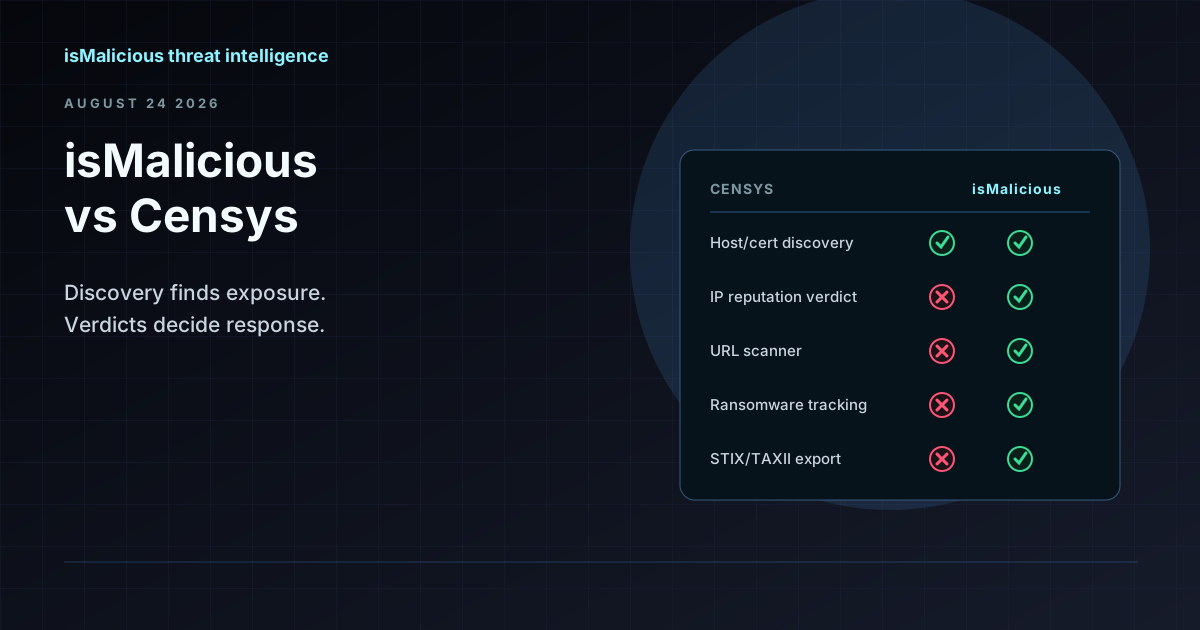 isMalicious vs Censys: Internet Discovery and Reputation Verdicts Are Different Jobs
Censys maps what exists on the internet — hosts, certificates, open ports. isMalicious assesses what is malicious. Most teams comparing the two need the second question answered, not the first.
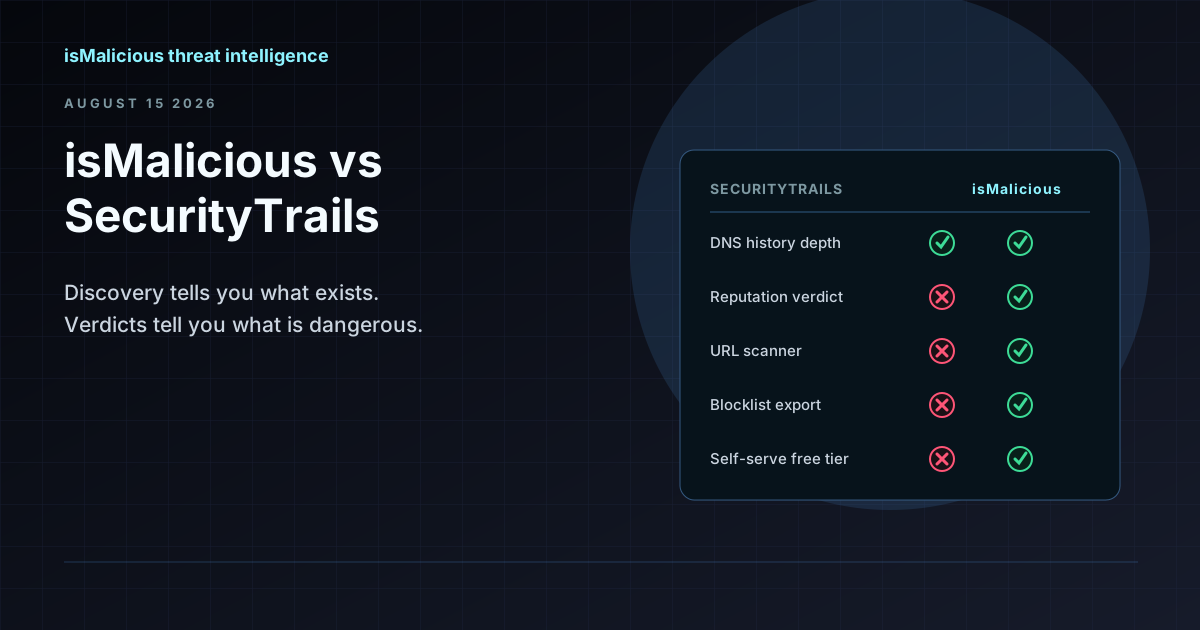 isMalicious vs SecurityTrails: Discovery Data and Reputation Verdicts Are Not the Same Product
SecurityTrails tells you what exists — every subdomain, every historical DNS record. isMalicious tells you what is dangerous. Most teams searching for a SecurityTrails alternative want the second half.
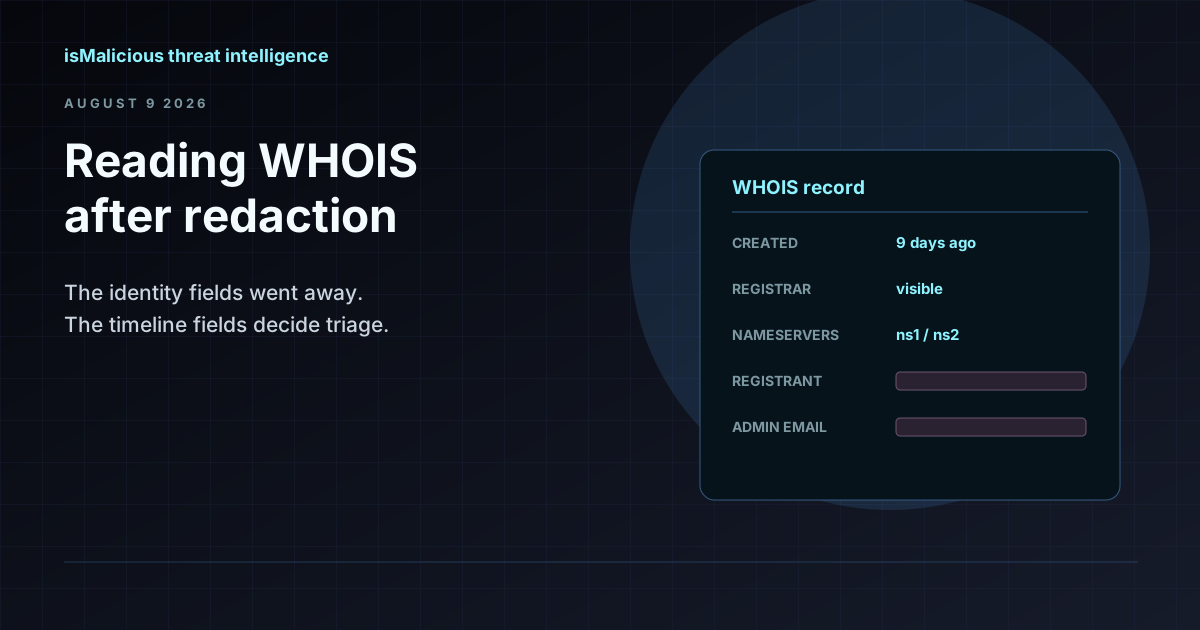 WHOIS Lookup for Security Investigations: Reading a Record After Redaction
Privacy services stripped the registrant name out of most WHOIS records, but the fields that matter for triage survived. Here is what a WHOIS record still tells an analyst, and how to read it.
Protect Your Infrastructure
Check any IP or domain against our threat intelligence database with indexed records.
Try the IP / Domain Checker