Parked Domains: Assess the Risk Before Blocking
Distinguish domain parking, expiration, and malicious behavior. Examine actual use and choose a restriction supported by the evidence.
 IsMalicious Team
A parked domain displays a placeholder, a sale offer, or some form of monetization instead of the expected service. That observation alone does not make it malicious. It becomes significant when a user has just followed an invoice link to it, an application still sends it data, or a long-standing trust rule allows access.
Triage should answer two separate questions: what does the domain do today, and why is your organization trying to contact it? Combining those answers helps you choose between fixing an obsolete link, restricting access, and opening a security investigation.
Establish what “parked” means in your source
Start with the source of the category. Is it a reputation engine, a page capture, or a DNS server name associated with a parking platform? Preserve the reason and date. A historical classification does not replace a recent observation.
A sale page, an advertising page, and an expiration notice describe different situations. ICANN's Expired Registration Recovery Policy includes circumstances where a domain redirects to a page identifying expiration and renewal options. That behavior can therefore result from the registration lifecycle without proving a takeover. See ICANN's ERRP.
Use descriptive wording: “page offering the domain for sale observed at this time.” If direct access is unnecessary, use evidence already collected by your gateway or an appropriate analysis environment. Do not use an authenticated work session to check an old address.
Find the link that led to the domain
Identify the user or service, exact hostname, and timestamp in your logs. Find the page, message, or job that caused the request. A browser can load an indirect resource without the user ever typing that domain.
Classify the expected use: interactive portal, application dependency, documentation link, or typing mistake. Ask the business owner whether the domain remains part of the service. “We used that supplier” is not enough to authorize its current address.
This step can sometimes resolve the issue before a network change is needed. An old invoice template may contain an abandoned link; the correction then belongs in that template and any documents still accessible. Blocking the domain can stop some visits while leaving the source of those visits unchanged.
A fictional supplier-portal timeline
Consider factures-fournisseur.example, a fictional domain used for this exercise. An internal application referenced it to download supporting documents. The documentation IP below does not represent a real server.
| Observation point | Available evidence | Possible interpretation |
|---|---|---|
| Earlier inventory | Approved portal with an identified owner | Historical use established |
| Current alert | Request to 192.0.2.91 and a new placeholder page |
Observed service differs from the expected one |
| Business verification | Supplier moved to a different address | Internal link is probably obsolete |
| Application check | Scheduled job still active | Dependency needs removal or correction |
Nothing in this table proves an infection. Nevertheless, leaving the job running would be a poor decision: it contacts a service no longer approved for that use. An appropriate response may be to suspend the job, correct the address, and inspect what it was sending.
A job making only a public request has a different impact from one sending a token or document. Inspect its configuration and logs before declaring a data leak. A new recipient alone does not prove that sensitive information was delivered to it.
Observe transitions and redirects
Preserve the initial hostname, observed redirect steps, and final destination, with timestamps. A parked page may lead to different content depending on context. One capture therefore describes one visit, not necessarily every visitor's experience.
Unit 42's domain-parking research documents abuse cases and transitions to harmful content. It supports examining behavior over time; it does not attribute those cases to every domain classified as parked.
For active analysis, use an environment designed for investigating suspicious links. Keep exact URLs in the secured case record and avoid publishing tokens or identifiers from their parameters. If you have only DNS evidence, state that web content and redirects were not observed.
The guide to compromised legitimate domains covers another relevant situation: a recognized name can remain active while hosting a malicious path. A reassuring homepage therefore cannot validate every URL either.
Choose a restriction with a defined scope
For a domain with no identified business use, your policy may allow a category restriction. Document it as a preventive measure rather than claiming a demonstrated compromise. Provide an exception-request process and a review date.
For a supplier still needed by the business, verify an alternative contact channel and an approved service address. Avoid granting a permanent exception solely because the name appears in an old contract. The current service must match the authorized purpose.
If a specific URL displays malicious content, match the measure to the confirmed scope and your equipment's capabilities. A shared IP can serve other customers. An overly broad rule can break unrelated services; an overly narrow one can leave other campaign addresses accessible. Explain the chosen tradeoff in the ticket.
The blocklist automation guide covers testing and monitoring effects. After deployment, examine blocked events and business requests rather than assuming the rule behaves as intended.
Close with a condition for reassessment
A domain can change registrant or content after your decision. Retain the initial evidence, reason for restriction, and conditions for reconsidering it: supplier confirmation, restored service, removed dependency, or a new analysis.
If the domain belongs to your organization, involve the person responsible for its lifecycle. Check registrar contacts, renewal, and dependent applications. The aim is to repair the relationship between the name and its uses, not simply remove a category from a tool.
To complete the assessment, open an IsMalicious reputation report, then compare dated signals with your observation and the business use. Your conclusion might be “obsolete link removed; no sensitive transmission demonstrated” or “suspicious redirect confirmed; investigation continuing.” In either case, the available evidence should explain the decision.
Frequently asked questions
- Is a parked domain necessarily malicious?
- No. It may be reserved, offered for sale, or displaying a replacement page after expiration. Risk depends on observed behavior, expected use, and corroborated signals.
- Does a parking page on a supplier portal warrant investigation?
- Yes, because the observed service no longer matches the expected one. Check ownership, redirects, and internal dependencies before restoring access or concluding that a compromise occurred.
- Can I block an IP shared by several parked domains?
- An IP block can affect unrelated websites on shared hosting. Choose the scope based on evidence and impact, then document a review date.
Related articles
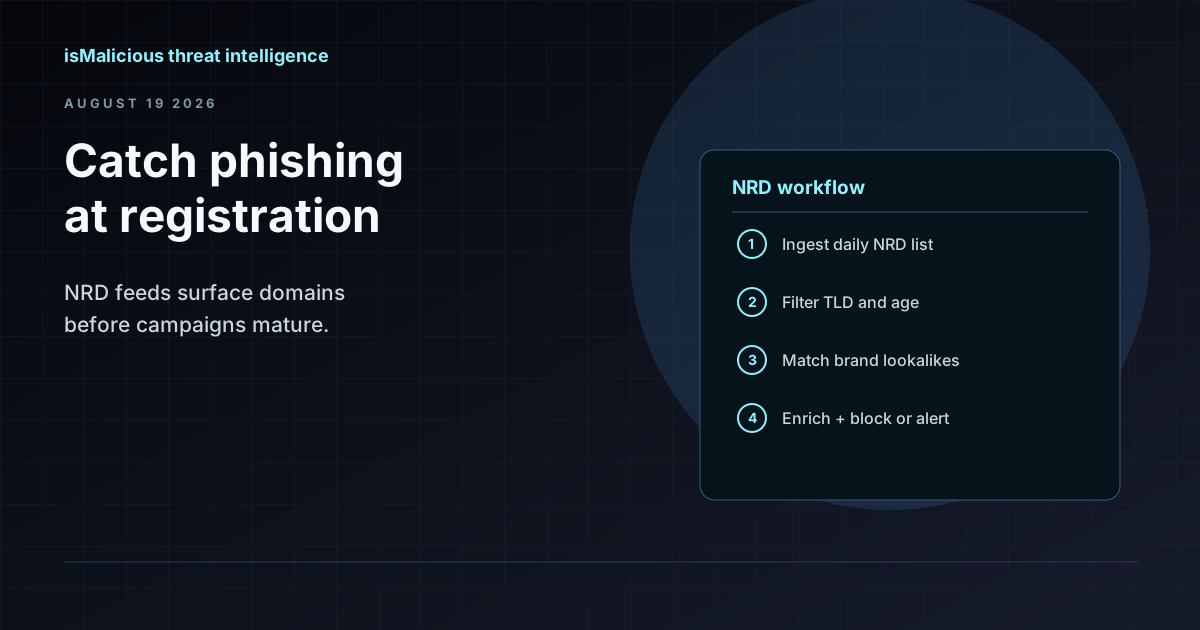 How to Use an NRD Feed to Catch Phishing Before It Lands in the Inbox
Newly registered domains are where most phishing campaigns start. This guide walks through NRD feed workflows for brand monitoring, mail gateway hygiene, and SOC triage — without treating domain age as a blunt block rule.
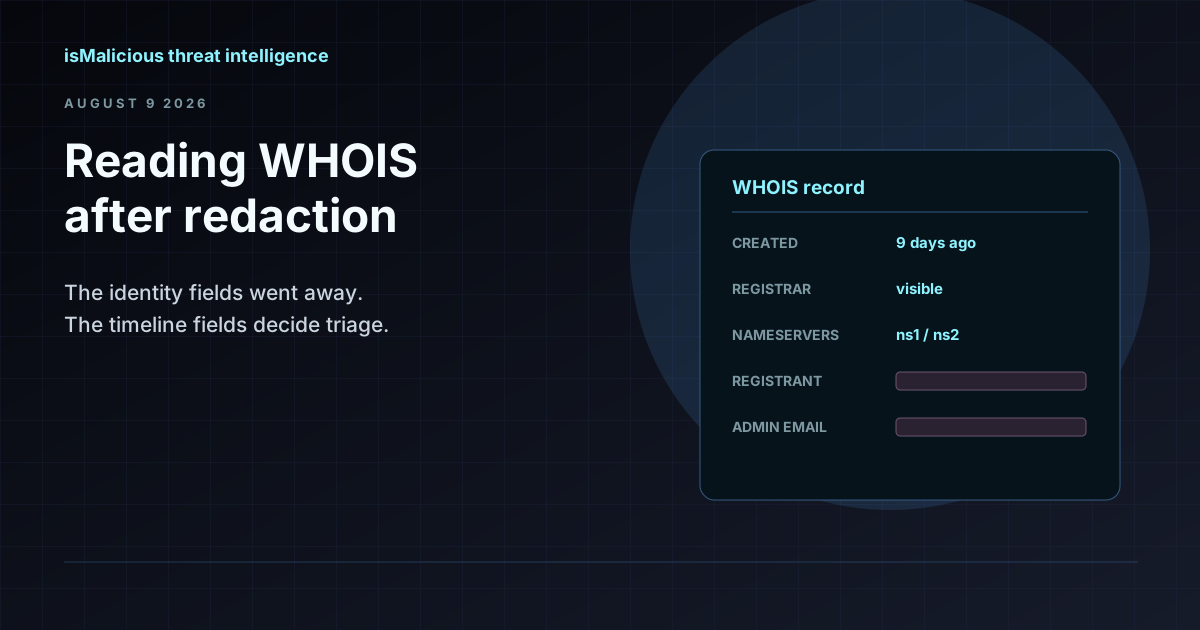 WHOIS Lookup for Security Investigations: Reading a Record After Redaction
Privacy services stripped the registrant name out of most WHOIS records, but the fields that matter for triage survived. Here is what a WHOIS record still tells an analyst, and how to read it.
 The Kratos Phishing Kit Takedown: 200 Servers Gone, 1,800 Copies Still Out There
German and US law enforcement dismantled Kratos, the AiTM phishing service behind roughly 15,000 Microsoft 365 campaigns a month. The infrastructure is offline, but the kit is not. Here is what to hunt for now.
Protect Your Infrastructure
Check any IP or domain against our threat intelligence database with indexed records.
Try the IP / Domain Checker