Infostealer Log Marketplaces: How Stolen Corporate Credentials End Up for Sale
Stealer-log marketplaces are booming in 2026, trading stolen corporate cookies, passwords, and SaaS sessions that fuel ransomware access and bypass MFA.
 IsMalicious Team
Underground marketplaces trading in bulk infostealer output keep growing through 2026, and the pattern behind them has become familiar to incident responders: a device gets infected, a log of everything the browser and OS quietly stored gets packaged, and that package is offered for sale or trade within hours. What used to be a niche corner of cybercrime forums has matured into a functioning economy with listings, ratings, subscription tiers, and searchable inventories. The reason this matters beyond the underground itself is simple — a meaningful share of ransomware intrusions this year did not start with a phishing email that led to encryption. They started with someone buying a log that already contained a working corporate session.
This is deliberately not another post about how infostealer malware gets onto a machine — that ground is covered elsewhere. This one is about what happens after the malware has already done its job: the downstream market that turns a single infected laptop into a tradable access point for whoever is willing to pay.
The economics are what make this durable. A log costs the buyer very little compared to what a working corporate session is worth, and sellers have no shortage of supply — infostealers run continuously in the background, quietly exfiltrating whatever the browser has cached, regardless of whether the victim ever notices anything wrong. That volume is exactly why marketplaces now offer search, filtering, and subscription access rather than one-off dumps: there is enough inventory to productize.
What Is Actually Inside a Stealer Log
A "log" is the packaged output of a single infostealer infection, and it is usually far richer than a simple username-and-password pair. Buyers are shopping for:
- browser cookies, including active session cookies for corporate SaaS platforms, email, VPN portals, and internal tools;
- saved passwords pulled straight from browser password managers;
- autofill data — names, addresses, payment card fragments, and form history;
- local application credentials and configuration files that reference internal systems;
- system fingerprint data (OS version, installed software, hostname) that helps a buyer judge whether the machine belongs to a valuable target.
Listings are frequently organized by company domain, country, or the presence of specific SaaS platforms in the cookie jar, which lets a buyer search directly for "logs containing a session for this identity provider" rather than sifting through raw dumps.
Why This Quietly Bypasses MFA
Multi-factor authentication is built to stop someone from guessing or phishing a password. It does very little against a stolen, already-authenticated session. When an infostealer harvests a live session cookie or SaaS token, that artifact represents a login that has already cleared MFA on the legitimate user's device. Replaying it elsewhere can resume the session without ever presenting a second factor, because from the identity provider's perspective, authentication already happened.
This is the structural reason session and cookie theft has become more attractive to attackers than classic credential stuffing:
- password-only credentials still require defeating MFA at logon;
- a valid session token often does not;
- corporate SaaS platforms frequently keep sessions alive for hours or days, giving a purchased log a real window of usefulness;
- buyers can filter marketplace inventory specifically for logs containing sessions tied to identity providers, VPNs, or collaboration suites they know how to monetize.
The practical effect is that MFA rollout alone does not close this gap — session lifetime, device binding, and reuse detection all matter just as much.
Detecting Exposure Before It Becomes an Incident
Security teams cannot watch every marketplace listing directly, but they can build detection around the artifacts that make it into circulation. Two approaches carry most of the weight:
- Domain and identity matching. Continuously check corporate domains and employee email addresses against feeds of indicators tied to known-compromised credentials and infrastructure. A domain lookup through threat-intel/domain can surface whether a company's login or SSO domain shows up alongside infostealer command-and-control infrastructure or phishing kits that harvest sessions in the first place.
- Payload and artifact hashing. When a suspicious binary, script, or attachment is recovered from an endpoint, hash it and check reputation before assuming it is benign. The threat-intel/file-hash lookup is the fastest way to confirm whether a suspected stealer payload has already been seen and classified elsewhere, which shortens the time between "something looks odd on this laptop" and "this is a confirmed infostealer, treat every session on this device as compromised."
Neither check replaces endpoint detection, but both give a security team an external, continuously updated signal that complements what internal logging alone would show.
Incident Response When a Log Sale Is Suspected
Once there is reasonable suspicion that a device's log has entered circulation — whether from an internal alert, a threat intel match, or an external notification — the response needs to move faster than the marketplace does:
- Revoke sessions in bulk. Do not stop at the one account that triggered the alert. Force session revocation across the identity provider and every connected SaaS platform for the affected user, and consider a broader sweep if the infection vector suggests other devices are likely compromised too.
- Rotate credentials, not just passwords. Saved browser passwords, API keys stored in the browser, and any local application secrets on the affected device should be treated as burned.
- Re-verify device trust. If MFA enrollment or device registration on the account looks unusual, do not assume the current device state is legitimate — re-enroll from a known-clean machine.
- Watch for reuse. After revocation, monitor authentication logs specifically for attempts to replay the old session artifacts or reuse the rotated credentials, since a log already sold may circulate to multiple buyers before it goes stale.
Speed matters more than completeness on the first pass — a partial revocation done in the first hour beats a thorough one done the next day, because the marketplace does not wait for anyone's change-management window. Structured incident response playbooks for exactly this kind of identity-centric intrusion are covered in more depth under solutions/incident-response.
Operational CTA
Stealer log marketplaces move fast, and the value of any single log decays the moment sessions expire or credentials rotate — which means the defender's job is to close that window before a buyer acts on it. Continuous IOC enrichment against domains and file hashes tied to infostealer infrastructure gives security teams the early signal needed to revoke sessions and rotate credentials before a purchased log turns into a ransomware foothold. Wire that enrichment directly into your detection and IR pipeline through the isMalicious API.
FAQ
Frequently asked questions
What is a stealer log marketplace?
A stealer log marketplace is an underground shop or channel where bulk exports from infostealer malware infections are sorted, packaged, and sold, typically bundling browser cookies, saved passwords, autofill data, and session tokens per infected device.
Why do stolen session cookies bypass MFA?
A valid session cookie or SaaS token represents an already-authenticated session, so replaying it in an attacker browser can skip the login and MFA challenge entirely, since authentication already happened once on the victim device.
How can security teams detect exposure from log marketplaces?
Teams can match corporate domains and employee email addresses against known-compromised indicator feeds, hash suspected stealer payloads for reputation lookups, and monitor for reuse of previously seen session artifacts across their environment.
What should incident response do after a suspected log sale involving our organization?
Response should prioritize mass session revocation across SaaS and identity providers, rotate affected credentials, re-issue MFA enrollments where device trust is uncertain, and monitor authentication logs for reuse of the exposed sessions.
Related articles
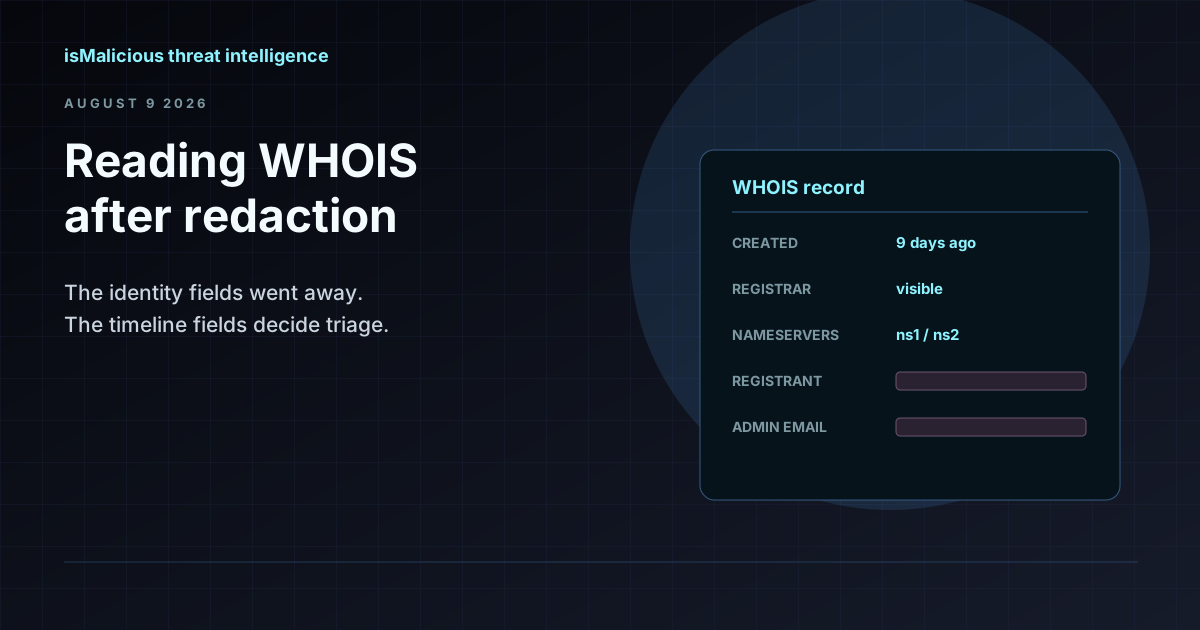 WHOIS Lookup for Security Investigations: Reading a Record After Redaction
Privacy services stripped the registrant name out of most WHOIS records, but the fields that matter for triage survived. Here is what a WHOIS record still tells an analyst, and how to read it.
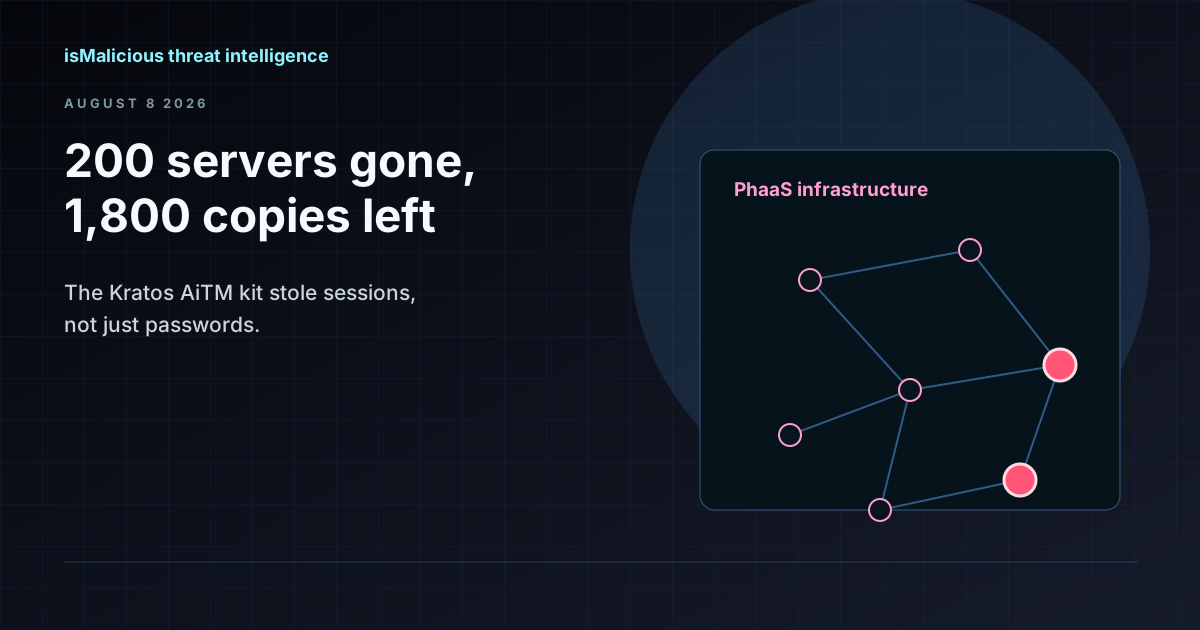 The Kratos Phishing Kit Takedown: 200 Servers Gone, 1,800 Copies Still Out There
German and US law enforcement dismantled Kratos, the AiTM phishing service behind roughly 15,000 Microsoft 365 campaigns a month. The infrastructure is offline, but the kit is not. Here is what to hunt for now.
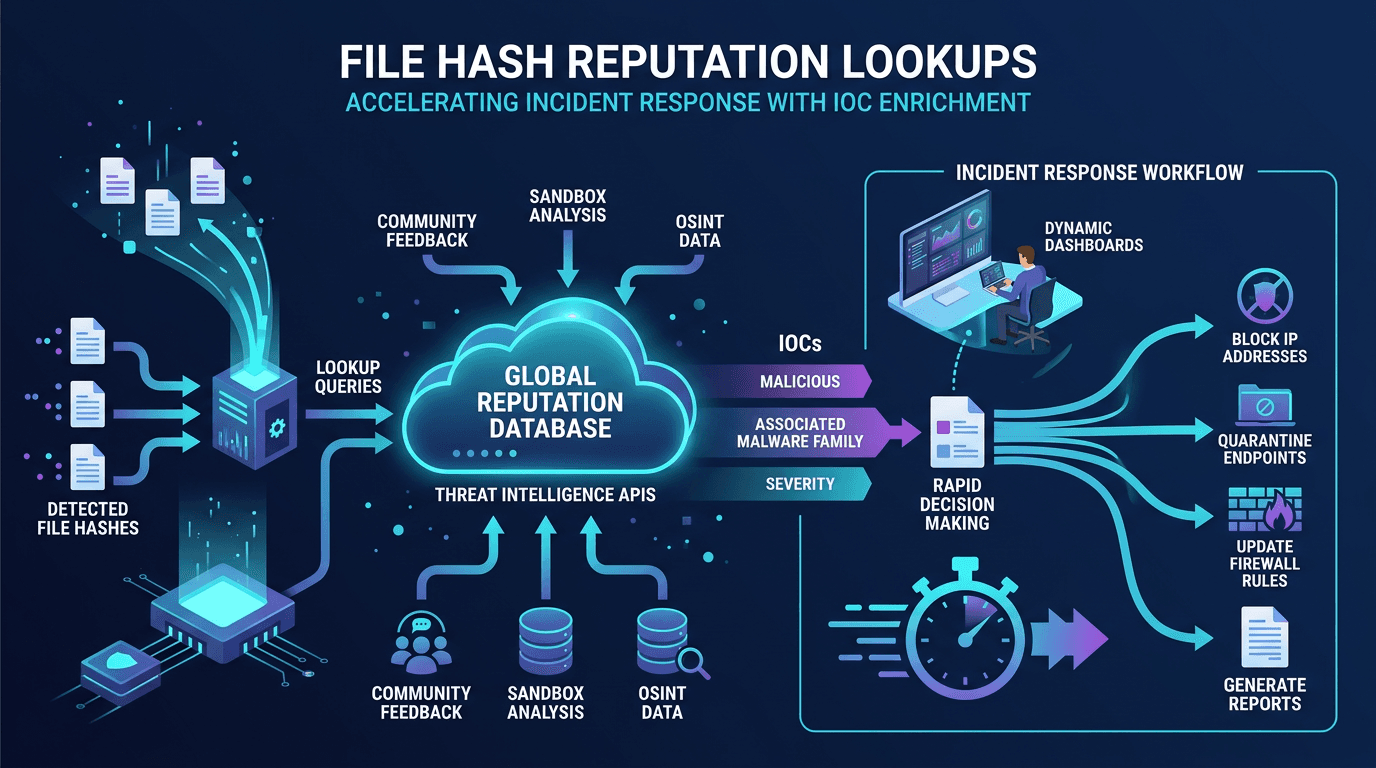 File Hash Reputation Lookups: Accelerating Incident Response With IOC Enrichment
A practitioner's guide to file hash reputation lookups—how they work, which data sources power them, how to build automated IOC enrichment pipelines, and how to integrate hash intelligence into SOC, SOAR, and incident response workflows.
Check any IP or domain
See what our indexed threat intelligence records say about it.
Try the IP / Domain Checker