How to Analyze an Encrypted ZIP Attachment
Handle a password-protected archive without opening it on a user workstation: collection, isolation, hashes, and a documented decision.
 IsMalicious Team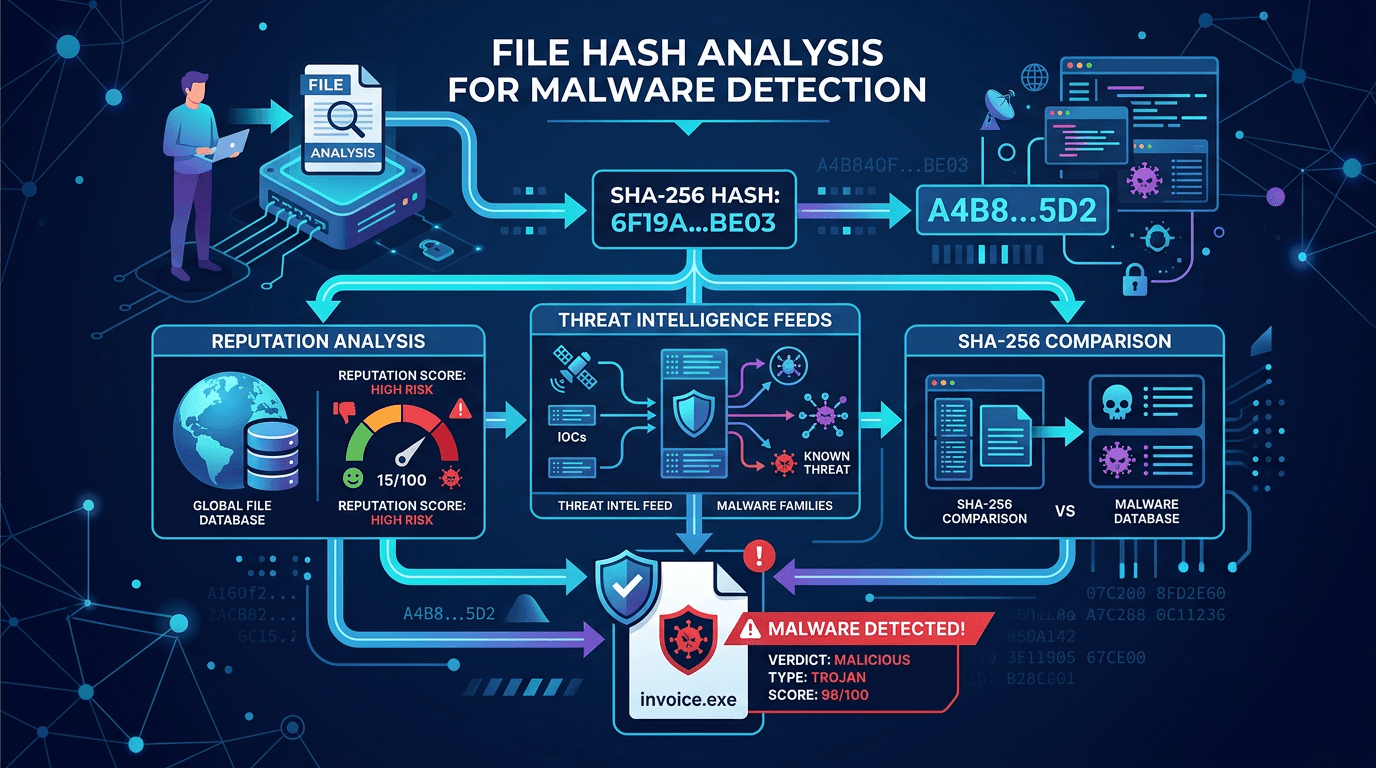
An encrypted ZIP attachment requires a decision before it is opened: is the exchange expected, and where can its contents be examined without exposing the workstation? The password protects access to the archive. It proves neither the sender's identity nor that the contents are harmless.
The procedure below covers triage of an archive received by email. It separates the user's actions from those of the analysis team. The outcome might be a documented release, a rejection, or further investigation. Successful decryption is never, by itself, approval to use the contents.
Preserve the message and report the concern
Do not extract the archive on the workstation used to read email. Use your organization's reporting mechanism so the team receives the original message, headers, and attachment. Informal forwarding or a screenshot can lose useful evidence.
Explain the context plainly: whether the recipient expected the message, whether it belongs to an existing conversation, what document was promised, and whether anything has already been opened. If a file was run, report that immediately. This changes the scope of the investigation; analyzing the attachment no longer replaces examining the endpoint.
A password included in the message body is still information supplied by the sender. It is not independent evidence. To confirm a business exchange, use an established contact obtained outside the suspicious message. A reply in the same thread cannot rule out compromise of the sender's account.
Establish what the gateway actually inspected
“No malware detected” and “contents not inspected” are different outcomes. Before releasing the message, the analyst needs the gateway's detailed result: archive recognized, password available, extraction successful, items examined, and errors encountered.
Capabilities vary by product and configuration. Microsoft explains, for example, that Safe Attachments cannot fully scan or detonate a protected attachment without its password; the password can sometimes be obtained from the email. The Safe Attachments documentation describes this limitation. It supports neither “all encrypted ZIPs go undetected” nor “our gateway always inspects them.”
Preserve the exact result label in the ticket. Normalization that replaces every error with a green indicator removes the information an analyst needs to make a decision.
Prepare a copy in an isolated environment
Restrict handling to an analysis workstation or virtual machine administered for this purpose. For this static triage, start with no connection to production networks or the Internet, no shared folders, no shared clipboard, and no business credentials. Use an up-to-date archive utility supplied by your team.
The words “virtual machine” are not enough: verify the access actually available. A folder shared with the host or a mounted corporate drive reintroduces a path to data the archive should not reach. Plan to restore a known baseline after processing.
Keep the original archive in authorized evidence storage and calculate its hash. Work on an identified copy. Separating collection, examination, and analysis, while preserving the data, is central to the NIST SP 800-86 guide to forensic techniques.
You can follow the PowerShell SHA-256 procedure to produce the record. The hash identifies the object being handled; it does not neutralize the file.
Examine the archive without running its contents
Start with information the tool can display without extraction: recognized format, entry count, declared sizes, and paths. Some formats or settings conceal part of this information. Record what is inaccessible instead of assuming the archive contains only one document.
Set limits on total extracted size, file count, and nested archive depth. A small archive can declare a disproportionately large uncompressed size. If a limit is reached, stop the examination and escalate to a specialist. Forcing extraction does not make the result more reliable.
If extraction is authorized, direct it to a disposable directory reserved for that copy. The tool must prevent paths from escaping the intended directory. Disable automatic opening and do not double-click extracted entries. A filename ending in .pdf is not sufficient to establish the actual file type.
For each relevant entry, record its name, size, type as identified by the tool, and SHA-256. Distinguish those hashes from the ZIP's hash. Two different archives can contain the same file; looking up only the container hash would miss that relationship.
Use a fictional case to decide the next step
Imagine a message titled “corrected invoice” containing invoice.zip and a password. The recipient is expecting an invoice, but isolated examination reveals a shortcut and an executable instead of the promised document. This example is fictional. It illustrates a discrepancy to investigate, not a reported incident.
The team preserves the evidence and keeps the message quarantined. It can look up the hashes under its sharing policy and check whether other recipients received the same message. There is no need to run the program to establish that the delivered contents do not match the expected exchange.
Another possible outcome is that a document of the promised type is extracted, with no reputation information available. The conclusion remains incomplete. The team still needs to apply its document inspection procedure and validate the business context before any release. Missing hash intelligence does not resolve the other questions.
Keep sensitive contents within the authorized scope
Do not automatically send the ZIP, its password, or extracted documents to a public service. They may contain customer data, contract information, or credentials. Establish who is authorized to receive them before sharing any file.
A hash lookup transmits less information than the file itself, but still reveals an interest in that object. File hash reputation in incident response therefore needs to remain part of the team's approved process.
The final report should state what was inspected, what was not, and what decision followed. If a user had already opened an entry, proceed to correlating local evidence. If nothing was opened, retain the evidence and the reason for quarantine or release. The next analyst should be able to understand the decision without handling the archive again.
FAQ
Frequently asked questions
Is a password-protected archive malicious?
Not necessarily. Encryption is also used in legitimate exchanges. It does, however, reduce visibility for tools that cannot decrypt the contents.
Can I open the ZIP to quickly check what is inside?
A user should not explore a suspicious attachment on their work computer. An authorized team can examine a copy in an isolated analysis environment designed for this task.
Should I send the ZIP to a public analysis service?
Only after establishing that sharing is authorized. An archive may contain confidential documents or credentials; a hash lookup is a separate operation from uploading a file.
Related articles
 SMTP 550 5.7.1: Find the Cause of an Email Rejection
A 550 5.7.1 rejection can involve recipient policy, authentication, or reputation. Use the full diagnostic and delivery traces to find the cause.
 How to Analyze Suspicious Email Headers
Identify trusted servers, interpret Authentication-Results, and investigate a suspicious email without confusing authentication with safe content.
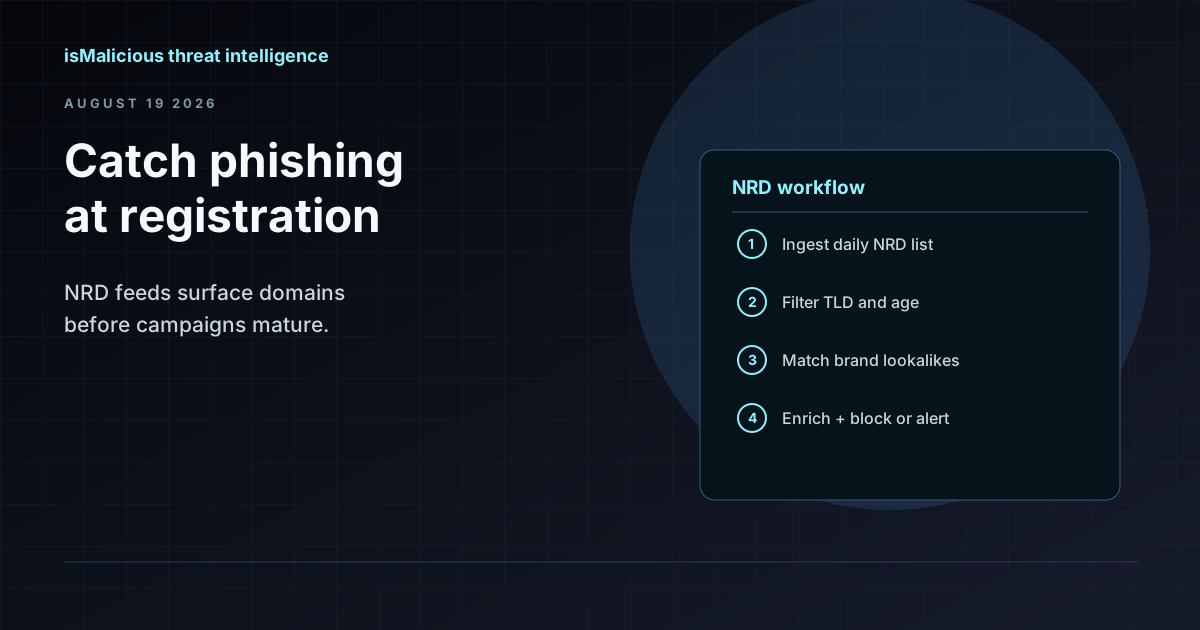 How to Use an NRD Feed to Catch Phishing Before It Lands in the Inbox
Newly registered domains are where most phishing campaigns start. This guide walks through NRD feed workflows for brand monitoring, mail gateway hygiene, and SOC triage — without treating domain age as a blunt block rule.
Check any IP or domain
See what our indexed threat intelligence records say about it.
Try the IP / Domain Checker