CVE Watch Perimeters: Prioritize Findings by Real Exposure
Map products to CVE Watch perimeters, then combine active exploitation, CISA KEV, EPSS, CVSS, product context, and remediation status to focus vulnerability work.
 IsMalicious Team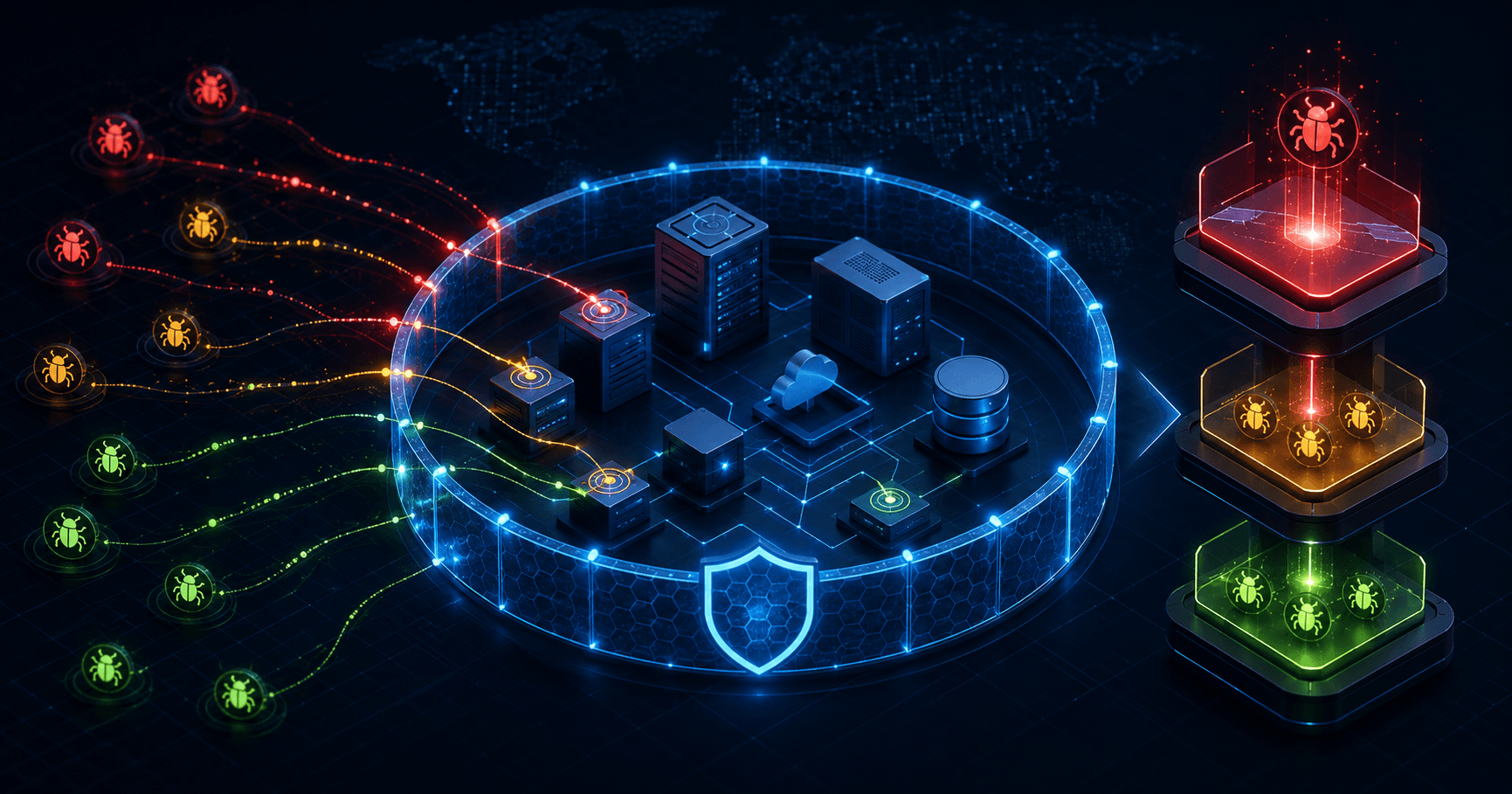
The global CVE catalogue is too broad to function as a remediation queue. A security team needs to know which vulnerabilities affect its products, which ones attackers are using, and which finding can cause the greatest harm in its environment.
isMalicious CVE Watch turns that global catalogue into organization-specific findings. You define product perimeters with CPE entries, then review matched CVEs with exploitation, severity, product, ransomware, and remediation context.
The critical distinction is exposure. A critical CVSS score on a product you do not operate is not your first patch. A lower-scored vulnerability with confirmed exploitation on an internet-facing system can be.
Build Perimeters Around Decisions
A perimeter is a named collection of products represented by CPE data. Create perimeters that match how your organization assigns work, for example:
- internet-facing services;
- employee endpoints;
- identity and remote-access systems;
- production cloud infrastructure;
- payment or customer-data systems;
- a critical supplier or business unit.
Open CVE Watch Perimeters, create a clear scope, and add the relevant CPE entries. The NVD CPE catalogue provides the standardized product naming model used to identify platforms. Validate vendor, product, and version details against your inventory before assuming a match.
A perimeter called “Production” is too broad if several teams own unrelated systems. A name such as “Public VPN and Identity Edge” tells the analyst what the finding protects and who should receive it.
Read the Signals as Different Questions
CVE Watch brings several prioritization signals into the finding. They are complementary, not interchangeable.
- Active exploitation or SSVC exploitation: is there evidence that attackers are using the vulnerability?
- CISA KEV: is the CVE in the official Known Exploited Vulnerabilities catalogue?
- EPSS: how likely is exploitation in the next 30 days, according to FIRST’s probability model?
- CVSS: how severe could exploitation be under the scoring assumptions?
- Ransomware use: is there context connecting the vulnerability with ransomware activity?
- Product match: which vendor and product inside the perimeter are affected?
- Status: what has the organization already decided or completed?
FIRST describes EPSS as a daily probability from 0 to 1 for exploitation of a published CVE during the next 30 days. That makes it useful for ordering likely near-term work. It does not prove exploitation in your environment.
Use a Priority Stack, Not One Score
CVE Watch places active-exploitation and KEV context prominently, then supports the decision with CVSS and other signals. Add your organization’s own context before assigning the final priority:
- Is the affected product actually present and vulnerable?
- Is it internet-facing or reachable from a likely attacker path?
- Does it protect identity, privileged access, sensitive data, or critical operations?
- Is exploitation confirmed, listed in KEV, or highly probable through EPSS?
- Are public exploits, ransomware use, or active campaigns relevant?
- Do compensating controls reduce the practical risk?
- Can the team patch safely, or is mitigation required first?
This stack prevents two common mistakes: patching by CVSS alone and using EPSS as if it measured business impact.
Turn a Finding into Owned Work
For each material finding, record:
- the affected perimeter and product;
- the evidence that sets its priority;
- the asset or service owner;
- the chosen patch, mitigation, or acceptance action;
- the due date and current status;
- the validation method for closure.
If the finding reveals suspicious infrastructure or a related indicator, validate it through Smart Lookup. Send urgent changes to Alerts and Action Center, and open a Case when the response requires several teams or artifacts.
The BlueHammer response analysis shows how a patched endpoint vulnerability can remain operationally urgent when deployment is uneven and attackers have an initial foothold.
Keep the Perimeter Accurate
The quality of a finding depends on the quality of the product mapping. Update perimeter CPEs when:
- a product is introduced or retired;
- a major version changes;
- a service moves between internal and internet-facing exposure;
- ownership transfers to another team;
- a supplier relationship starts or ends;
- an inventory correction reveals a false match.
Schedule a periodic review with asset owners. A clean CVE queue built from stale inventory is still wrong.
Separate Catalogue, Finding, and Incident
These three objects answer different questions:
- A catalogue CVE describes a vulnerability known globally.
- A finding connects that CVE to a product in one of your perimeters.
- An incident records evidence that exploitation or compromise affected your environment.
Do not call every finding an incident. Validate exposure and look for compromise evidence first. Conversely, do not wait for an incident before patching a KEV vulnerability on a reachable critical system.
Use the Threats dashboard to review active campaigns and the Sources guide to judge the evidence behind supporting indicators.
Run a Focused Review Cadence
At each review:
- Inspect new findings with active exploitation or KEV context.
- Review high-EPSS findings on exposed and critical products.
- Reconcile product matches with current inventory.
- Update owners, due dates, and remediation status.
- Escalate evidence of compromise through the incident workflow.
- Close only after verifying the patch or mitigation.
CVE Watch makes vulnerability intelligence smaller and more relevant. The perimeter defines what belongs to the organization. Exploitation signals show what is moving. Business and asset context decide what the team does first.
FAQ
Frequently asked questions
What is a CVE Watch perimeter?
A perimeter is an organization-specific group of products represented by CPE entries. CVE Watch maps relevant catalogue vulnerabilities to those products so teams review findings tied to their own exposure.
How does CVE Watch prioritize findings?
The findings view combines product context with signals such as active exploitation, CISA KEV, CVSS severity, EPSS probability, SSVC exploitation, ransomware use, and remediation status. Analysts still apply asset criticality and compensating controls.
What is the difference between KEV and EPSS?
CISA KEV records vulnerabilities known to be exploited in the wild. EPSS estimates the probability that a published CVE will be exploited in the next 30 days. They answer different prioritization questions and work best together.
Does CVE Watch replace a vulnerability scanner?
No. It adds threat and exploitation context to product-based exposure. Validate actual installed versions and reachability with inventory, scanners, configuration data, and asset-owner input.
How often should I review a perimeter?
Review findings whenever new high-priority evidence arrives and on a regular operating cadence. Also update the perimeter when products, versions, ownership, or business criticality change.
Related articles
 CVE-2026-63077 Puts Unauthenticated RCE on Every TeamCity On-Premises Server
A deserialization flaw in the agent polling protocol gives attackers TeamCity server privileges without credentials. JetBrains patched in 2025.11.7 and 2026.1.3 — CISA KEV and a 3-day federal deadline mean hunt now, not after the next release train.
 CISA KEV Adds Arista VeloCloud and FortiOS Flaws: Why CVSS Is the Wrong Sort Order
On 27 July 2026 CISA added a CVSS 10.0 command injection in Arista VeloCloud Orchestrator and a medium-severity FortiOS patch bypass to KEV. The pairing shows why exposure and persistence beat severity when ordering a patch queue.
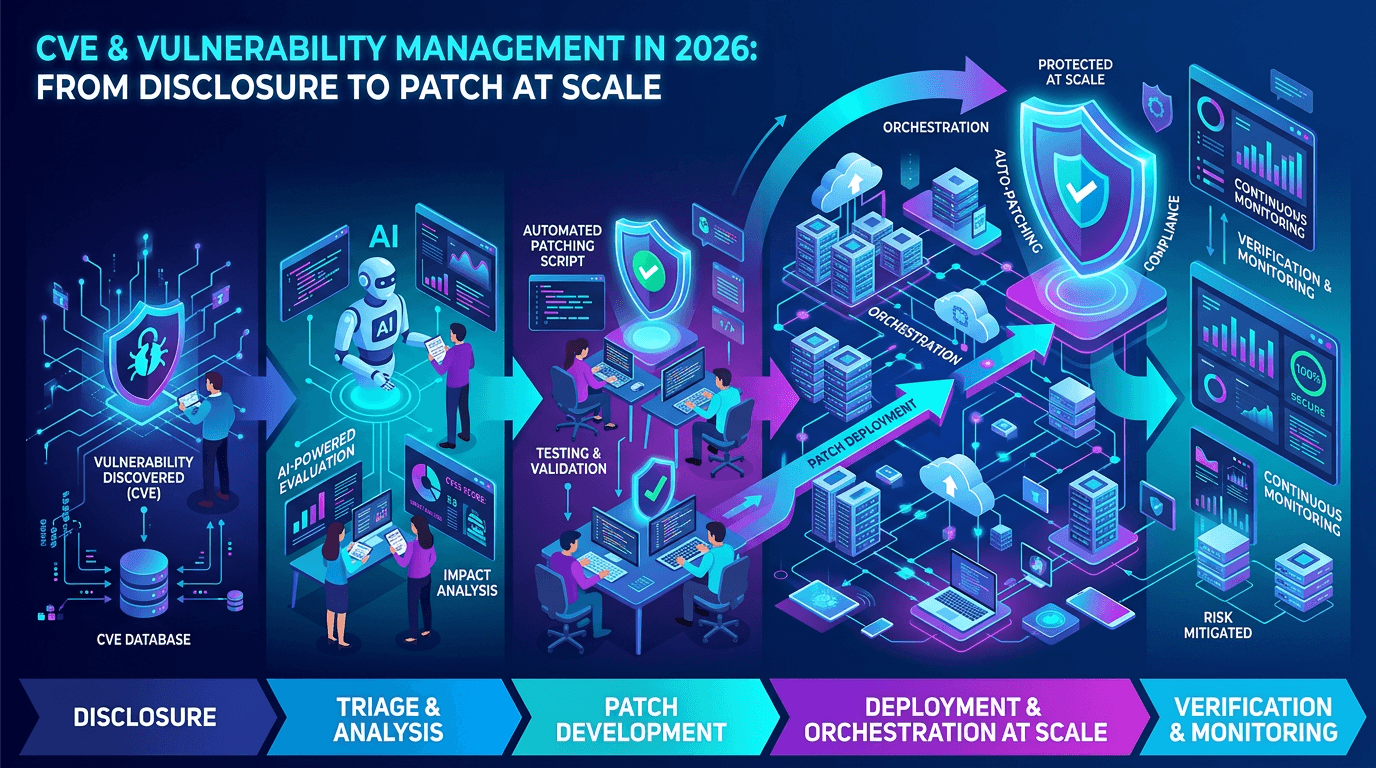 CVE & Vulnerability Management in 2026: From Disclosure to Patch at Scale
A practical guide to the CVE ecosystem, CVSS scoring, exploitability signals, and how security teams prioritize vulnerabilities without drowning in scanner noise.
Check any IP or domain
See what our indexed threat intelligence records say about it.
Try the IP / Domain Checker