STIX/TAXII Threat Feeds: Operational Guide for OpenCTI, MISP, and SIEM Pipelines
How to wire STIX 2.1 and TAXII 2.1 collections into OpenCTI, MISP, or your SIEM — what to poll, how to handle confidence and aging indicators, and where enrichment APIs fit alongside feed ingestion.
 IsMalicious Team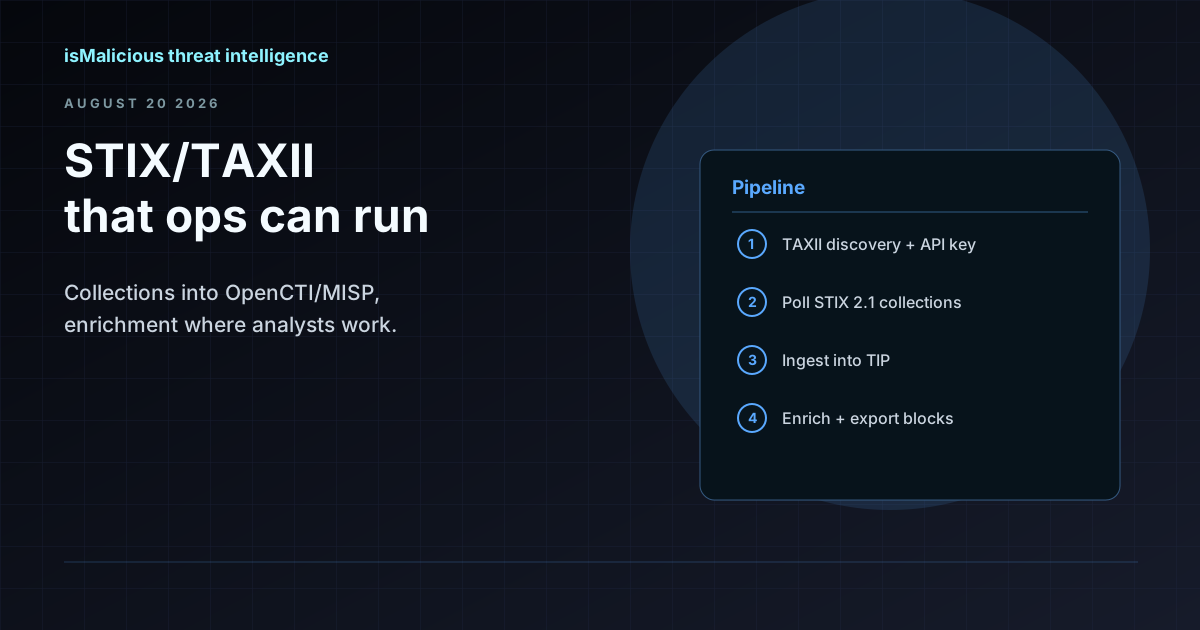
Your SIEM already ingests logs. Your firewall already blocks known-bad IPs. The gap is usually structured threat context — who is behind the indicator, what campaign it belongs to, and whether it is still active. STIX 2.1 and TAXII 2.1 exist to move that context between systems without CSV exports and email attachments.
isMalicious publishes threat data as STIX 2.1 objects over a TAXII 2.1 server. Indicators arrive with relationships to malware families, threat actors, campaigns, and MITRE ATT&CK patterns. You authenticate with your API key on the discovery URL and poll collections on a schedule your platform supports.
This guide covers the operational side: connecting OpenCTI and MISP, deciding between feed polling and enrichment API calls, handling confidence scores, aging stale indicators, and why automated ingestion does not replace analyst review.
What You Get from the Feed
The STIX/TAXII feed delivers machine-readable objects, not just flat IOC lists.
Object types included:
| STIX Type | What It Carries | Typical Use |
|---|---|---|
indicator |
IP, domain, URL, hash with pattern | Block rules, SIEM correlation |
malware |
Family name, labels | Alert context, hunting queries |
threat-actor |
Group attribution | Case documentation, reporting |
campaign |
Named operation linking indicators | Incident scope, timeline |
attack-pattern |
MITRE ATT&CK technique reference | Detection engineering |
relationship |
Links between the above | Graph traversal in TIP |
Collections group objects by category — phishing indicators, C2 IPs, malware hashes — so you can subscribe to what matches your use case instead of ingesting everything.
Transport: TAXII 2.1 discovery document → API roots → collections → objects/manifest. Your client polls for new or updated objects since the last checkpoint.
Authentication: API key passed to the discovery URL. Same credentials work for the REST API if you also want on-demand enrichment.
Compatible consumers: MISP, OpenCTI, Anomali ThreatStream, ThreatConnect, and any custom client built on taxii2client or equivalent libraries.
Collection Polling vs Enrichment API
Teams often conflate these two patterns. They solve different problems.
Collection polling (feed ingestion)
When to use: You want a steady stream of indicators flowing into your TIP, SIEM, or SOAR without manual uploads.
How it works:
- Configure your TIP to connect to the TAXII discovery URL with your API key.
- Select collections relevant to your environment (phishing domains, C2 IPs, etc.).
- Set a polling interval — hourly for high-priority collections, daily for broader sets.
- Map ingested indicators to internal objects (MISP events, OpenCTI indicators, Splunk lookups).
- Apply your confidence and aging rules before promoting indicators to block lists.
Strengths: Hands-off once configured. Objects include relationships and context, not just raw values. Scales to thousands of indicators per day.
Limits: You get what the collection contains at poll time. A domain that turned benign yesterday may still sit in your TIP until the next refresh removes it. Polling latency depends on your interval.
Enrichment API (on-demand lookup)
When to use: An alert fires with an IP or domain you have never seen. You need a verdict, WHOIS data, DNS history, and hosting context now — not at the next poll cycle.
How it works:
- Your SOAR playbook or SIEM adaptive response calls
GET /check?query=<indicator>with API credentials. - The response includes reputation verdict, categories, WHOIS, and related metadata.
- The playbook branches on the verdict: escalate, block, or close.
Strengths: Fresh data for the specific indicator under investigation. Sub-second response for inline triage.
Limits: One indicator per call (or bulk endpoints for batches). Does not populate your TIP graph with campaign relationships unless you also ingest feeds.
Using both together
Most mature setups do exactly this:
- Feeds populate the TIP with baseline indicator coverage and relationship graphs.
- API enrichment handles alert-time lookups for indicators not yet in any collection.
- Analyst review promotes confirmed indicators from the TIP to firewall block lists and SIEM correlation rules.
Neither replaces the other. Feeds without enrichment miss novel indicators at alert time. Enrichment without feeds means analysts start from zero on every ticket.
Connecting OpenCTI
OpenCTI has native TAXII 2.1 feed support. The OpenCTI integration page documents the connector setup.
Setup steps:
- In OpenCTI, go to Data → Ingestion → TAXII Feeds and create a new feed.
- Enter the isMalicious TAXII discovery URL and your API key.
- Select collections to subscribe to. Start with one collection (e.g., phishing indicators) before adding more.
- Set the polling interval. Hourly is a reasonable default for operational collections.
- Map STIX object types to OpenCTI entities. Indicators become
Indicatorobjects; relationships populate the knowledge graph automatically. - Configure marking definitions if your organization requires TLP labels on ingested data.
OpenCTI deduplicates indicators by pattern and builds relationship graphs from ingested STIX objects. For platform comparison context, see /integrations/opencti. Promotion to firewall rules still requires analyst approval or a confidence threshold you define.
Connecting MISP
MISP consumes TAXII feeds through its built-in sync mechanism or the pyTaxii / MISP TAXII bridge.
Setup steps:
- In MISP, navigate to Sync Actions → List TAXII Servers (or use the TAXII sync plugin depending on your MISP version).
- Add the isMalicious discovery URL with API key authentication.
- Map collections to MISP feeds. Each collection becomes a feed that MISP polls.
- Configure default tags and distribution levels for ingested events.
- Enable pull sync on a schedule (cron or MISP scheduler).
MISP stores ingested indicators as events with attributes. Enable correlation to link feed data to events your team created manually. For platform comparison, see /integrations/misp.
SIEM Integration Patterns
Not every team runs a full TIP. If your SIEM is the primary enrichment target:
Pattern A: TAXII → TIP → SIEM lookup table
Ingest feeds into OpenCTI or MISP, then export confirmed indicators to a SIEM lookup table (Splunk KV store, Elastic transform, Microsoft Sentinel indicator list). This adds a curation layer between raw feed and production block rules.
Pattern B: Direct TAXII → SIEM (limited)
Some SIEM platforms support TAXII ingestion natively or through apps. Useful for smaller teams without a TIP, but you lose relationship graphs and analyst review workflows.
Pattern C: API enrichment in adaptive response
Skip feed ingestion entirely for alert-time use cases. Configure your SIEM adaptive response action to call the isMalicious API when an alert contains an external IP or domain. Fastest path to value, but no historical graph.
Recommendation: Start with Pattern C for immediate alert enrichment. Add Pattern A once your team wants curated block lists and relationship context.
Confidence, Scoring, and False Positives
STIX indicators carry a confidence field (0–100). Treat it as a hint, not a verdict.
Practical thresholds:
| Confidence | Suggested Action |
|---|---|
| 80–100 | Auto-ingest into TIP; eligible for block list after review |
| 50–79 | Ingest into TIP; require analyst approval before blocking |
| Below 50 | Log only; do not block without additional evidence |
Adjust these based on your false positive tolerance. A financial services SOC may require 90+ for auto-block; a research environment may ingest everything for hunting.
Cross-reference before blocking. Even high-confidence indicators deserve a quick check:
- Is the IP on a CDN or shared hosting? (Bulk Check helps for batches.)
- Does WHOIS or DNS history suggest a legitimate owner?
- Has the indicator appeared in your environment before without incident?
Feeds accelerate the question "have we seen this before?" They do not eliminate the question "should we block this?"
Aging and Expiring Indicators
Indicators go stale. An attacker abandons a C2 IP, a phishing domain gets taken down, a compromised host gets remediated. If your TIP never expires old entries, your block lists grow forever and false positives accumulate.
Aging policy template:
IP indicators:
  - Refresh window: re-seen within 30 days → keep active
  - Not refreshed in 30 days → mark inactive, remove from block lists
  - Not refreshed in 90 days → delete from TIP

Domain indicators:
  - Refresh window: 60 days (domains persist longer than IPs)
  - Not refreshed in 60 days → mark inactive
  - Not refreshed in 180 days → delete

Hash indicators:
  - Keep indefinitely if tied to a named malware family
  - Expire unattributed hashes after 90 days
Implement this in your TIP's decay rules (OpenCTI has indicator decay configurations; MISP uses decay models) or in the export script that pushes indicators to your firewall.
The feed's role in aging: Each poll may update modified timestamps on existing objects. If an indicator disappears from the collection entirely, that is a signal it may no longer be active — but absence from one poll is not proof. Wait for two consecutive misses before expiring.
Getting Started Checklist
- Obtain API credentials from your isMalicious account (API docs).
- Point a TAXII client at the discovery URL and list available collections.
- Subscribe to one collection in your TIP (OpenCTI or MISP) with hourly polling.
- Ingest for one week in monitor mode — no block list changes.
- Measure: how many ingested indicators matched alerts you already had? How many were new?
- Set confidence thresholds and aging rules.
- Add API enrichment to one SOAR playbook for alert-time lookups.
- Promote approved indicators to your SIEM lookup table or firewall EDL.
STIX/TAXII feeds turn threat data into a pipeline instead of a mailbox attachment. The setup takes an afternoon; the operational discipline — confidence thresholds, aging, analyst review — is what keeps the pipeline trustworthy month after month.
FAQ
Frequently asked questions
Which STIX and TAXII versions does isMalicious support?
STIX 2.1 objects delivered over a TAXII 2.1 server. Legacy STIX/TAXII 1.x is not supported. Authentication uses your API key on the TAXII discovery URL.
What STIX object types are in the feed?
Indicators, malware objects, threat actors, campaigns, attack patterns, and relationships linking them. Collections group objects by threat category or data source.
Which platforms can consume the feed?
Any TAXII 2.1 client works. Tested integrations include MISP, OpenCTI, Anomali ThreatStream, and ThreatConnect. Custom Python clients using taxii2client also work.
Should I poll collections or call the enrichment API?
Use collection polling for bulk indicator ingestion into your TIP or SIEM. Use the enrichment API when you need fresh context on a specific IP, domain, or URL during an investigation — the two approaches complement each other.
How do I handle stale indicators?
Track indicator valid_until or last_seen timestamps. Expire entries that have not been refreshed within your aging window (typically 30–90 days for IPs, longer for domains). Feeds accelerate ingestion; human curation still decides what gets blocked.
Related articles
 TAXII Threat Feeds: Build a Continuous SIEM Integration
Connect an isMalicious TAXII collection to your SIEM with safe pagination, durable checkpoints, validation, monitoring, and recovery.
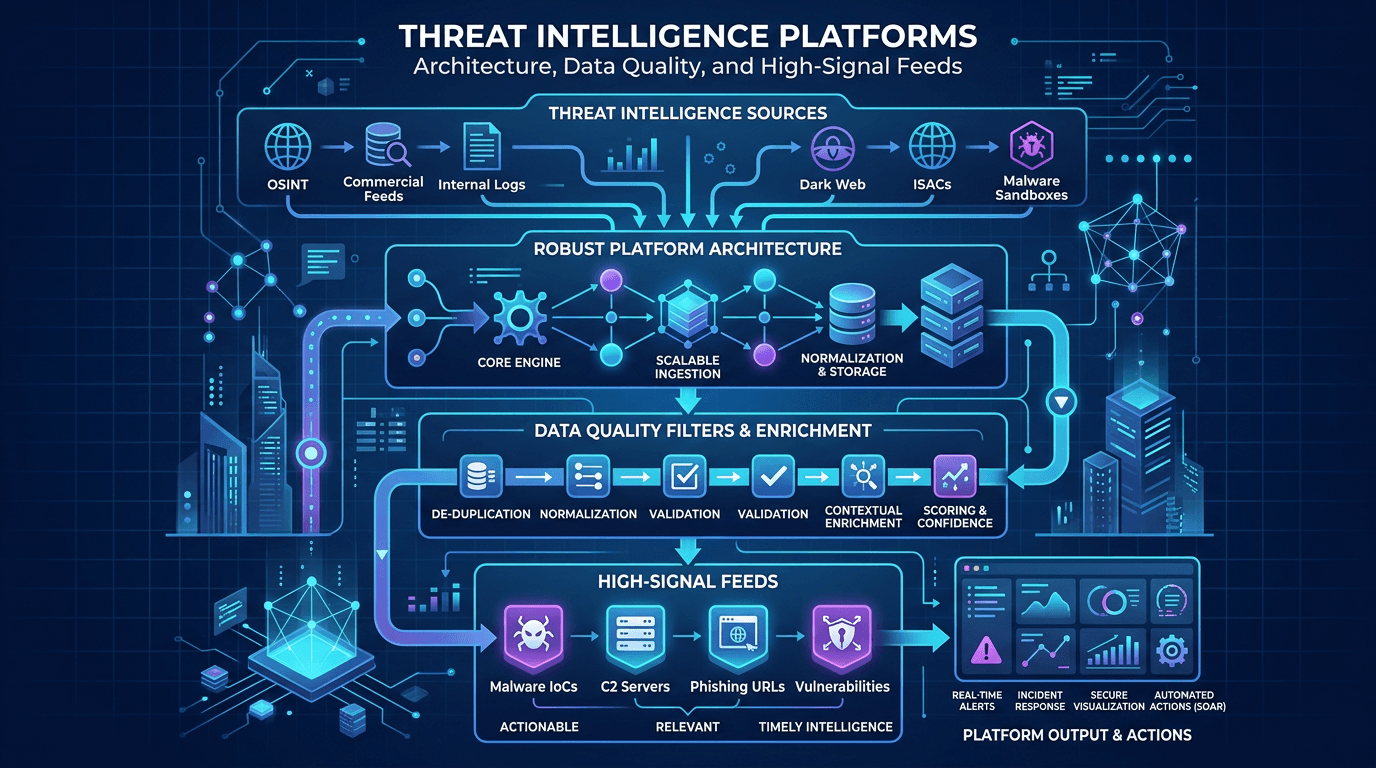 Threat Intelligence Platforms: Architecture, Data Quality, and High-Signal Feeds
Design TIPs and intel pipelines that scale: normalization, confidence scoring, deduplication, API-first delivery, and how to pair platform investments with analyst workflows.
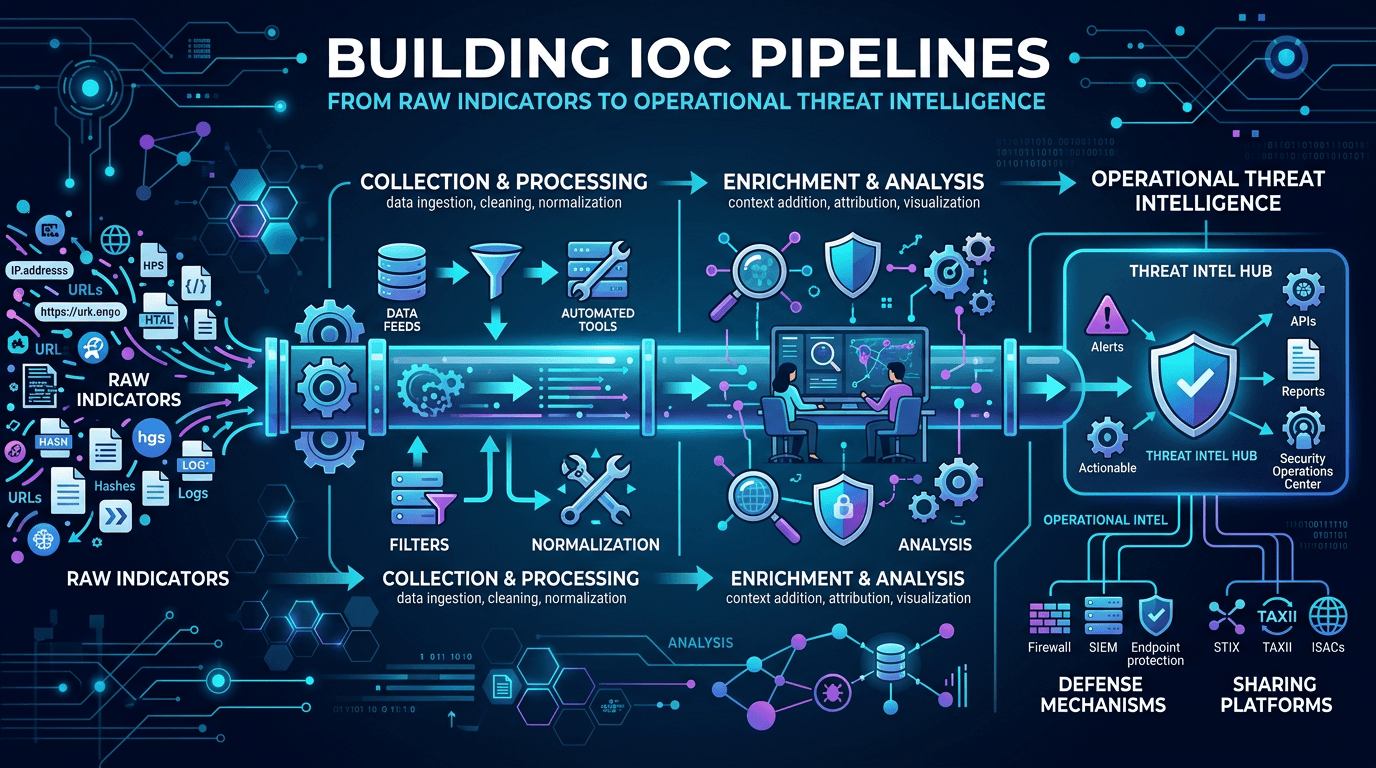 Building IOC Pipelines: From Raw Indicators to Operational Threat Intelligence in 2026
A practical engineering guide to building indicator of compromise (IOC) pipelines—ingestion, normalization, deduplication, enrichment, scoring, distribution, and feedback—to turn raw threat feeds into operational defense.
Check any IP or domain
See what our indexed threat intelligence records say about it.
Try the IP / Domain Checker