Browser-in-the-Browser Phishing: Detection Guide
Understand browser-in-the-browser phishing, spot fake SSO windows, detect campaign infrastructure, and reduce risk with phishing-resistant authentication.
 IsMalicious Team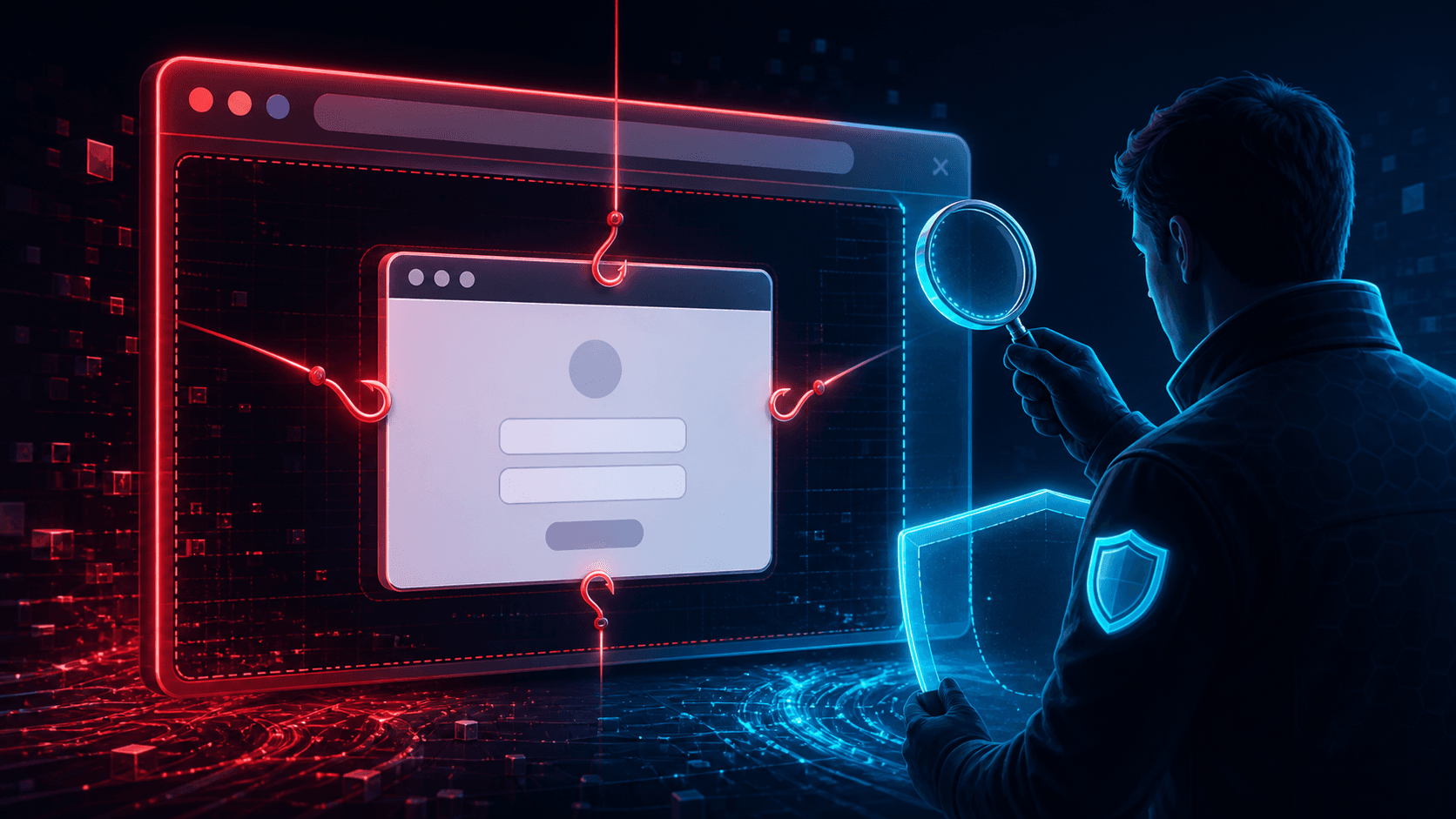
Single sign-on popups teach users to trust a small window showing a familiar identity provider. Browser-in-the-browser (BITB) phishing reproduces that window entirely inside an attacker-controlled page, including a fake address bar that appears to show the legitimate domain.
The technique is visually convincing because the outer page controls every pixel of the imitation. Defenders should combine user-interface cues, phishing-resistant authentication and infrastructure detection rather than expecting users to notice a perfect logo.
How BITB Phishing Works
The original BITB research demonstration showed how HTML, CSS and JavaScript can mimic an OAuth or SSO popup. A typical chain is:
- the victim visits a lure or compromised page;
- the page offers “Sign in with” a trusted provider;
- a fake popup appears inside the tab;
- the displayed address bar shows a legitimate-looking origin;
- credentials or one-time codes go to the attacker;
- the victim may be redirected into the real service to reduce suspicion.
The fake popup is not a browser security boundary. It is a group of page elements.
User-Visible Detection Clues
A simulated window cannot behave exactly like a native one. Teach users to:
- drag the popup outside the original browser content area;
- check whether it appears as a separate window in the operating-system task switcher;
- use a password manager that only fills credentials on the correct origin;
- navigate to the service directly instead of authenticating from an unsolicited link;
- report any login flow that unexpectedly requests recovery data or repeated MFA.
These checks help, but security must not depend on perfect user performance under pressure.
Technical Detection Opportunities
Lure and domain intelligence
BITB still needs a page the victim visits. Scan the full URL, redirects, domain age, hosting, certificates and related infrastructure. Use the URL scanner and domain reputation before interacting with a reported lure.
Email and collaboration telemetry
Detect messages that lead to newly registered or low-prevalence domains, especially when the content promises document access, payment or shared cloud files.
Endpoint and identity correlation
Correlate a visit to the lure with a successful login from a new device, unusual IP, impossible travel, MFA change or token use. Identity evidence often confirms what the page alone cannot.
Page behavior
In a sandbox, look for DOM elements styled as window chrome, credential forms embedded in overlays and scripts that track dragging or resizing. Attackers can change implementation details, so behavior is stronger than one selector.
Authentication Controls That Change the Outcome
FIDO2 and WebAuthn bind authentication to the real web origin. A fake popup rendered on attacker.example cannot request a credential for the legitimate identity provider. Passkeys and hardware-backed security keys therefore remove much of the value of credential capture.
If migration is incomplete, use number matching, conditional access, risk-based reauthentication and short session lifetimes. Push-only approval and OTP remain phishable.
Incident Response
If a user submitted credentials, reset the password, revoke sessions and tokens, review MFA methods, inspect OAuth grants and search for mailbox or account changes. Block the lure and every confirmed redirect destination.
Check whether the same kit targeted other employees and cluster the campaign by page assets, domains, certificates and IPs. A single report may be the first visible member of a larger set.
Metrics
Track reported lures, credentials submitted, time to session revocation, percentage of users on phishing-resistant authentication and related domains found per campaign. Measure password-manager and WebAuthn coverage, not only awareness-course completion.
Conclusion
BITB phishing attacks trust in interface chrome. Reduce that trust with origin-bound authentication, direct navigation and password managers. Detect the surrounding phishing infrastructure through URL, domain, identity and endpoint evidence so a convincing window cannot become a convincing verdict.
Frequently asked questions
- What is a browser-in-the-browser attack?
- A BITB attack draws a fake browser or SSO popup inside a malicious webpage. The attacker controls the apparent title bar, address bar, provider branding, and login form.
- How can a user spot a fake popup?
- A fake window usually cannot leave the boundaries of the original tab, does not appear as a separate operating-system window, and may behave incorrectly when moved, resized, or inspected.
- Does MFA stop BITB phishing?
- Phishing-resistant FIDO or WebAuthn authentication strongly reduces risk because credentials are bound to the real origin. OTP and push methods can still be relayed or socially engineered.
Related articles
 Parked Domains: Assess the Risk Before Blocking
Distinguish domain parking, expiration, and malicious behavior. Examine actual use and choose a restriction supported by the evidence.
 WHOIS Lookup for Security Investigations: Reading a Record After Redaction
Privacy services stripped the registrant name out of most WHOIS records, but the fields that matter for triage survived. Here is what a WHOIS record still tells an analyst, and how to read it.
 The Kratos Phishing Kit Takedown: 200 Servers Gone, 1,800 Copies Still Out There
German and US law enforcement dismantled Kratos, the AiTM phishing service behind roughly 15,000 Microsoft 365 campaigns a month. The infrastructure is offline, but the kit is not. Here is what to hunt for now.
Protect Your Infrastructure
Check any IP or domain against our threat intelligence database with indexed records.
Try the IP / Domain Checker