OAuth Consent Phishing: Detecting Malicious App Grants Before Data Exfiltration
OAuth consent phishing tricks users into granting access instead of giving up passwords. Learn how malicious app grants work, which permissions matter, and how to detect abuse early.
 IsMalicious Team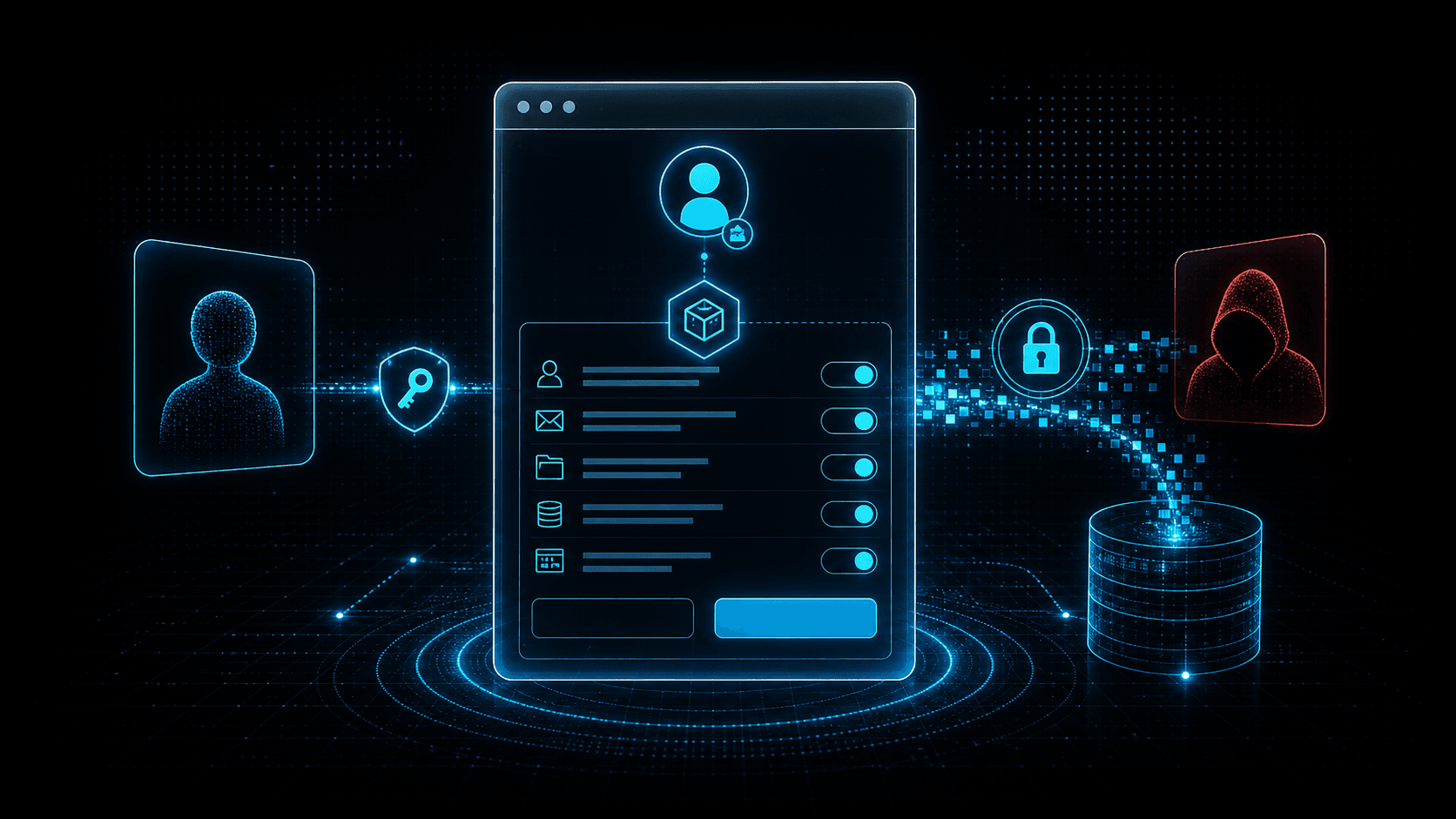
Short answer: OAuth consent phishing does not need a stolen password. It tricks a user into authorizing an application, then abuses the granted token to read mail, files, contacts, or directory data. The defense is application governance plus detection of suspicious grants and token usage.
Security teams often describe phishing as credential theft. OAuth consent phishing is more subtle. The victim may enter credentials only on a legitimate identity provider page. MFA may work. The final outcome is still compromise because the victim grants an attacker-controlled app permission to access data.
This is why consent screens matter. They are security decisions disguised as routine workflow prompts. Users see them when connecting productivity tools, document viewers, calendar apps, browser extensions, CRM integrations, and internal automation. Attackers exploit that familiarity.
Microsoft's guidance on protecting against consent phishing emphasizes a key point: malicious applications can gain access through user consent, especially when organizations allow broad self-service grants. In a SaaS-heavy environment, that risk is not theoretical.
How Consent Phishing Works
The attacker registers an application with an identity provider or compromises an existing app. The app requests permissions such as reading mail, accessing files, maintaining offline access, or reading directory information. The attacker sends a lure that points the victim to the authorization flow.
The lure might claim that a document requires a secure viewer, a meeting recording needs a plugin, a shared folder must be connected, or a compliance workflow requires reauthorization. The victim clicks, authenticates, and sees a consent prompt. If the user accepts, the attacker receives tokens for the granted scopes.
No fake password page is required. That makes traditional phishing detection less reliable.
Why Offline Access Is Dangerous
The offline_access scope deserves special attention because it can allow refresh tokens. A one-time consent event may become persistent access. Even if the user closes the browser, the attacker may continue using refresh tokens until revoked, expired, or blocked by policy.
Attackers value persistence. With mail access, they can search for invoices, password resets, executive conversations, customer lists, and internal terminology. With file access, they can steal documents or plant malicious links. With directory read, they can map the organization for follow-on attacks.
Consent phishing can therefore be an initial access method for business email compromise, data theft, and lateral SaaS compromise.
High-Risk Permission Patterns
Not every app grant is equally dangerous. Focus review on permissions that provide broad data access or persistence:
- Read and write all mail.
- Read mailbox settings or create inbox rules.
- Read and write files across OneDrive or SharePoint.
- Maintain access to data offline.
- Read directory data.
- Read all users' profiles.
- Send mail as the user.
- Access calendars and contacts.
- Impersonate users or access APIs as a user.
Also consider publisher trust, app age, redirect URIs, user population, and whether the app has a real business owner.
Detection Signals
Consent events are the starting point. Alert when users grant high-risk scopes, when many users consent to the same new app, or when privileged users consent to unfamiliar apps.
Useful detections include:
- New OAuth app grant with
offline_access. - Consent to an unverified publisher.
- Consent from a user who rarely grants apps.
- Same app granted by multiple users after similar emails.
- App redirect URI on suspicious or newly registered domains.
- Token use from unfamiliar IPs after consent.
- Mailbox rule creation after app grant.
- Large file reads or downloads by a newly granted app.
Application events should be correlated with email and network telemetry. If a consent grant follows a suspicious message, treat it as part of one incident. If token use originates from infrastructure with poor reputation, escalate.
Response Steps
When malicious consent is suspected:
- Revoke the app grant for the affected user.
- Disable or block the application tenant-wide if necessary.
- Revoke refresh tokens and active sessions.
- Review mailbox rules, forwarding, file access, and sent messages.
- Search for other users who granted the same app.
- Preserve the phishing message, app ID, publisher, redirect URIs, source IPs, and consent timestamps.
- Notify affected data owners if sensitive files or mail were accessed.
Do not treat this as only a user account issue. The malicious application itself is an entity that may have touched many accounts.
Prevention Controls
Restrict user consent by default. Allow low-risk verified applications if business needs require it, but require admin approval for sensitive scopes. Maintain a reviewed app catalog so users have approved alternatives.
Train users to read consent prompts. A request to "read all mail" or "maintain access to data" should feel consequential. Users should know how to report suspicious consent screens.
Review app inventory regularly. Remove unused applications, stale grants, and ownerless integrations. Monitor publisher verification and redirect URI changes.
For related identity attack patterns, see Spear Phishing and OAuth Consent and AI-Enabled Device Code Phishing.
Building an App Governance Program
Application governance should begin with an inventory of all enterprise applications, app registrations, service principals, delegated grants, and admin-consented permissions. The inventory should include owner, publisher, scopes, redirect URIs, creation date, last use, and user population. Without this map, consent phishing investigations become slow and incomplete.
Next, define risk tiers. Low-risk apps might read a user's basic profile and come from a verified publisher. Medium-risk apps might read calendars or files for a narrow user group. High-risk apps request mail, files, offline access, directory reads, or write permissions. High-risk apps should require admin review, business justification, and ongoing monitoring.
Create an approval process that is fast enough for business use. If approval takes weeks, users will search for workarounds. A good process gives clear answers: approved, rejected, or approved with reduced scopes. Security should help teams find safer alternatives when rejecting an app.
Review redirect URIs and publisher status. A legitimate-looking app with redirect URIs pointing to suspicious domains should not pass. App metadata can change, so reviews should not happen only at onboarding.
User Education That Actually Helps
Users do not need to memorize OAuth. They need simple rules. A consent prompt is a request to let an app act with some level of access. If the app wants mail, files, or offline access, the user should pause. If the app appears because of an unexpected email or chat message, the user should report it.
Screenshots in training should show realistic prompts and explain the consequences of broad scopes. Avoid vague advice like "be careful." Explain that "maintain access" can mean the app keeps access after the browser closes, and "read mail" can expose invoices, reset links, and sensitive conversations.
Security teams should also make reporting easy. Add a button or workflow for suspicious app prompts, not just suspicious emails. Consent phishing often happens after the click, so users need a way to report what they see on the identity provider page.
Metrics and Audits
Track the number of high-risk grants, unverified publishers, apps without owners, apps unused for 90 days, users allowed to self-consent, and grants containing offline access. Measure time to revoke malicious grants and time to identify all affected users for a suspicious app.
Audit privileged users separately. Executives, administrators, finance, legal, and engineering leads are higher-value targets. A malicious app grant from one of these users should generate more urgent investigation than a low-risk grant from a test account.
Tabletop Scenario
Practice an incident where ten users consent to a malicious document viewer. The app requests mail read and offline access. Within an hour, token use appears from a cloud host in another region and mailbox searches begin.
The tabletop should answer: Who can revoke the app? How do we find every consenting user? How do we revoke refresh tokens? How do we inspect mailbox access? How do we preserve evidence? How do we block the app tenant-wide? Which IPs and domains should be enriched?
Running this exercise before a real campaign turns an unfamiliar identity event into a rehearsed response.
30-Day Cleanup Plan
A fast cleanup starts with unused grants. Export all enterprise app grants and sort by last use. Remove apps that have no owner, no recent activity, or no clear business purpose. Then review high-risk scopes such as mail, files, directory reads, offline access, and send permissions.
Next, restrict consent policy. If users can self-consent to broad scopes, change that default. Create a path for low-risk approved apps so business teams do not lose productivity, but require admin review for sensitive access.
Finally, add detections for new high-risk grants and suspicious post-consent behavior. The most important alerts connect the grant to token use, mailbox access, file reads, and source infrastructure. Consent is the door opening; the activity after consent tells you whether an intruder walked through.
What Security Teams Should Not Do
Do not blame users for misunderstanding confusing consent prompts. The system should not expect every employee to evaluate OAuth scopes under pressure from a realistic lure. Reduce dangerous choices, make reporting easy, and reserve user training for the decisions users can reasonably make.
Do not treat app inventory as a once-a-year audit. SaaS changes constantly. New apps appear, old apps change publishers, redirect URIs drift, and permissions expand. Governance has to be continuous enough to catch the next campaign, not merely document the last one.
Detection Content to Build
Create detections that combine at least two signals. A new app grant alone may be benign. A new app grant with offline access, followed by mailbox reads from an unfamiliar cloud host, is much more suspicious. A grant from a privileged user to an unverified app should be prioritized even before obvious exfiltration.
Useful correlation windows are short. Look for suspicious emails, chat messages, or document-sharing lures in the hour before consent. Then inspect the hour after consent for token use, file access, mailbox queries, inbox rule changes, and outbound connections.
SOC runbooks should include the app ID, publisher, redirect URI, scopes, consenting users, first-seen time, source IPs, and any related message artifacts. That structure makes it easier to compare one incident with the next.
Add a recurring hunt for low-volume abuse. Not every malicious app is blasted to the whole company. Some campaigns target one executive assistant, one finance user, or one engineer with access to useful files. A single high-risk grant to the right account can matter more than dozens of low-risk grants to ordinary users.
Threat Intelligence Takeaway
OAuth consent phishing shifts the battleground from fake pages to real authorization flows. The domain can be legitimate while the app is malicious.
isMalicious helps by enriching redirect domains, callback hosts, source IPs, and infrastructure used after consent. When application governance finds a suspicious grant, reputation context helps determine whether the app is merely unknown or actively tied to hostile infrastructure.
Frequently asked questions
- What is OAuth consent phishing?
- OAuth consent phishing tricks a user into granting permissions to a malicious or compromised application. The attacker gains delegated access without directly stealing the user password.
- Why is OAuth consent phishing hard to detect?
- The authentication page may be legitimate and MFA may complete successfully. The risky event is the app permission grant and how the granted token is used afterward.
- Which OAuth permissions are high risk?
- Mail read/write, files read/write, offline access, directory read, user impersonation, mailbox settings, and broad graph or admin scopes are high risk and should require review.
- How can teams prevent malicious app grants?
- Restrict user consent, require admin approval for sensitive scopes, verify publishers, review app inventory, monitor consent events, and revoke unused or suspicious grants.
Related articles
 The Kratos Phishing Kit Takedown: 200 Servers Gone, 1,800 Copies Still Out There
German and US law enforcement dismantled Kratos, the AiTM phishing service behind roughly 15,000 Microsoft 365 campaigns a month. The infrastructure is offline, but the kit is not. Here is what to hunt for now.
 AI-Enabled Device Code Phishing: How OAuth Tokens Became the New Credential Theft Target
Device code phishing turns a legitimate OAuth flow into a token theft path. Learn how AI-assisted lures, Entra ID abuse, and session token replay change phishing detection in 2026.
 LLMjacking Explained: How Attackers Abuse Cloud Credentials to Steal AI Compute
LLMjacking combines cloud credential theft with expensive AI workloads. Learn how attackers find exposed keys, abuse model APIs, hide compute costs, and how defenders can detect the pattern.
Protect Your Infrastructure
Check any IP or domain against our threat intelligence database with indexed records.
Try the IP / Domain Checker