Safe Browsing Guide: How to Check URLs for Hidden Threats
Don't click that link yet! Learn how to check URLs for hidden threats and ensure safe browsing on any device.
 IsMalicious Team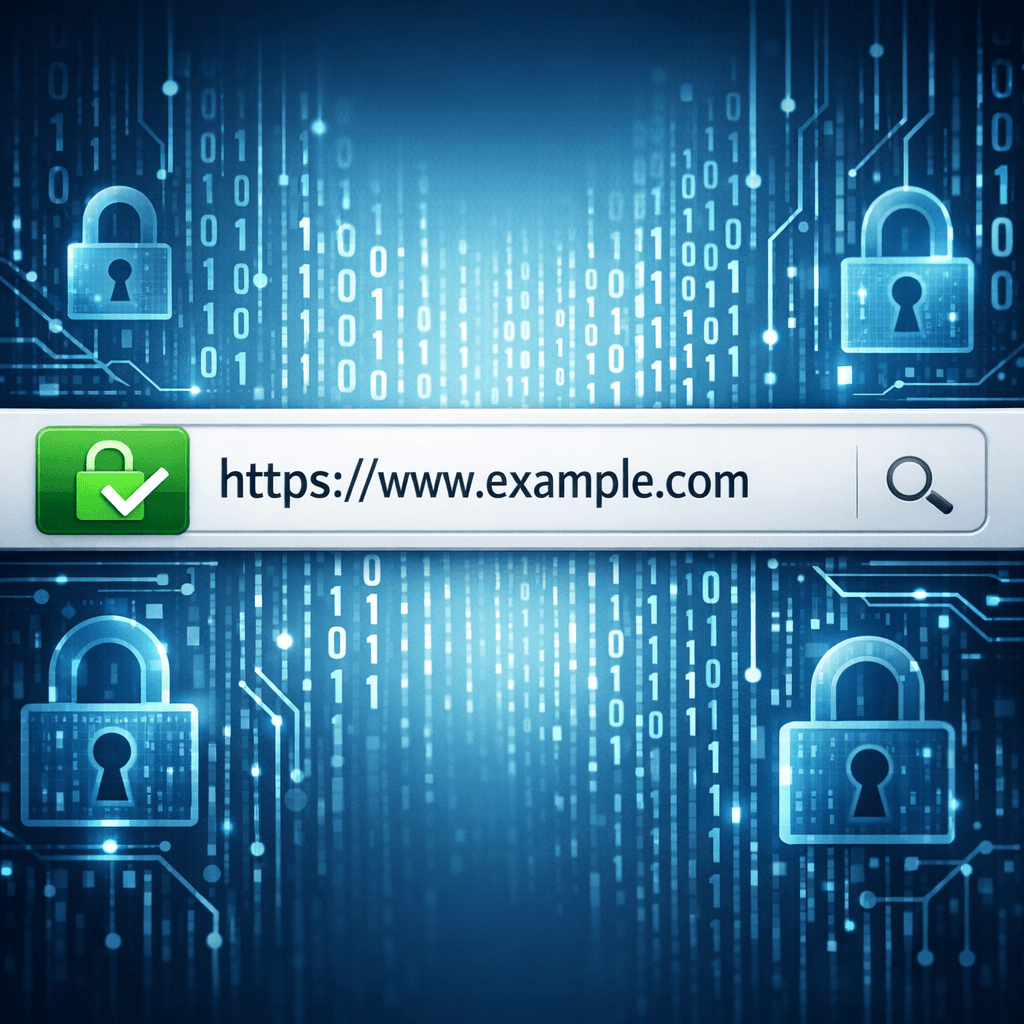
We click dozens, maybe hundreds, of links every day. Emails, social media, search results—URLs are the pathways of the internet. But not all paths are safe. Some lead to malware, scams, or phishing sites.
How can you tell if a URL is safe before you click it? This guide will show you how to check URLs for hidden threats.
The Anatomy of a URL
Understanding the parts of a URL can help you spot fakes.
https://www.example.com/login
- Protocol (
https://): Secure sites use HTTPS. Avoid sites that only use HTTP for sensitive transactions. - Domain (
example.com): This is the core address. Attackers often change this slightly (e.g.,examp1e.com) to trick you. - Path (
/login): This tells the server which specific page to show.
Hidden Threats in URLs
1. Shortened Links
Services like bit.ly are useful, but they hide the destination. You never know where a shortened link goes until you click it—or check it.
2. Redirects
A URL might look safe initially but then quickly redirect you to a malicious site. This "chain" of redirects is a common tactic to bypass security filters.
3. Homograph Attacks
This involves using characters from different alphabets that look identical to Latin letters (e.g., a Cyrillic 'a' instead of a Latin 'a'). To the naked eye, the URL looks perfect, but the computer sees a completely different website.
How to Check a URL Safely
Hover Before You Click
On a desktop computer, hovering your mouse over a link usually reveals the actual destination URL in the bottom corner of your browser. Check it carefully!
Use a URL Scanner
A URL scanner is a tool that visits the website for you. It analyzes the page content, checks for malware, and follows any redirects to see the final destination.
Using a scanner allows you to:
- See the full redirect path.
- Check if the site is on any blacklists.
- View a screenshot of the page without putting your device at risk.
Practice Safe Browsing
Safe browsing isn't just about tools; it's a habit. Pause before you click. If a deal looks too good to be true, or an email feels urgent and pushy, take a second to verify the URL.
Unsure about a link? Scan it safely with our URL Scanner.
Related articles
 ASN Reputation for Threat Intelligence: How Autonomous System Intelligence Improves Prioritization and Hunt Programs
An IP address is a snapshot; an autonomous system (ASN) is a neighborhood. Learn how to use ASN context safely for triage, fraud, and security operations—without mistaking a giant cloud for a monolithic "bad host".
 IP Lookup for Cyber Threat Detection: A Complete Security Guide
Learn how IP lookup works as a frontline defense against cyber threats. Discover how to use IP reputation data, threat intelligence feeds, and automated checks to block malicious actors before they reach your systems.
 How to Check If an IP Address Is Malicious
Check the reputation of any IP in seconds: the signals that matter, the free tools that work, and how SOC teams triage a suspicious address.
Protect Your Infrastructure
Check any IP or domain against our threat intelligence database with indexed records.
Try the IP / Domain Checker