Phishing Explained: How to Check a Domain for Threats
What is phishing? Learn how to spot fake websites and check domains for threats before you enter your personal information.
 IsMalicious Team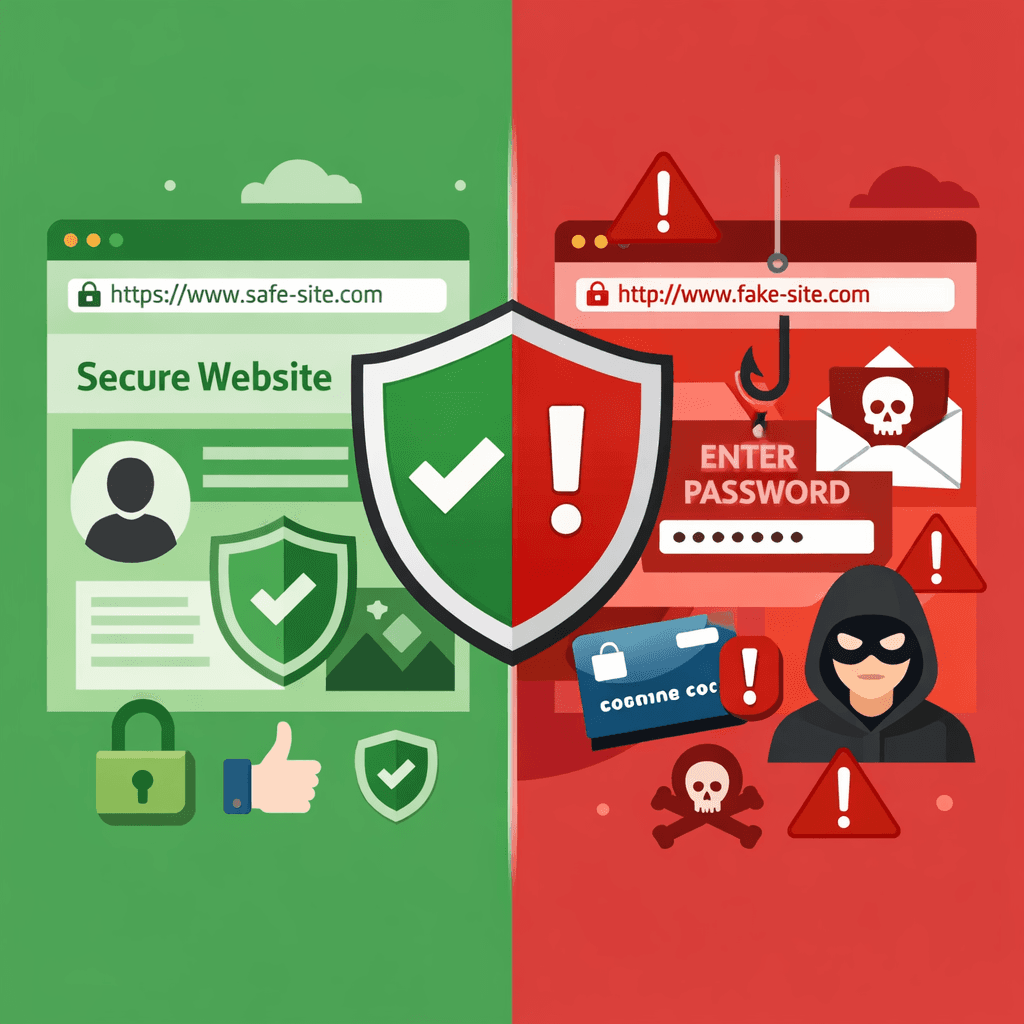
You get an email from your bank asking you to reset your password. You click the link, and the website looks exactly like your bank's login page. But wait—is it real?
This is a classic example of phishing. Phishing attacks are designed to trick you into giving up sensitive information like passwords and credit card numbers. One of the best ways to protect yourself is to learn how to check domains for threats.
What is Phishing?
Phishing is a type of cyber attack where attackers pretend to be a trustworthy entity (like a bank, a company, or a friend) to deceive victims. They often use fake websites hosted on malicious domains.
How to Spot a Phishing Domain
Attackers use clever tricks to make their fake domains look real. Here’s what to look for:
1. Misspellings (Typosquatting)
Attackers often register domains that look very similar to popular ones.
- Real:
example.com - Fake:
examp1e.comorexamplle.com
Always check the spelling in the address bar carefully.
2. Strange Extensions
While legitimate sites often use .com, .org, or .net, phishing sites might use cheaper or less common extensions like .xyz, .top, or .club. While not all sites with these extensions are bad, they warrant extra caution.
3. The "Lock" Icon Isn't Enough
In the past, a green lock icon meant a site was safe. Today, anyone can get a free SSL certificate. A lock icon means your connection is encrypted, but it does not mean the site itself is legitimate. A phishing site can have a lock icon too!
How to Check a Domain for Threats
If you're suspicious of a link, don't click it. Instead, copy the link and check the domain using a reputation tool.
Domain reputation tools analyze a domain's history, age, and associations with known threats.
- Check Domain Age: Phishing domains are often brand new. If a "bank" website was registered yesterday, it's almost certainly a scam.
- Scan for Malware: Security scanners can tell you if a domain is known to host malware or phishing pages.
If you have already clicked
A phishing attempt that reached its target is a security incident, not an embarrassment, and the first hour matters.
- Change the credential you entered, from a device you trust, and enable multi-factor authentication on that account if it was not already on.
- Check where that password was reused. Attackers try stolen credentials against other services within minutes; every account sharing the password needs a new one.
- Look at what the site did. If you downloaded or ran anything, treat the device as compromised until it has been scanned and, ideally, reimaged.
- Report the domain. To your security team, to the impersonated brand, and to a phishing tracker; a report shortens the window for the next target.
- Keep the e-mail. Headers, links and the sending infrastructure are the evidence a security team pivots from to find the rest of the campaign.
A domain lookup on the link you clicked tells you quickly whether the domain is already known as phishing infrastructure, how old it is, and what else shares its hosting — the facts that decide how far the response has to go.
Stay Safe Online
Phishing is a serious threat, but with a keen eye and the right tools, you can spot the fakes. Always double-check domains before entering your personal information.
Suspicious link? Check it instantly with our Domain Reputation Checker.
Related articles
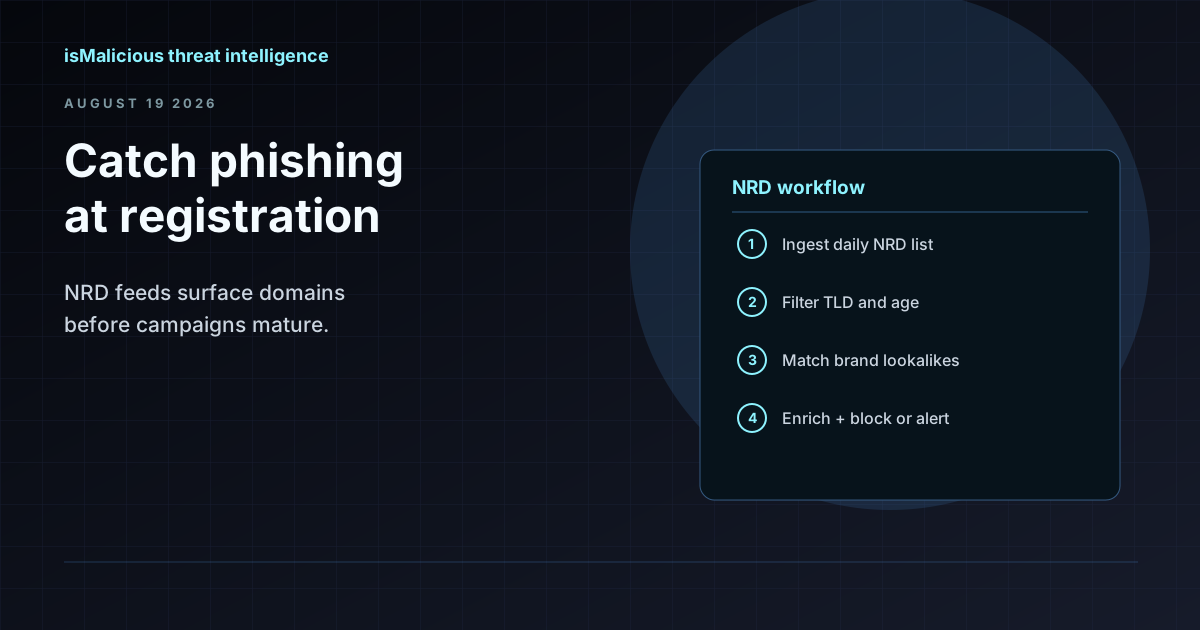 How to Use an NRD Feed to Catch Phishing Before It Lands in the Inbox
Newly registered domains are where most phishing campaigns start. This guide walks through NRD feed workflows for brand monitoring, mail gateway hygiene, and SOC triage — without treating domain age as a blunt block rule.
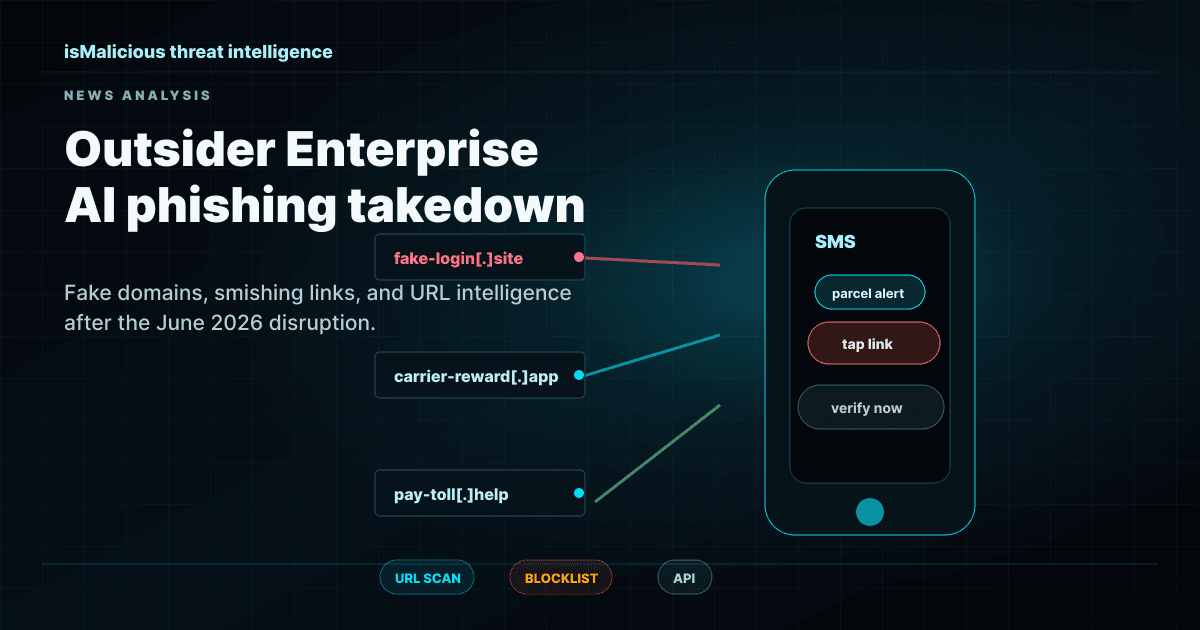 Outsider Enterprise Takedown: AI Phishing Infrastructure Is Now A Domain Reputation Problem
The FBI, Google, and Black Lotus Labs disruption of Outsider Enterprise shows why AI phishing defense needs URL scanning, domain reputation checks, blocklists, and fast API enrichment.
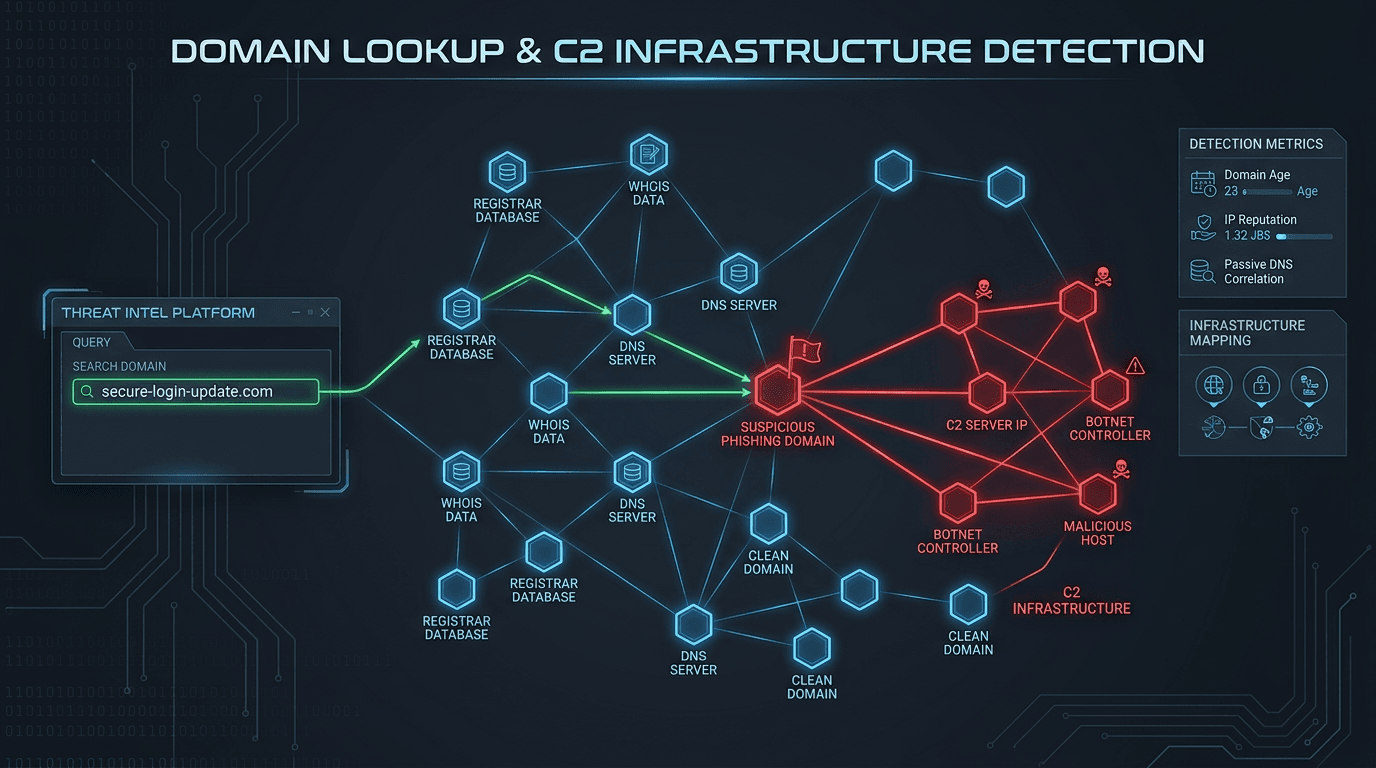 Domain Lookup for Phishing and C2 Infrastructure Detection
Phishing campaigns and malware operations depend on domain infrastructure that leaves detectable traces. Learn how advanced domain lookup techniques help security teams uncover phishing sites and command-and-control servers before they compromise your organization.
Protect Your Infrastructure
Check any IP or domain against our threat intelligence database with indexed records.
Try the IP / Domain Checker