Dashboard keys
Copy apiKey and apiSecret from Account settings.
REST calls to https://api.ismalicious.com accept X-API-KEY (Base64 of apiKey:apiSecret) or HTTP Basic Auth (username=apiKey, password=apiSecret). HTTPS is required.
No credit card required · Free API key
# X-API-KEY = Base64(apiKey:apiSecret)
curl "https://api.ismalicious.com/check?query=example.com" \
  -H "X-API-KEY: $(echo -n "$API_KEY:$API_SECRET" | base64)"

# Or HTTP Basic Auth
curl -u "$API_KEY:$API_SECRET" \
  "https://api.ismalicious.com/check?query=example.com"
Legacy TAXII clients can send any username with the Base64 credential as the password.
| Status | Meaning |
|---|---|
| 401 | Missing or invalid credentials |
| 403 | Your plan does not include this route |
| 429 | Rate limit exceeded; see the X-RateLimit-* headers |
Copy apiKey and apiSecret from Account settings.
Keep keys in environment variables or a secrets manager, never in frontend code, mobile apps or git.
Logged-in browser requests can use the session cookie. Scripts use X-API-KEY.

Blog post
Discover how integrating threat intelligence APIs can transform your security infrastructure. Learn best practices for automated threat detection, continuous monitoring, and documented integration with your existing systems.
Read more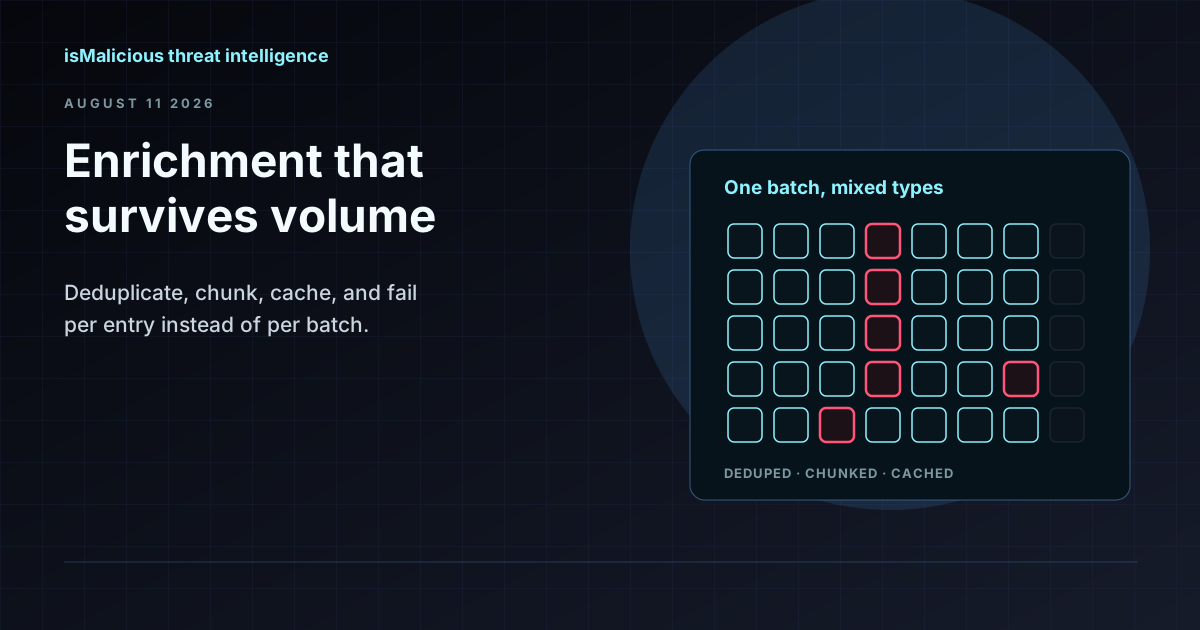
Blog post
One incident produces hundreds of indicators, and per-indicator lookups are where triage stalls. Here is how to build a batch enrichment pipeline that respects quotas, deduplicates properly, and fails gracefully.
Read more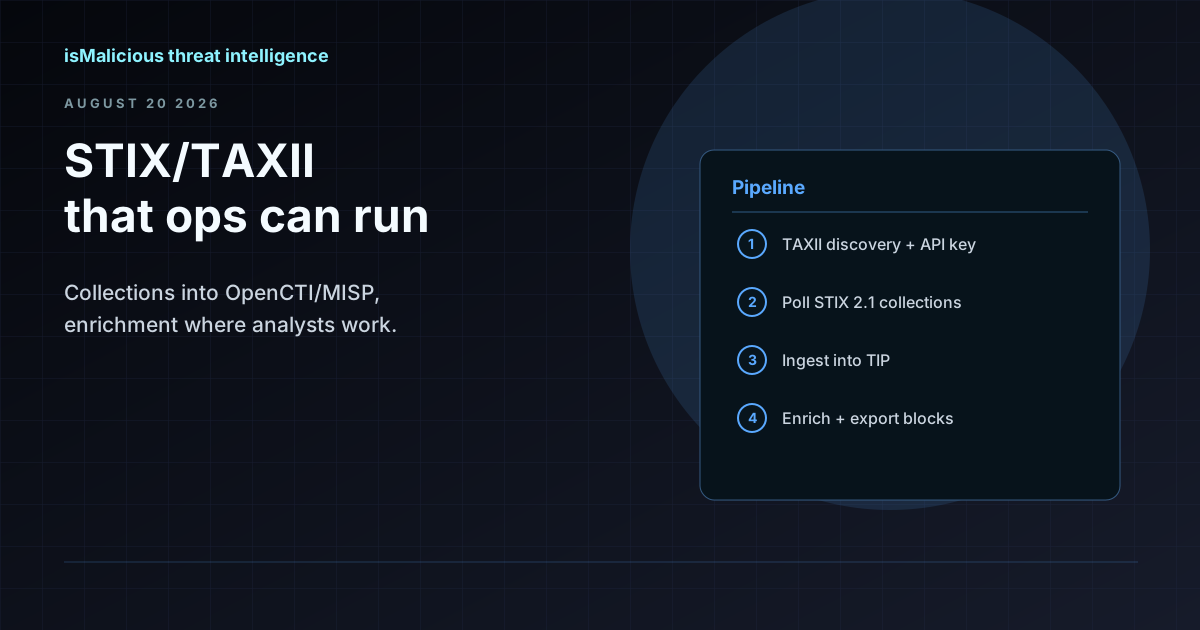
Blog post
How to wire STIX 2.1 and TAXII 2.1 collections into OpenCTI, MISP, or your SIEM — what to poll, how to handle confidence and aging indicators, and where enrichment APIs fit alongside feed ingestion.
Read moreThe free plan includes website lookups with no monthly cap and 250 API requests a month. Check the sources and limits, then connect the API.
No credit card required · Free API key