What Is a C2 Server? Detection Explained
Command-and-control servers run botnets and ransomware. How C2 traffic works, what it looks like on your network, and how to detect it.

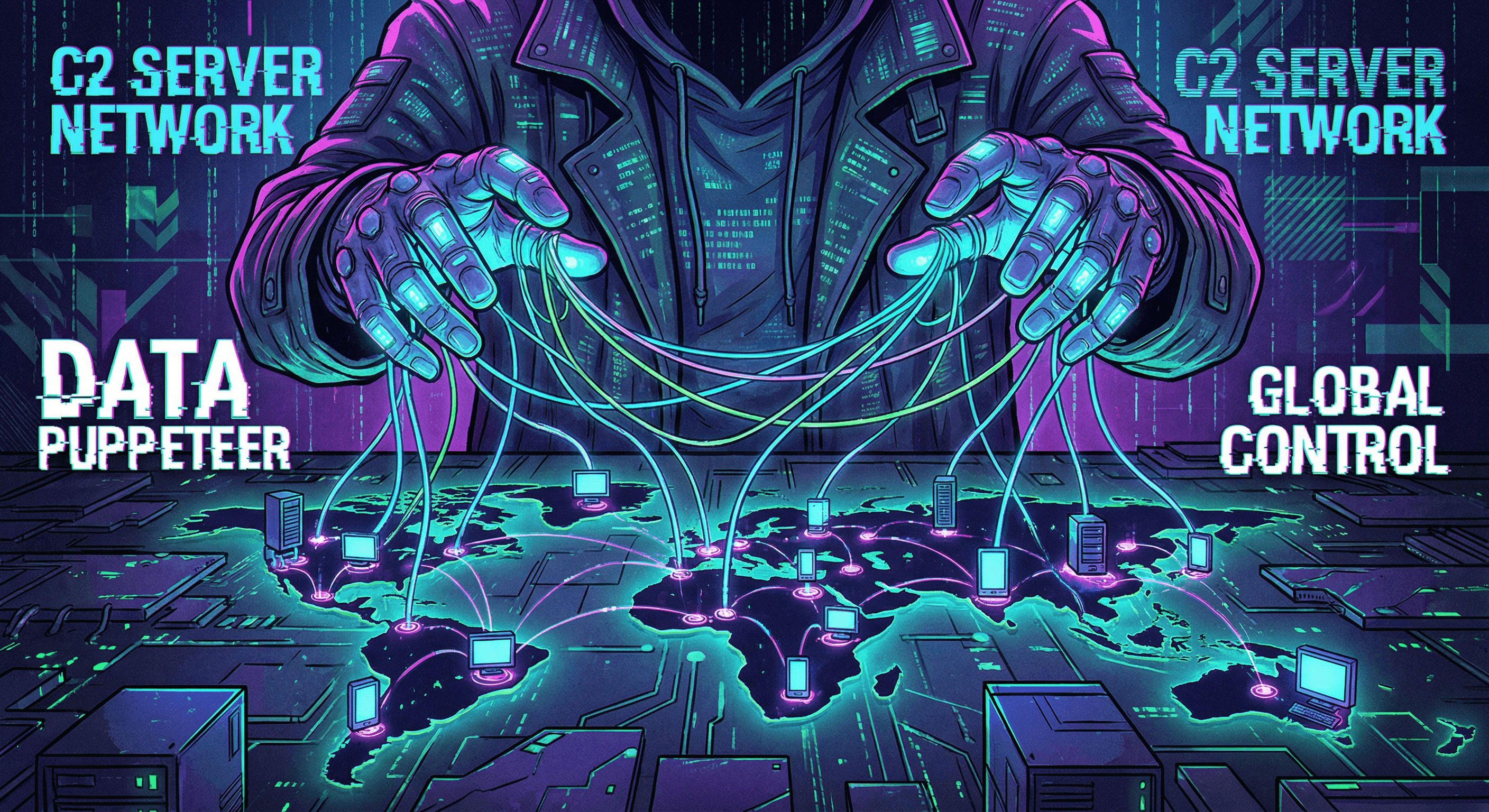
The Silent Controllers
In the world of cyber threats, malware often gets all the attention. But malware is just a soldier; the Command and Control (C2) server is the general giving the orders. Understanding C2 infrastructure is crucial for anyone looking to secure their network against advanced threats.
How C2 Servers Work
A C2 server is a computer controlled by an attacker that sends instructions to systems compromised by malware. Think of it as a "puppet master."
- Infection: A user accidentally downloads malware (e.g., via a phishing email).
- Callback: The malware secretly contacts the C2 server to signal it's ready.
- Command: The attacker sends commands back—steal data, encrypt files (ransomware), or attack other networks.
Why C2 Detection is Hard
Hackers are clever. They hide C2 traffic using:
- Common Ports: Blending in with normal web traffic (HTTP/HTTPS).
- Domain Generation Algorithms (DGA): Rapidly switching domain names to avoid blacklists.
- Social Media: Sometimes using legitimate sites like Twitter or GitHub to post commands.
Detecting C2 Traffic with IsMalicious
You can't always stop the initial infection, but you can cut the communication line.
- Check IP Reputation: Use our IP Scanner to see if an IP address your device is contacting is a known C2 node.
- Monitor DNS Requests: Look for strange, random-looking domain names.
- Analyze Traffic Patterns: Regular "heartbeat" signals often indicate a bot checking in with its master.
Cutting off the C2 server renders the malware useless. Stay vigilant and keep checking your network traffic for these invisible strings.
The beacon: what C2 traffic looks like
The unit of C2 communication is the beacon: a short, periodic outbound message from the compromised host asking the server whether it has instructions. Beacons are designed to blend in. They use HTTPS on port 443, imitate the headers of ordinary web or cloud traffic, and add random jitter to their interval so that no clockwork heartbeat stands out. Before the first beacon, many implants test connectivity against legitimate infrastructure, which shows up as an odd outbound connection from a process that never talked to the Internet before.
How C2 is detected
Three layers, in the order most teams can afford them:
- DNS. Almost every C2 channel resolves a name at some point. Algorithmically generated domains have high-entropy names and produce bursts of NXDOMAIN answers as the implant cycles candidates; passive DNS history ties today's server to yesterday's campaign.
- Network behaviour. A host that connects to the same external address at near-regular intervals, sends more than it receives, or talks to a destination nobody else in the organisation has ever contacted is behaving like an implant, whatever the protocol says.
- Threat intelligence. Correlating destinations against known C2 servers, framework fingerprints and hosting reputation gives the highest-confidence detections. C2 frameworks answer in recognisable ways and often ship default certificates, so trackers find servers by scanning before any victim reports them; those scans are what C2 feeds are made of.
Cobalt Strike remains the most observed framework, in both authorised red-team use and criminal hands. Its malleable profiles let traffic mimic cloud APIs or telemetry, but default configurations leave fingerprints in certificates and response structure that detection services catalogue by the thousand.
What to do when a C2 channel is found
Detection is a decision point. Cutting the channel immediately stops the attacker but may trigger destructive fallback behaviour and ends any chance of observing what they were after. Monitoring the session under tight segmentation reveals scope and intent but carries the risk of moving too slowly. Sinkholing the C2 destination — redirecting it to a defender-controlled server — is the tool of large takedowns rather than a single incident. Whatever the choice, the C2 indicators themselves go to the blocklist first: the server, its domains, and the other names sharing its address, which a reverse IP lookup lists in one query. The C2 feed carries the tracker-sourced servers for firewall and DNS-layer blocking.
Related articles
 Sigstore and Cosign: Verify Container Images
Sign and verify container images with Cosign, keyless identities, transparency evidence, digest pinning, and admission policies that check the signer.
 DGA Detection: Find Algorithmically Generated Domains
Detect domain generation algorithms with lexical, DNS, endpoint, and reputation signals while controlling false positives in production.
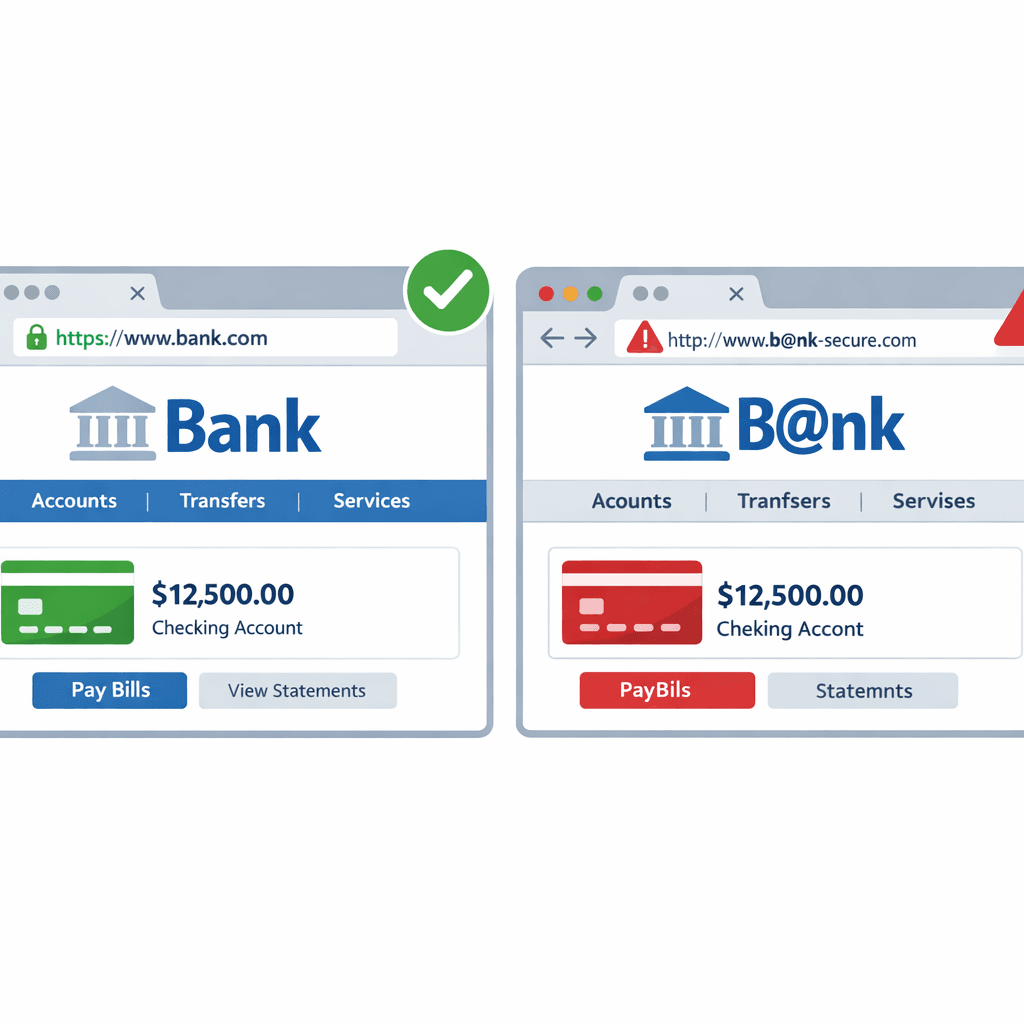 How Hackers Use "Typosquatting" to Trick You (and How to Spot It)
Typosquatting relies on your fingers slipping. Learn how attackers register look-alike domains to steal your data and how to check URLs before you click.
Protect Your Infrastructure
Check any IP or domain against our threat intelligence database with indexed records.
Try the IP / Domain Checker