Botnets Explained: Is Your Computer Part of a Zombie Army?
Botnets are networks of infected devices controlled by cybercriminals. Find out how they work, what they do, and how to check if your IP is involved.


The Zombie Army
Your computer might be working for a criminal right now, and you wouldn't even know it. A botnet is a collection of internet-connected devices (PCs, servers, IoT devices) that have been infected and are controlled by a common attacker.
What Do Botnets Do?
Individually, an infected device (a "bot") has limited capacity. Together, thousands of bots can cause widespread damage:
- DDoS Attacks: Flooding a website with traffic to knock it offline.
- Spam Campaigns: Sending millions of phishing emails.
- Credential Cracking: Trying stolen passwords on Netflix, banking, or gaming sites.
How Devices Get Recruited
- Weak Passwords: IoT devices (like smart cameras) often have default passwords like
admin/admin. Bots scan the web for these. - Unpatched Software: Exploiting security holes in your browser or OS.
- Malware: Downloading a "free game" that includes a botnet installer.
Signs You Are Infected
- Slow Internet: Your bandwidth is being used to attack others.
- High Fan Speed: Your processor is working hard even when you aren't doing anything.
- Strange Pop-ups: Unexpected ads or messages.
How to Check and Clean
- Check Your IP: Use our IP Reputation Tool to see if your public IP address has been flagged for spam or botnet activity.
- Update Everything: Keep your OS and antivirus updated.
- Reboot: Some IoT malware lives in memory. A simple restart can sometimes clear it (though changing the password is required to stop reinfection).
Don't let your device be a pawn in a cyber war. Secure your devices and monitor your network reputation.
Related articles
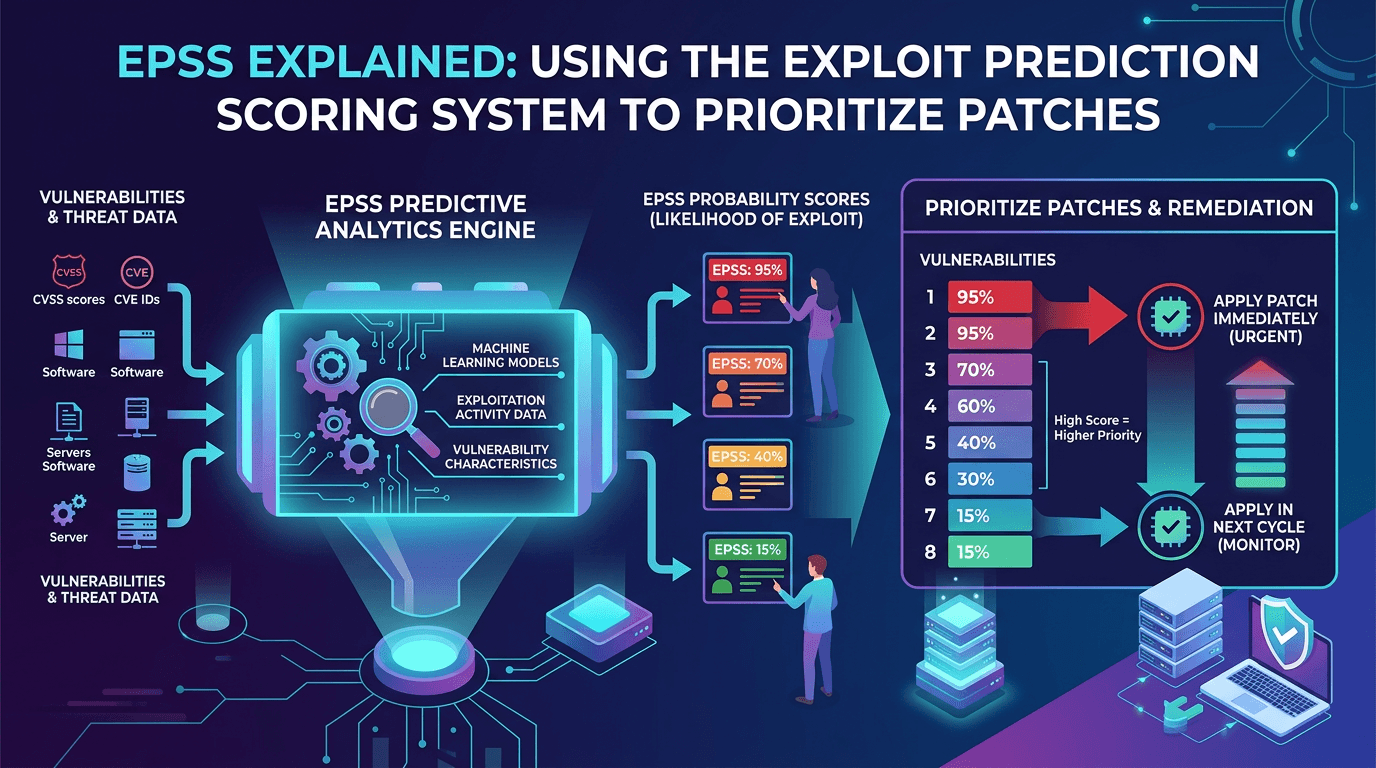 EPSS Explained: Using the Exploit Prediction Scoring System to Prioritize Patches in 2026
A practical guide to the Exploit Prediction Scoring System (EPSS)—how it works, how it complements CVSS and KEV, and how security teams can use EPSS probabilities to prioritize vulnerability management at scale.
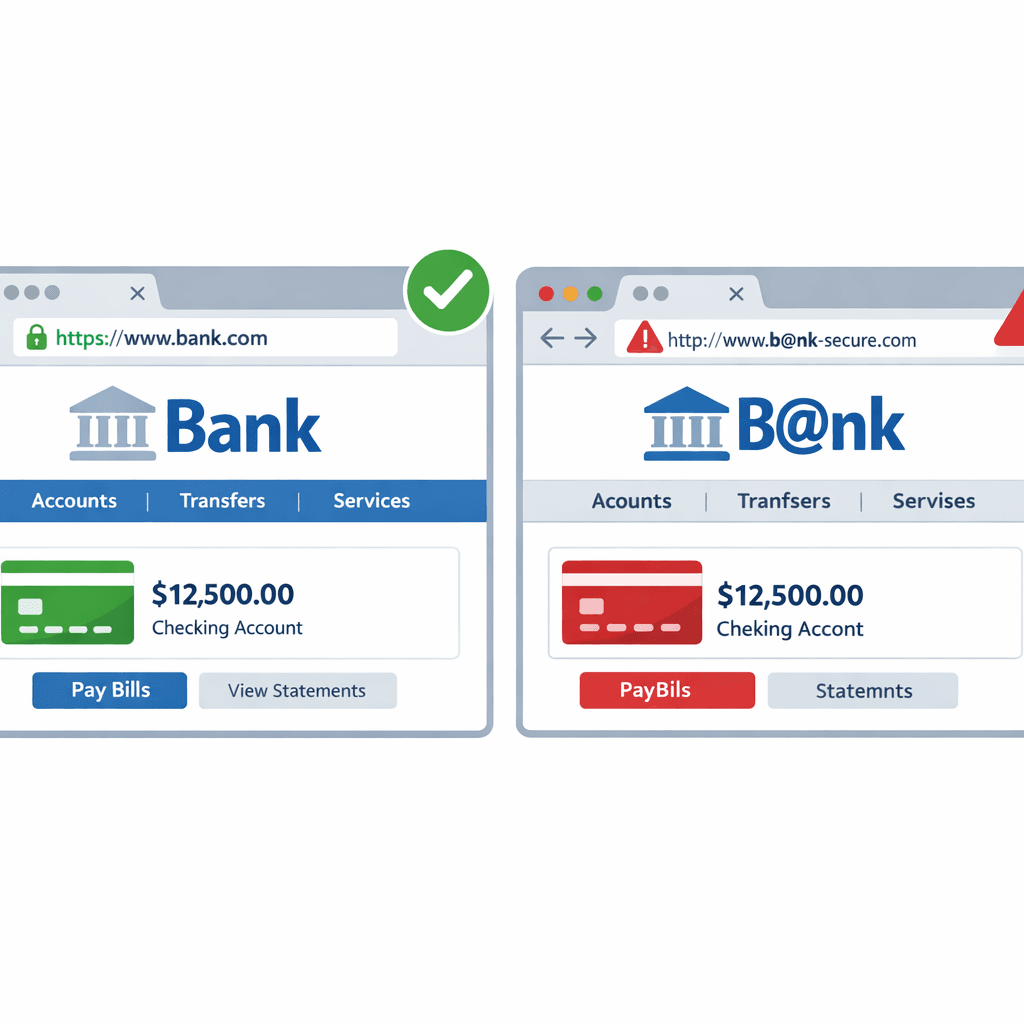 How Hackers Use "Typosquatting" to Trick You (and How to Spot It)
Typosquatting relies on your fingers slipping. Learn how attackers register look-alike domains to steal your data and how to check URLs before you click.
 Is Your Email Leaking Data? How to Check Email Reputation
Learn why email reputation matters for security and deliverability, and how to check if an email address is compromised or malicious.
Protect Your Infrastructure
Check any IP or domain against our threat intelligence database with indexed records.
Try the IP / Domain Checker