DNS Blocklists: Stop Malware at the Resolver
Protective DNS blocks malware before the connection opens. Setup guides for Pi-hole, AdGuard, and enterprise resolvers with live blocklists.

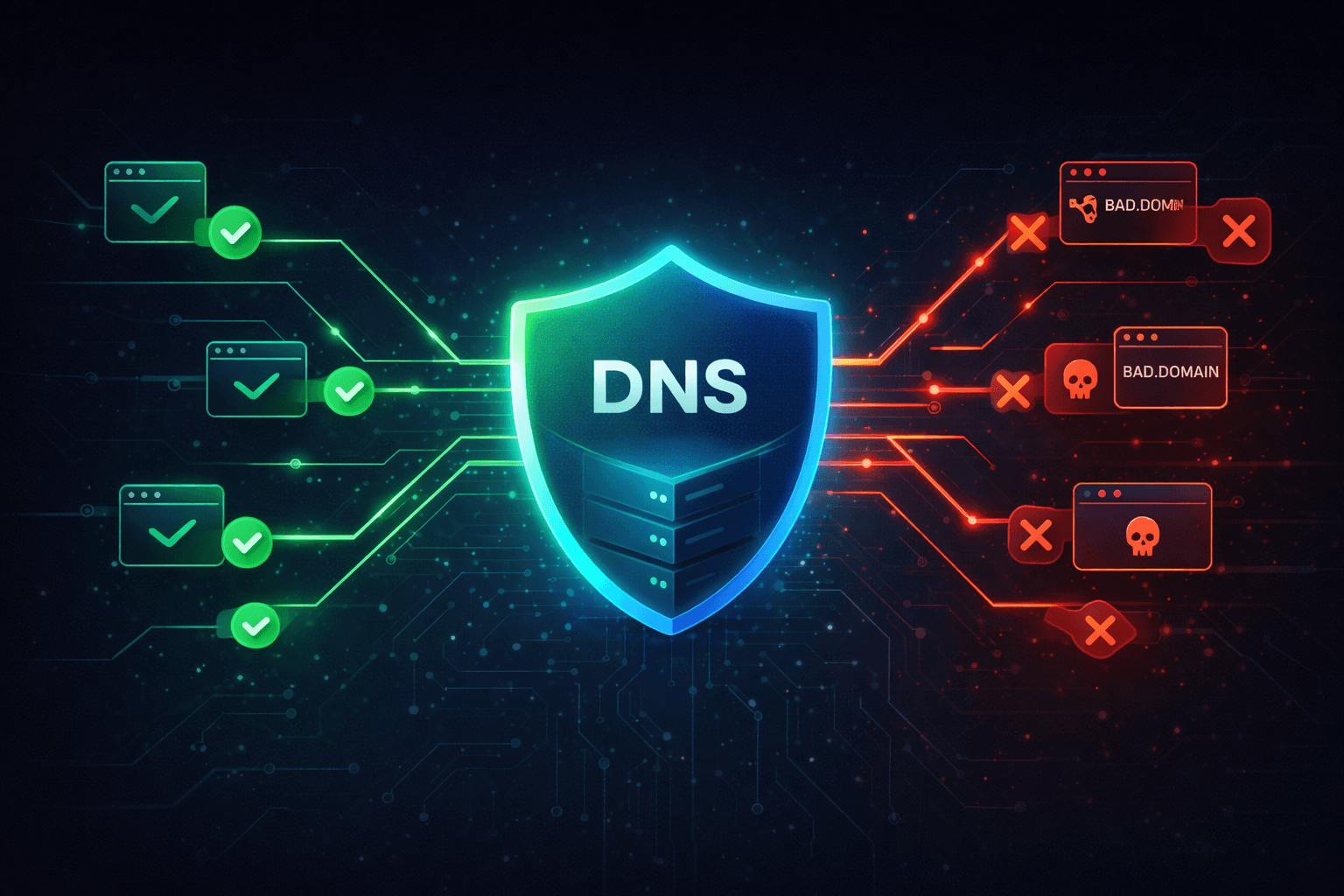
DNS security blocks malicious domains before a browser, endpoint, or server connects to attacker infrastructure. The fastest path is to combine protective DNS with fresh threat intelligence blocklists, then monitor false positives and update feeds automatically.
Every connection on the internet begins with a question: what is the IP address for this domain name? That question is answered by DNS, the Domain Name System, and it represents a choke point through which nearly all network communication must pass. For security teams, this creates an extraordinary opportunity. By controlling what DNS queries are answered and how, you can prevent malicious connections before they even begin.
A user clicks a phishing link. Before any malicious payload can be delivered, before any credentials can be harvested, before any data can be exfiltrated, the browser must first resolve the domain name to an IP address. If your DNS resolver recognizes that domain as malicious and refuses to resolve it, the attack fails at its earliest possible stage.
This is protective DNS, and it represents one of the highest-use security investments an organization can make. Studies consistently show that DNS-based blocking prevents the majority of malware callbacks, phishing attempts, and command-and-control communications. The technology is mature, the deployment is straightforward, and the protection is substantial.
How DNS Becomes a Security Control
The traditional DNS system was designed for availability and performance, not security. DNS queries and responses travel in cleartext, resolvers answer whatever queries they receive, and clients generally trust whatever answers they get back.
Protective DNS transforms this architecture into a security enforcement point. Instead of blindly resolving all queries, a protective DNS resolver maintains awareness of malicious domains and refuses to resolve them. The implementation can be as simple as a blocklist of known bad domains or as sophisticated as real-time threat intelligence integration with behavioral analysis.
The protection works regardless of how the user encountered the malicious domain. Whether they clicked a phishing link, were redirected by a compromised advertisement, or had malware trying to phone home, the DNS query provides an interception point.
The Kill Chain Disruption
Consider how DNS blocking interrupts different attack phases.
During initial access, users who click phishing links are protected when those links point to domains in threat intelligence feeds. The connection fails before any credential harvesting page loads.
During command and control, malware that successfully infects an endpoint still needs to communicate with attacker infrastructure. DNS blocking prevents those connections, rendering the malware unable to receive instructions or exfiltrate data.
During data exfiltration, attackers often use DNS tunneling or connections to staging servers. Blocking those domains contains the breach even after initial compromise.
The earlier in the attack chain you can disrupt the adversary, the less damage they can inflict. DNS blocking operates at the earliest possible network layer.
Building Blocks of DNS Security
Effective DNS security combines multiple components that work together to provide layered protection.
Threat Intelligence Feeds
The foundation of protective DNS is knowing which domains to block. This knowledge comes from threat intelligence feeds that aggregate information about malicious infrastructure from multiple sources.
High-quality feeds include newly observed malicious domains, known malware command-and-control servers, phishing sites, and domains associated with unwanted content. The best feeds update continuously as new threats emerge and old ones become inactive.
The challenge is balancing coverage with accuracy. Blocking too aggressively creates false positives that disrupt legitimate business. Blocking too conservatively allows threats through. The best threat intelligence provides confidence scores and categorization that enable tuned blocking policies.
Response Policy Zones
Response Policy Zones provide a standardized mechanism for DNS resolvers to implement blocking. RPZ allows administrators to define policies for how specific domains should be handled, returning blocked responses, redirecting to warning pages, or logging queries without blocking.
RPZ integrates with standard DNS server software and supports automated updates from threat intelligence feeds. This makes it practical to deploy and maintain blocklists containing millions of entries.
DNS Filtering Platforms
Commercial and open-source DNS filtering platforms provide turnkey protective DNS capabilities. These platforms handle threat intelligence integration, policy management, logging, and reporting.
For enterprises, platforms like Cisco Umbrella, Cloudflare Gateway, and Zscaler provide cloud-delivered protective DNS with extensive threat intelligence and granular policy controls.
For home users and small organizations, Pi-hole and AdGuard provide self-hosted DNS filtering with support for community blocklists and custom rules.
Encrypted DNS
Traditional DNS queries travel in cleartext, visible to anyone who can observe network traffic. This creates privacy concerns and enables some attack techniques.
DNS over HTTPS and DNS over TLS encrypt DNS queries between clients and resolvers. This protects query privacy and prevents some manipulation attacks, though it can complicate security monitoring that relies on DNS visibility.
Organizations implementing protective DNS must ensure their filtering operates on encrypted DNS traffic. This typically means running the encrypted DNS resolver internally where decryption and filtering can occur together.
Integrating Threat Intelligence Blocklists
The effectiveness of DNS filtering depends directly on the quality and coverage of the blocklists you use.
Format Compatibility
Blocklists come in various formats optimized for different DNS filtering solutions.
Plain domain lists contain one domain per line, suitable for most filtering platforms.
Hosts file format maps domains to addresses, typically blocking by pointing malicious domains to localhost or a null address. This format works directly with operating system hosts files and platforms like Pi-hole.
RPZ format provides the most flexibility, supporting complex policies and metadata, suitable for enterprise DNS infrastructure.
AdGuard format extends hosts file syntax with additional features like regular expression support and modifier tags.
When selecting blocklists, ensure format compatibility with your filtering platform or use conversion tools to transform between formats.
Blocklist Categories
Different blocklists focus on different threat categories.
Malware blocklists contain domains used for malware distribution, command-and-control, and related infrastructure. These represent the highest-priority threats and should be enabled universally.
Phishing blocklists track domains used for credential harvesting and social engineering attacks. Coverage is essential for protecting users from the most common attack vector.
Advertising and tracking blocklists target domains used for online advertising and user tracking. While not strictly security threats, blocking these domains improves privacy and reduces exposure to malvertising.
Adult content and other category blocklists enable policy enforcement beyond security, relevant for some organizations and parental control scenarios.
Update Frequency
Malicious infrastructure changes constantly. Attackers register new domains, compromise legitimate sites, and rotate their infrastructure to evade detection. Blocklists must update frequently to maintain effectiveness.
The best threat intelligence feeds update multiple times daily. Stale blocklists quickly become ineffective as attackers move to new infrastructure while blocked domains may become legitimate again through ownership changes.
Automated update mechanisms ensure your filtering stays current without manual intervention.
Deployment Architectures
DNS filtering can be deployed at various points in your infrastructure, each with different trade-offs.
Network-Level Filtering
Deploying filtering at the network DNS resolver protects all devices on the network automatically. Users cannot bypass filtering without changing their DNS configuration, and protection applies to all applications without individual configuration.
This approach works well for controlled networks like corporate offices or home networks where you manage the DNS infrastructure.
Endpoint-Level Filtering
Installing filtering agents on individual devices provides protection regardless of network location. This approach suits mobile workforces, remote employees, and environments where network-level deployment is impractical.
Endpoint agents can integrate with device management platforms for centralized policy control across distributed devices.
Cloud-Delivered Filtering
Cloud DNS filtering services combine the simplicity of network-level filtering with the coverage of endpoint agents. Devices are configured to use the cloud service as their DNS resolver, providing protection across any network.
Cloud services typically offer the most comprehensive threat intelligence and simplest deployment, though they create dependency on the service provider's availability and privacy practices.
Hybrid Approaches
Most organizations benefit from layered DNS filtering that combines multiple deployment methods. Network filtering protects on-premises devices, endpoint agents protect mobile devices, and cloud services provide backup and coverage gaps.
Pi-hole Integration
Pi-hole is a popular open-source DNS filtering platform that runs on minimal hardware like a Raspberry Pi. It provides network-wide ad blocking and can be extended with threat intelligence blocklists.
Adding Threat Intelligence Blocklists
Pi-hole supports adding custom blocklists through its web interface. Navigate to Group Management, then Adlists, and add the URL of your chosen blocklist.
For threat intelligence coverage, add lists that focus on malware, phishing, and command-and-control domains. These complement the advertising-focused lists that Pi-hole includes by default.
After adding lists, run the gravity update process to download and compile the new entries. Pi-hole will then block queries for domains on any of your configured lists.
Automation and Updates
Configure Pi-hole to update blocklists automatically through its scheduled update mechanism or external cron jobs. Regular updates ensure new threats are blocked promptly.
Monitor Pi-hole logs to understand what is being blocked and identify any false positives that need whitelisting. The query log provides visibility into all DNS activity on your network.
AdGuard Integration
AdGuard provides both client applications and AdGuard Home, a network-wide filtering solution similar to Pi-hole with additional features.
Blocklist Configuration
AdGuard Home supports the same blocklist formats as Pi-hole plus its own extended format. Add blocklists through the Filters menu, specifying the URL and update interval.
AdGuard's syntax supports more complex rules including regular expressions and modifier tags. This enables sophisticated filtering rules that simple domain lists cannot express.
DNS Encryption
AdGuard Home supports DNS-over-HTTPS and DNS-over-TLS natively, enabling encrypted DNS throughout your network. Configure upstream resolvers to use encrypted protocols while maintaining filtering capability locally.
Enterprise DNS Integration
Enterprise environments typically use dedicated DNS infrastructure that can integrate threat intelligence more deeply.
BIND and RPZ
BIND is the most widely deployed DNS server software and supports Response Policy Zones for threat intelligence integration. Configure RPZ zones that reference threat intelligence feeds, with policies defining how matched queries should be handled.
Enterprise threat intelligence platforms often provide RPZ feeds formatted for direct BIND consumption with automated updates.
Microsoft DNS
Windows Server DNS supports response rate limiting and some policy features. For comprehensive threat intelligence integration, organizations often deploy dedicated filtering appliances or cloud services alongside Microsoft DNS.
Infoblox, BlueCat, and Enterprise Platforms
Enterprise DNS management platforms provide extensive threat intelligence integration, policy management, and reporting capabilities. These platforms typically include curated threat intelligence feeds and simplified management of large-scale deployments.
How isMalicious Enhances DNS Security
isMalicious provides comprehensive blocklists and threat intelligence specifically designed for DNS filtering integration.
Multiple Format Support
Blocklist downloads are available in plain text, hosts file format, dnsmasq format, and AdGuard format. This ensures compatibility with any DNS filtering platform you deploy.
Access blocklists directly through documented URLs that can be added to Pi-hole, AdGuard, or enterprise DNS infrastructure for automated updates.
Curated Threat Intelligence
Blocklists are compiled from aggregated threat intelligence covering malware, phishing, command-and-control, and other malicious domain categories. Continuous updates ensure coverage of emerging threats while removing entries that are no longer active.
For teams building their own controls, the same intelligence can be used through the blocklist page, domain reputation checks, and the threat intelligence API.
API Integration
For programmatic access, the API enables custom integration with DNS infrastructure. Query domain reputation in real-time, download filtered blocklists based on specific criteria, or build custom filtering logic that incorporates threat intelligence alongside other factors.
Coverage and Accuracy
Threat intelligence aggregation from multiple sources provides broader coverage than any single feed while cross-referencing reduces false positives. The result is blocklists that provide effective protection without disrupting legitimate traffic.
Measuring DNS Filtering Effectiveness
Deploying DNS filtering is just the beginning. Ongoing measurement ensures your protection remains effective.
Query Logging and Analysis
Monitor blocked queries to understand what threats are being stopped. High volumes of blocked queries to specific domains may indicate compromised devices attempting to reach command-and-control servers.
Analyze blocked query sources to identify devices that may need additional investigation or remediation.
False Positive Monitoring
Track reports of legitimate services being blocked. Some false positives are inevitable, but excessive blocking indicates overly aggressive filtering that may be bypassed or disabled.
Implement easy whitelisting procedures so legitimate blocks can be quickly resolved without undermining overall protection.
Threat Intelligence Coverage
Periodically test your filtering against known malicious domains to verify blocklist coverage. New threats that bypass filtering indicate gaps in threat intelligence that may need additional sources.
Compare blocked queries against incident reports to understand how often DNS filtering prevents attacks that other controls might miss.
The Foundation of Network Security
DNS filtering provides foundational protection that complements every other security control you deploy. It operates at network scale without per-device configuration, it stops threats at the earliest possible stage, and it provides visibility into network behavior that informs other security decisions.
The investment required is modest compared to the protection delivered. A Raspberry Pi running Pi-hole provides meaningful protection for home networks. Enterprise platforms scale to protect global organizations with millions of endpoints.
Whatever your scale and budget, DNS filtering should be part of your security architecture. The visibility and control it provides are too valuable to ignore.
Start protecting your network at the DNS layer today. isMalicious provides the threat intelligence blocklists and API integration you need to deploy effective DNS filtering. Block malware, phishing, and command-and-control traffic before it reaches your network, and gain visibility into the threats targeting your organization.
Related articles
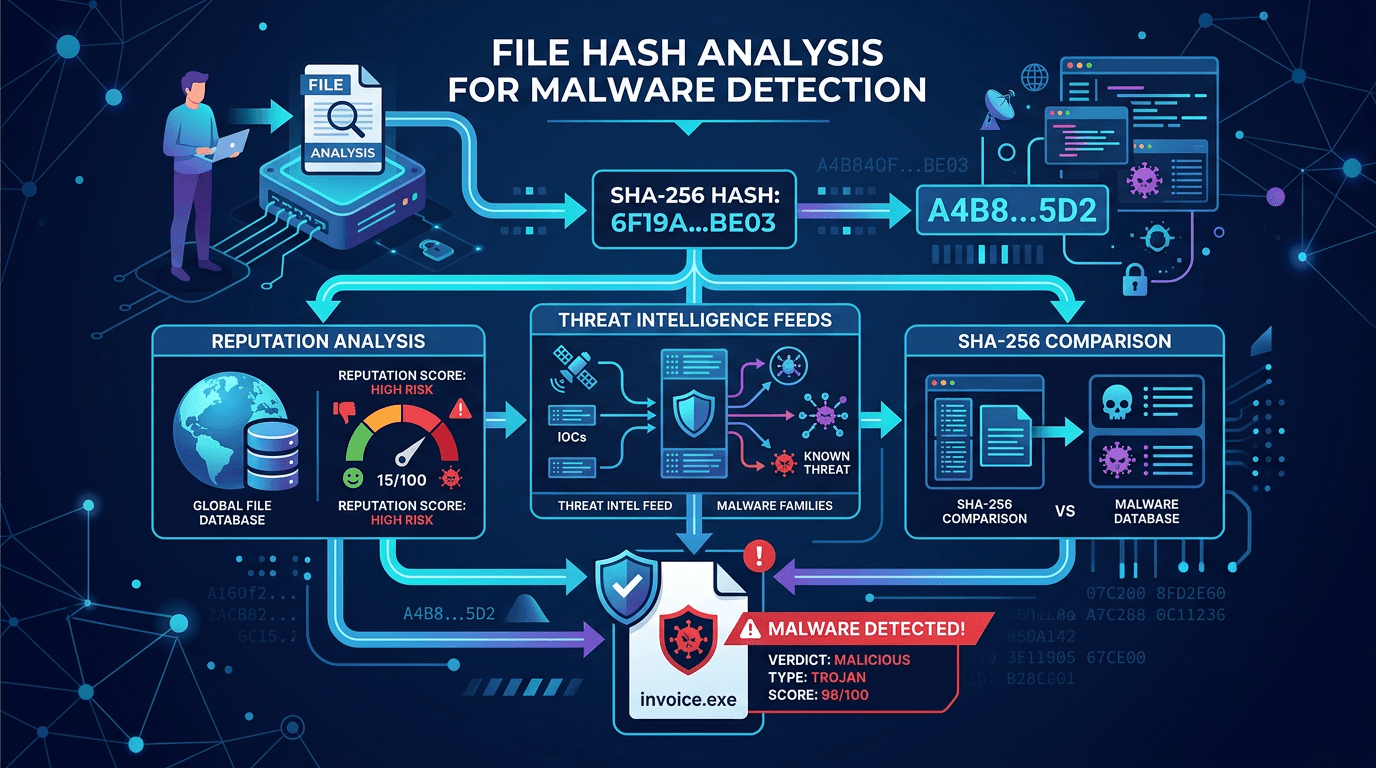 File Hash Check: Is This SHA-256 Malware?
How to check MD5, SHA-1, and SHA-256 hashes against threat intelligence, and how SOC teams use hash reputation to cut false positives.
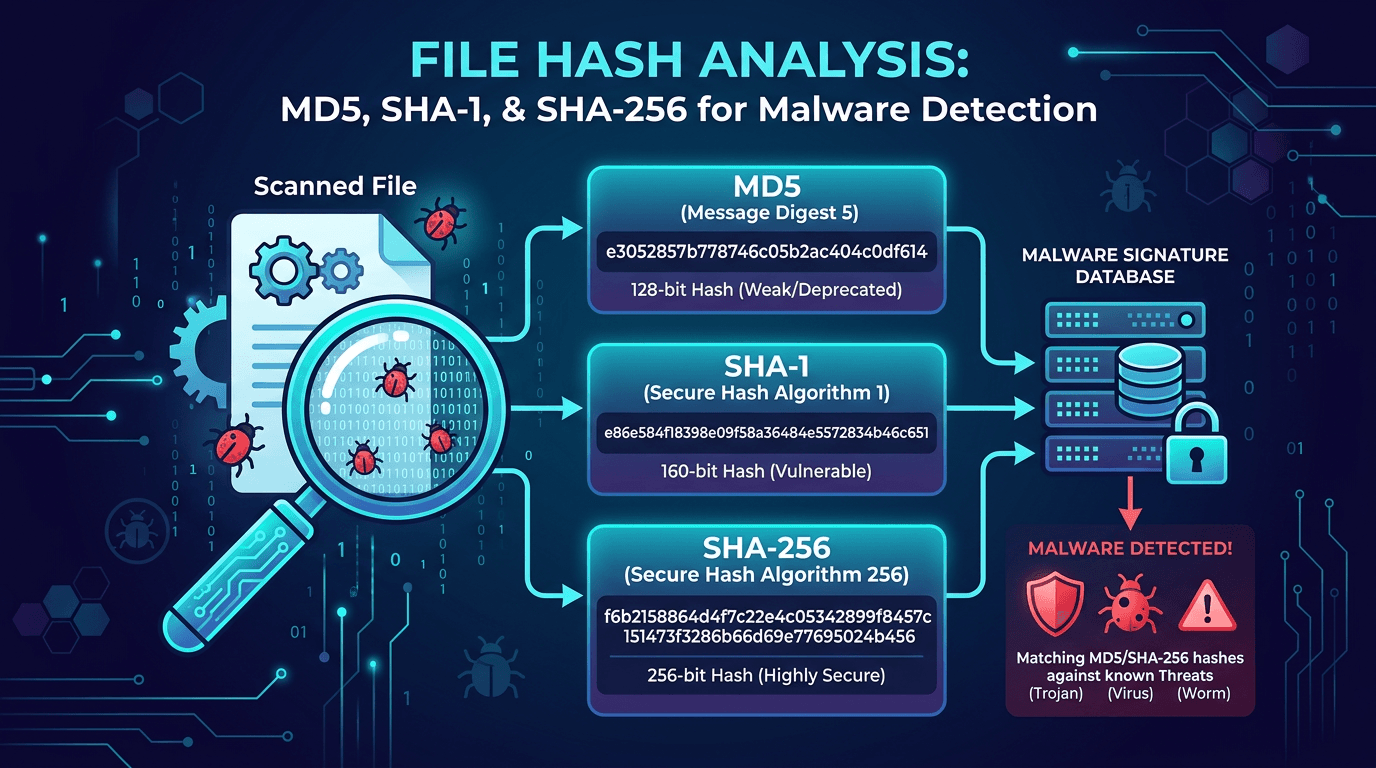 File Hash Analysis: MD5, SHA-1, and SHA-256 for Malware Detection and Threat Hunting
A practical guide to file hashes in cybersecurity—how MD5, SHA-1, and SHA-256 work, why they matter for malware detection, incident response, and threat hunting, and how to use hash lookups to enrich indicators of compromise.
 Polymorphic Malware: The Shapeshifting Code
Traditional antivirus relies on signatures, but polymorphic malware changes its code every time it replicates. Discover how this shapeshifting threat evades detection.
Protect Your Infrastructure
Check any IP or domain against our threat intelligence database with indexed records.
Try the IP / Domain Checker