Container and Kubernetes Security: Protecting Cloud-Native Applications
Container environments introduce unique security challenges. Learn how to secure Docker containers, Kubernetes clusters, and cloud-native applications from emerging threats and misconfigurations.

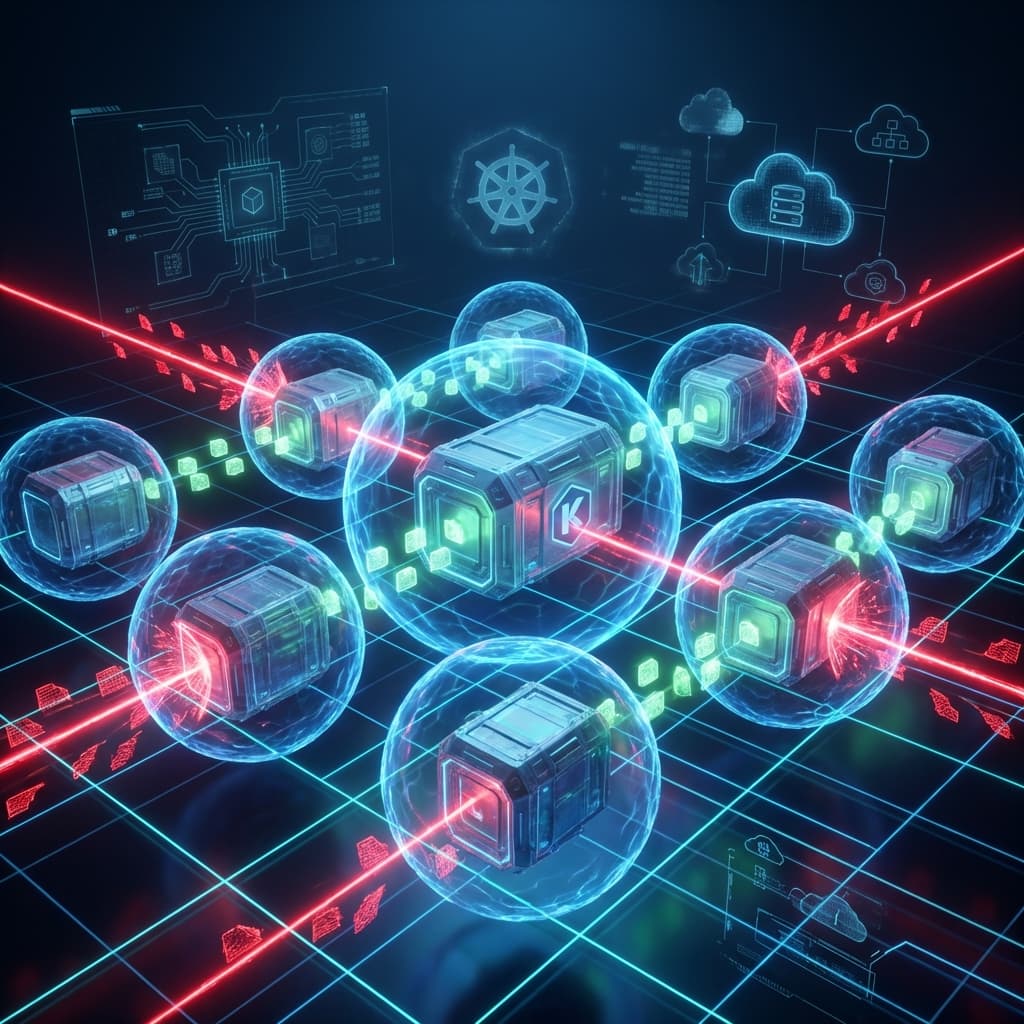
The Kubernetes dashboard was exposed to the internet with default credentials. Within hours, attackers had deployed cryptocurrency miners across the entire cluster, consuming compute resources and exposing sensitive environment variables. The development team had prioritized speed over security, assuming the cloud provider handled protection. Container environments require deliberate security measures that traditional infrastructure approaches don't cover.
Understanding Container Security Challenges
Containers and Kubernetes introduce security considerations different from traditional infrastructure:
Expanded Attack Surface
- Container images: Vulnerabilities in base images and dependencies.
- Orchestration layer: Kubernetes API, etcd, and control plane components.
- Network complexity: Service mesh, ingress, and pod-to-pod communication.
- Ephemeral nature: Short-lived containers complicate traditional monitoring.
- Shared kernel: Containers share the host OS kernel, creating isolation concerns.
Common Misconfigurations
Studies show that misconfigurations cause the majority of container breaches:
- 96% of deployments contain at least one misconfiguration.
- Exposed dashboards remain a leading attack vector.
- Overprivileged containers running as root unnecessarily.
- Missing resource limits enabling denial-of-service conditions.
Container Image Security
Secure Base Images
Start with trusted foundations:
- Use minimal base images (Alpine, distroless).
- Prefer official images from verified publishers.
- Avoid images with known vulnerabilities.
- Implement image signing and verification.
Vulnerability Scanning
Scan images throughout the lifecycle:
- Build time: Scan during CI/CD pipeline.
- Registry storage: Continuous scanning of stored images.
- Runtime: Monitor running containers for new vulnerabilities.
- Policy enforcement: Block deployment of vulnerable images.
Image Hardening
Reduce attack surface in images:
- Remove unnecessary packages and tools.
- Don't include secrets or credentials in images.
- Use multi-stage builds to exclude build tools.
- Set appropriate file permissions.
Example secure Dockerfile:
FROM node:18-alpine AS builder
WORKDIR /app
COPY package*.json ./
RUN npm ci --only=production

FROM gcr.io/distroless/nodejs18
COPY --from=builder /app/node_modules ./node_modules
COPY . .
USER nonroot
CMD ["server.js"]
Kubernetes Security Best Practices
API Server Security
Protect the control plane:
- Enable RBAC (Role-Based Access Control).
- Disable anonymous authentication.
- Use strong authentication (certificates, OIDC).
- Encrypt etcd data at rest.
- Enable audit logging.
Pod Security
Configure secure pod specifications:
Security Context:
securityContext:
  runAsNonRoot: true
  runAsUser: 1000
  readOnlyRootFilesystem: true
  allowPrivilegeEscalation: false
  capabilities:
    drop:
      - ALL
Resource Limits:
resources:
  limits:
    cpu: '500m'
    memory: '128Mi'
  requests:
    cpu: '100m'
    memory: '64Mi'
Network Policies
Implement zero-trust networking:
- Default deny all traffic.
- Explicitly allow required communications.
- Segment namespaces by trust level.
- Use network policies or service mesh.
Example network policy:
apiVersion: networking.k8s.io/v1
kind: NetworkPolicy
metadata:
  name: default-deny-all
spec:
  podSelector: {}
  policyTypes:
    - Ingress
    - Egress
Secrets Management
Protect sensitive data:
- Never store secrets in manifests or images.
- Use Kubernetes Secrets with encryption at rest.
- Consider external secrets managers (Vault, AWS Secrets Manager).
- Implement secret rotation procedures.
- Limit secret access with RBAC.
Runtime Security
Container Runtime Protection
Monitor running containers:
- Detect anomalous process execution.
- Alert on unexpected network connections.
- Monitor file system changes.
- Track privilege escalation attempts.
Admission Controllers
Enforce policies at deployment:
- Pod Security Admission: Enforce security standards.
- OPA Gatekeeper: Custom policy enforcement.
- Kyverno: Kubernetes-native policy engine.
Monitoring and Observability
Maintain visibility:
- Centralized logging from all containers.
- Metrics collection and alerting.
- Distributed tracing for request flows.
- Security event correlation.
Supply Chain Security
Image Provenance
Verify image sources:
- Sign images with tools like Cosign.
- Verify signatures before deployment.
- Maintain image build records.
- Use content trust features.
Dependency Management
Secure the software supply chain:
- Scan dependencies for vulnerabilities.
- Use lock files for reproducible builds.
- Monitor for compromised packages.
- Implement software bill of materials (SBOM).
CI/CD Pipeline Security
Protect the build process:
- Secure pipeline credentials.
- Scan infrastructure-as-code.
- Implement approval workflows.
- Audit pipeline modifications.
How isMalicious Can Help
isMalicious enhances container security with threat intelligence:
- Egress Monitoring: Detect containers communicating with malicious IPs or domains.
- Image Intelligence: Check if image registries or sources are known malicious.
- C2 Detection: Identify containers connecting to command-and-control infrastructure.
- API Integration: Automate reputation checks in admission controllers.
- Real-Time Alerts: Get notified when container traffic reaches suspicious destinations.
Cloud Provider Considerations
Managed Kubernetes Security
Use cloud security features:
- Node security: Automatic patching and hardening.
- Control plane protection: Managed and secured by provider.
- Network integration: VPC, security groups, private endpoints.
- IAM integration: Workload identity for cloud resource access.
Multi-Cloud and Hybrid
Address distributed environments:
- Consistent security policies across clusters.
- Centralized visibility and monitoring.
- Unified identity management.
- Network security across environments.
Incident Response in Container Environments
Detection
Identify potential compromises:
- Unexpected container images deployed.
- Containers running with elevated privileges.
- Unusual network traffic patterns.
- Cryptomining or resource abuse.
Containment
Limit blast radius:
- Isolate affected namespaces or pods.
- Revoke compromised credentials.
- Block malicious network destinations.
- Preserve evidence before termination.
Recovery
Restore secure operations:
- Redeploy from trusted images.
- Rotate all potentially exposed secrets.
- Review and strengthen policies.
- Update detection rules based on incident.
Security Maturity Model
Level 1: Basic
- Container vulnerability scanning.
- Basic RBAC implementation.
- Default security contexts.
Level 2: Intermediate
- Admission controller policies.
- Network policies implemented.
- Runtime monitoring deployed.
Level 3: Advanced
- Zero-trust networking.
- Automated policy enforcement.
- Supply chain security.
- Threat intelligence integration.
Level 4: Optimized
- Continuous security validation.
- Automated remediation.
- Full observability.
- Security chaos engineering.
Common Attack Scenarios
Cryptomining
Attackers deploy miners in compromised clusters:
- Detection: High CPU usage, unknown processes.
- Prevention: Resource limits, admission policies.
Container Escape
Breaking out of container isolation:
- Detection: Unexpected kernel calls, host file access.
- Prevention: Minimal capabilities, no privileged containers.
Lateral Movement
Moving between containers and namespaces:
- Detection: Unusual network flows, cross-namespace access.
- Prevention: Network policies, RBAC restrictions.
Secure Your Cloud-Native Environment
Container and Kubernetes security requires a comprehensive approach spanning images, configuration, runtime, and supply chain. Traditional security tools often lack visibility into container environments. By implementing defense-in-depth controls and integrating threat intelligence from isMalicious, organizations can protect their cloud-native applications from evolving threats.
Start your container security journey today. Assess your current posture, implement foundational controls, and progressively mature your defenses. Your cloud-native applications deserve cloud-native security.
Related articles
 Cloud IP Reputation: What AWS, Azure, and GCP Defenders Should Track in 2026
Cloud IP addresses are shared, recycled, and abused at scale. Learn how to interpret reputation signals, reduce false positives, and align network security with platform-native controls across the three major hyperscalers.
 Mobile App Security: Protecting iOS and Android Applications
Mobile applications are prime targets for cybercriminals. Learn about common mobile security threats and how to protect your iOS and Android apps from reverse engineering and malware.
 Cloud Security Threats: Protecting Multi-Cloud Infrastructure
Cloud environments face unique security challenges from misconfigurations to cryptomining attacks. Learn how to monitor cloud assets, detect threats, and protect your multi-cloud infrastructure with threat intelligence.
Protect Your Infrastructure
Check any IP or domain against our threat intelligence database with indexed records.
Try the IP / Domain Checker